
Learn the different ways you can add SMS reminders to your existing calendar appointments using the Google Calendar add-on, web app, Chrome extension, or any calendar application.

You can add SMS reminders to appointments in several ways depending on how you manage your calendar.
You can set reminders using:
Each option allows you to quickly attach a phone number and schedule reminder messages.
The Google Calendar Add-on allows you to set reminders directly from your calendar.
This allows you to manage reminders without leaving your calendar.

You can also manage reminders through the SMS Reminder web app.
This option provides full access to reminder settings and message customization.
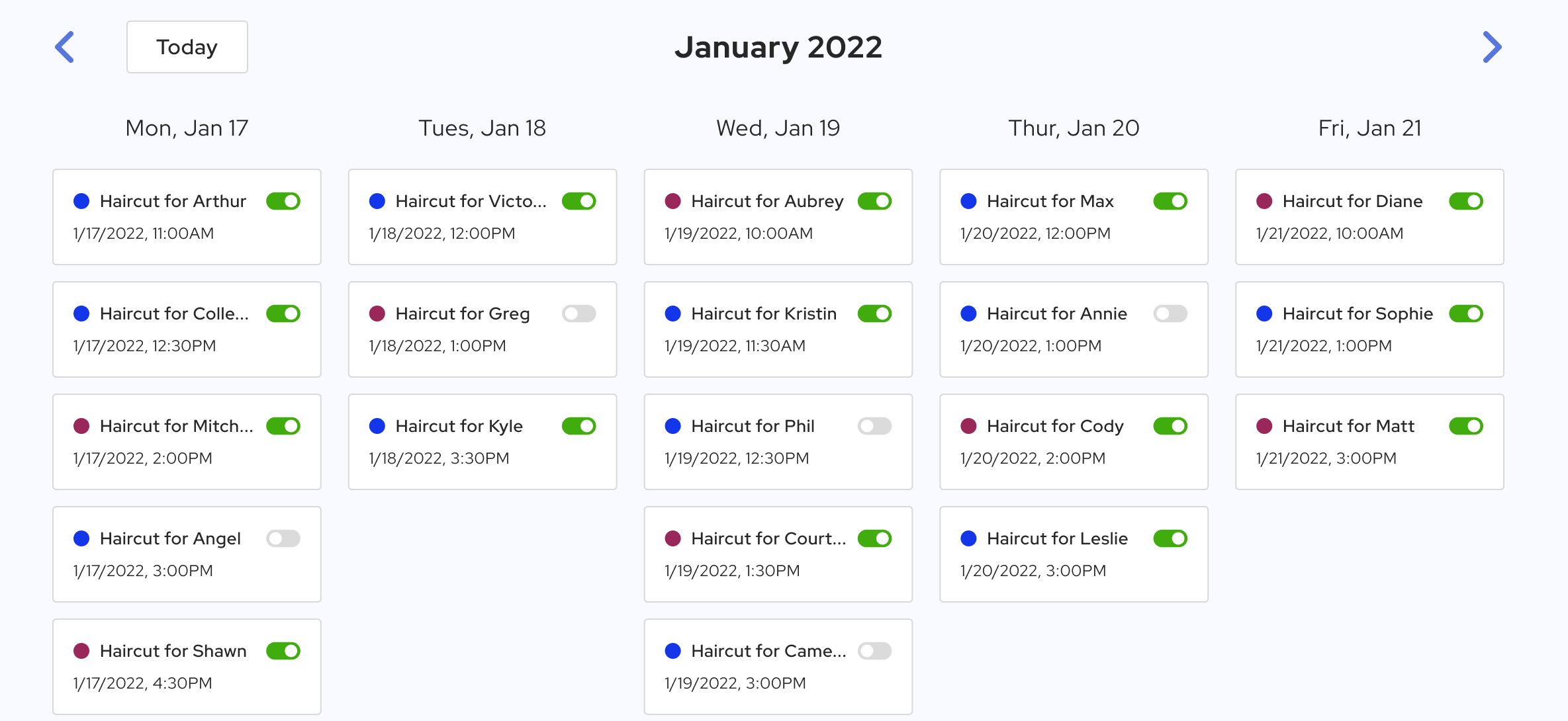
The Chrome Extension lets you add reminders directly inside the Google Calendar interface.
You will see custom fields that allow you to add phone numbers and configure reminders.
Note: The Chrome Extension works only on the Google Calendar website.

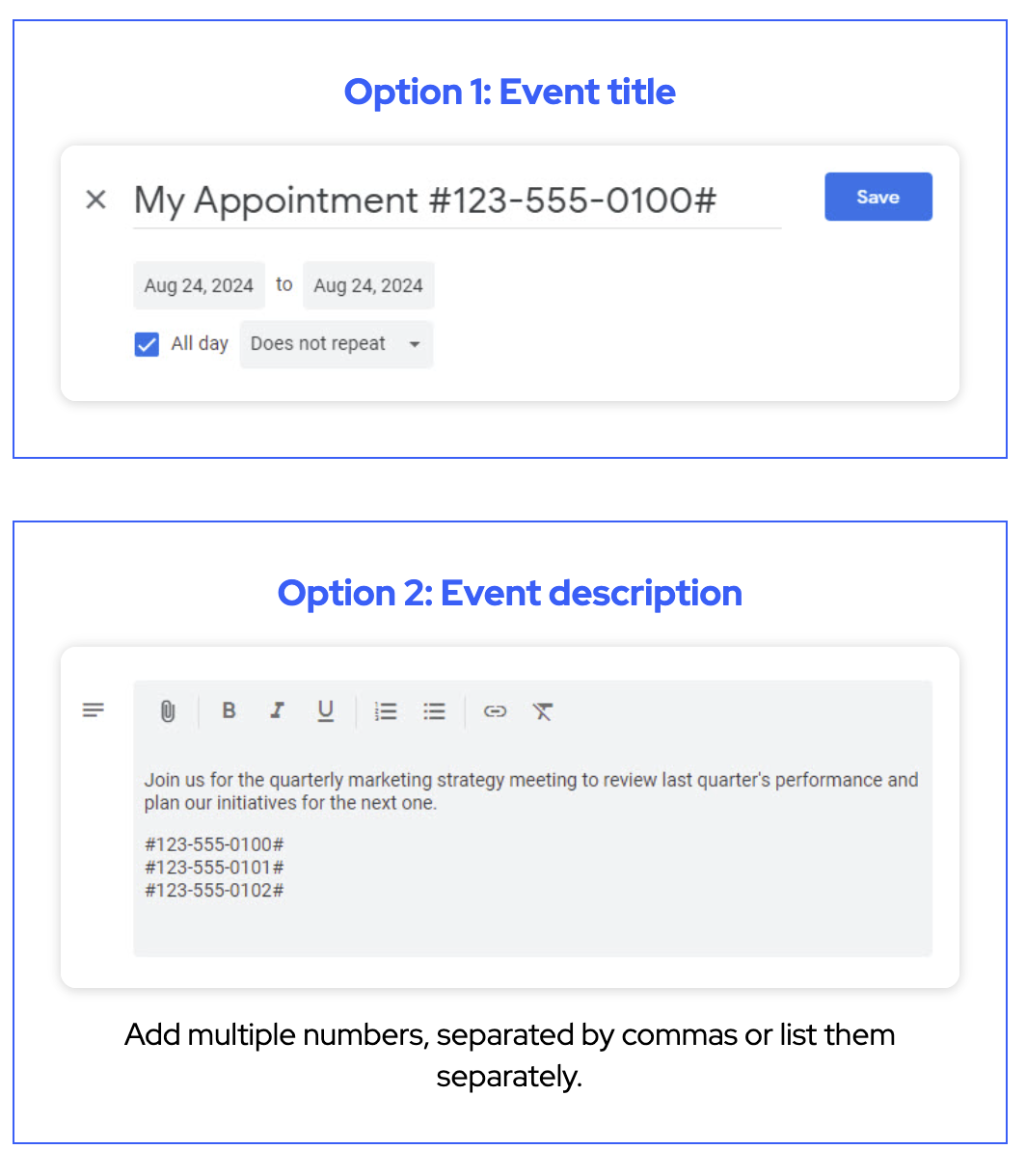
You can also add reminders from any calendar application by including a phone number in the event details.
Add the phone number between hashtags in the event title, description, or notes field:
#505-324-1234#
The SMS Reminder system will automatically detect the phone number and schedule the reminder.
The system can recognize different phone number formats, including:
The app will automatically detect the country code, so you only need to include it if you want to send reminders to a contact in another country.
If you frequently schedule reminders, the Google Calendar Add-on is usually the fastest method because it allows you to manage reminders directly inside your calendar.
Most businesses see the best results with one reminder 24 hours before the appointment and a second reminder on the same day.
Yes. SMS reminders are one of the most effective ways to reduce no-shows because text messages are seen quickly and are harder to overlook than email.
A common best practice is to send one reminder 24 hours before the appointment and another 2 to 3 hours before the scheduled time.
SMS is generally more effective for appointment reminders because it is immediate, visible, and more likely to be opened quickly.
A good appointment reminder should include the client’s name, appointment date, appointment time, location or meeting link, and a simple way to confirm or reschedule.