On this page
Quick answer
Google discontinued built-in SMS notifications for Google Calendar on January 7, 2019. Calendar can still email you or send push notifications to your own devices, but it can no longer send a text message to a client’s phone.
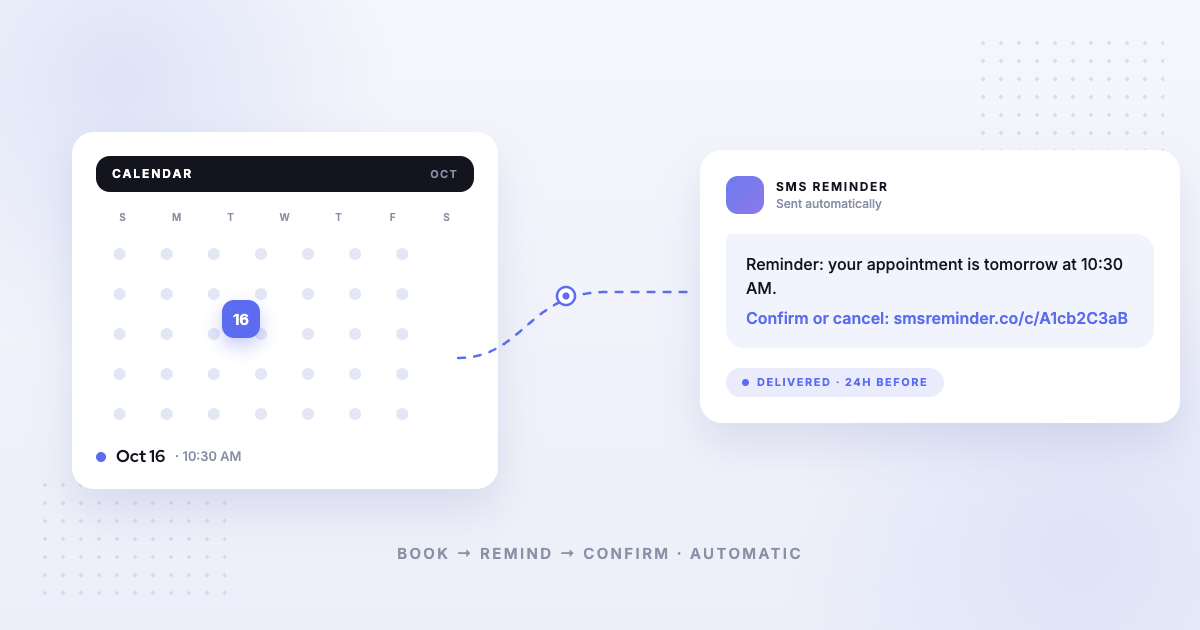
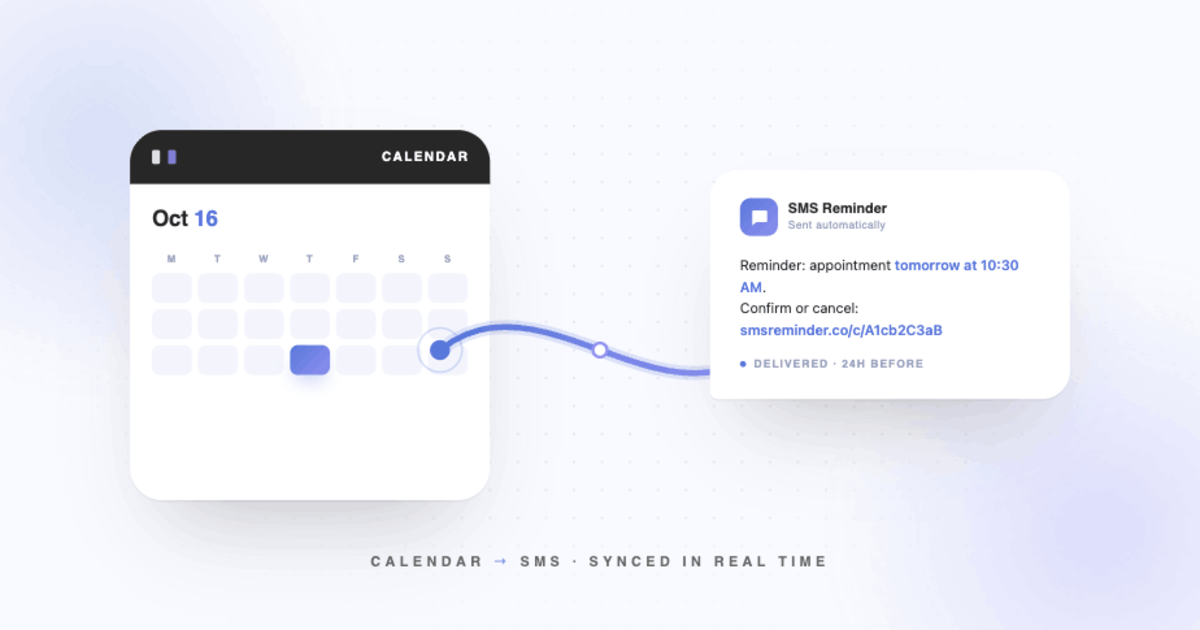
To send automatic SMS reminders from Google Calendar today, you need a dedicated tool that connects to your calendar and handles the texting. SMS Reminder connects to your existing Google Calendar, reads upcoming events, and sends confirmations and reminders automatically — setup takes under 10 minutes and nothing about your scheduling workflow changes. For the full walkthrough, see how to send Google Calendar events to SMS.
Are Google Calendar SMS reminders discontinued?
Yes. Google removed native SMS notifications from Google Calendar on January 7, 2019. Before then, Calendar could send you a text before an event as part of its own notification system. Google retired it, pointing to the growth of smartphone push notifications, and never shipped a replacement inside Calendar.
Since 2019, Calendar’s only reminder options are email, push notifications to your own signed-in devices, and desktop alerts. None of these send a text to a client’s phone.
What exactly did Google remove?
Google’s own notification settings still exist, which is why many business owners assume SMS must be in there somewhere. It isn’t. The current notifications are personal reminders for your own account — not client-facing texts.
- Email notification — yes, for your own account
- Push, phone, browser, or desktop notification — yes, for your own account
- Native SMS reminder — no
- Client SMS reminder from Google Calendar — only with a connected tool
The fix: add an SMS layer to Google Calendar
You don’t need to replace Google Calendar or migrate anything. A dedicated SMS reminder tool reads your upcoming events and sends the texts for you. With SMS Reminder:
- Connect your Google Calendar through Google’s OAuth flow
- Set one message template and your reminder timing (for example, 24 hours and 1 hour before)
- Every new event with a phone number triggers automatic confirmations and reminders
- Clients confirm or cancel through a link in the reminder, and the appointment status updates on your side
Getting started
Most users are sending reminders within 10 minutes. Connect my calendar, or follow the full setup guide.
Source: Google Workspace Updates — “Google Calendar SMS notifications to be removed” (announced November 2018; removed January 7, 2019): official announcement. Feature and pricing details for any third-party tools mentioned can change — verify on the provider’s own site for the most up-to-date information.