Quick answer
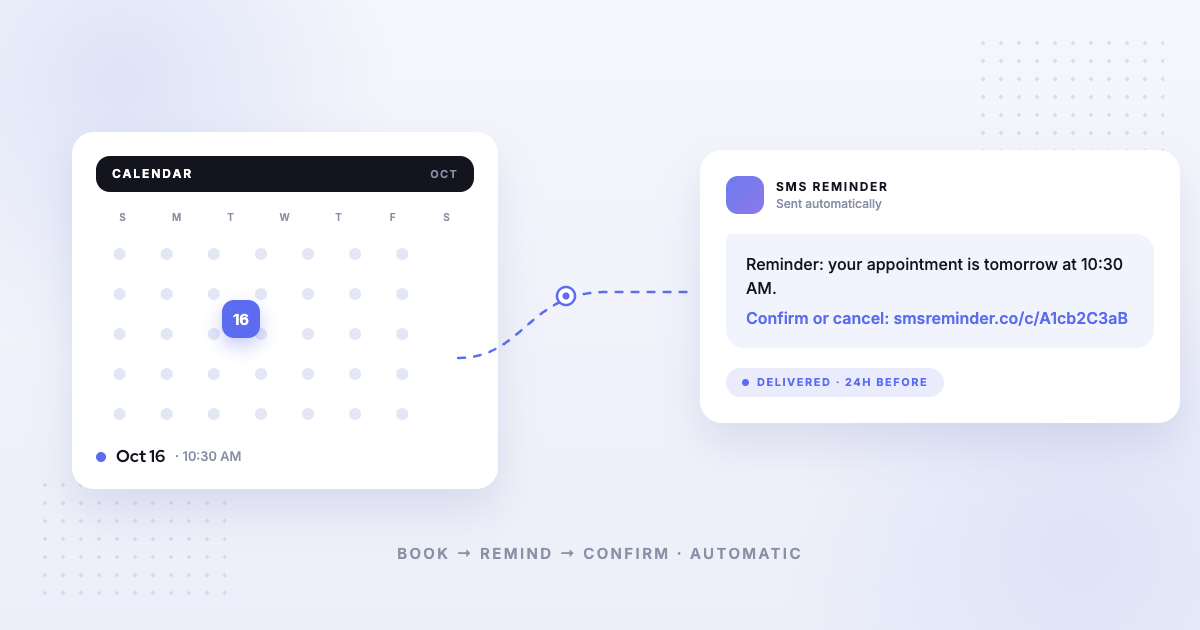
Automated appointment management software handles the busywork around bookings — reminding clients before their appointment, letting them confirm or cancel, filling your calendar with self-serve bookings, and following up afterward — without anyone picking up the phone. SMS Reminder does this on top of Google Calendar: every appointment can trigger an automatic text reminder, and clients can confirm, cancel, or ask to reschedule. Think of it as the receptionist you don’t have to hire.
What is automated appointment management?
Automated appointment management is the set of tools that reduce the manual work of running an appointment-based business. Instead of calling each client to remind them, chasing confirmations, or manually rebooking, the software does it for you. The core pieces are:
- Automatic reminders — a text sent before the appointment so clients don’t forget.
- Confirmations and cancellations — a fast way for clients to say they’ll be there or that they need to cancel.
- Self-scheduling — a booking page where clients pick an open slot themselves.
- Follow-ups — an after-the-appointment message to rebook, thank, or check in.
The goal is fewer missed appointments and less admin time. SMS reminders in particular can help reduce missed appointments, because clients who get a reminder are less likely to forget.
What SMS Reminder does
SMS Reminder is automated appointment management for businesses that live in Google Calendar.
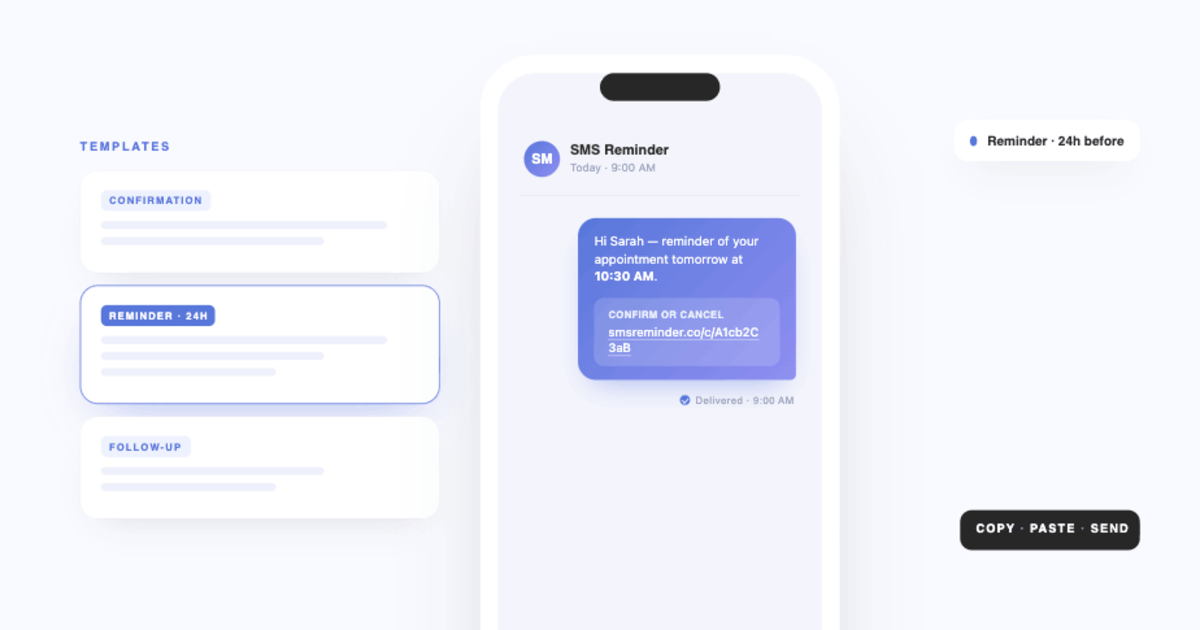
Send SMS reminders for your Google Calendar appointments automatically. Choose when they go out — 30 minutes, 1 hour, or 24 hours before, or a custom time — and include appointment details like date, time, and location in the message. You can send three kinds of messages: a confirmation when an appointment is booked or updated, a reminder before it starts, and a follow-up after it’s over.
Build message templates once and let them run. Create different templates for different services or locations, link a default template to each calendar, and override the message for any single appointment when you need to.
There are four ways to use it: the Google Calendar add-on (set reminders in the calendar sidebar), the web app at smsreminder.co, the Chrome extension (inside Google Calendar on the web), or the #phone-number# hashtag format that works from any calendar app.
Clients reply or tap to confirm
With two-way texting, clients can simply reply to a reminder — “Yes”, “OK”, or a natural-language message — to confirm, cancel, or ask to reschedule, and SMS Reminder responds automatically, in English, French, Spanish, Italian, Portuguese, or German. Prefer a tap? The confirm or cancel link in every reminder still works, so clients can use whichever they like. Either way, the appointment status updates in your dashboard and colour-codes right inside Google Calendar: green for confirmed, red for cancelled, yellow for pending.
Booking and rescheduling
Share your booking page link and let clients schedule open slots themselves. Set your availability by day, add closed days, create different appointment types with their own durations and rules, and set minimum notice periods and buffers so you never get a surprise last-minute booking. Every appointment booked online can trigger automatic SMS reminders, and you can accept bookings across multiple calendars from a single link.
When you turn it on, clients can also reschedule themselves. The reschedule is finished on the confirmation page reached through their reminder — the client picks a new available time and the appointment updates automatically. That’s one fewer back-and-forth for you.
Who it is for
SMS Reminder fits appointment-based businesses that already run on Google Calendar — salons and barbershops, clinics and dental offices, therapists and coaches, tutors, trades and home services, and professional services. If you book time with clients and no-shows cost you money, it’s built for you.
Why missed appointments matter
Every empty slot is time you can’t sell twice. According to an internal SMS Reminder customer survey, the median estimated cost of a missed appointment was $175.¹ Actual impact varies by business, appointment type, and service value — but for many businesses, reducing even a few missed appointments a month makes the math easy.
How to get started
- Connect your Google Calendar. Install the add-on, log in to the web app, or add the Chrome extension.
- Set up a reminder template. Pick your message, timing, and whether to include a confirm or cancel option.
- Turn on automatic reminders — for your existing calendar events, your booking-page appointments, or both.
- Let it run. Clients get reminders, confirm or cancel, and your calendar stays current automatically.
Start your free trial — up to 25 reminders included.
Frequently asked questions
What is automated appointment management?
Automated appointment management software handles reminders, confirmations, online booking, and follow-ups for appointment-based businesses, reducing missed appointments and manual admin. SMS Reminder does this on top of Google Calendar.
Does SMS Reminder work with Google Calendar?
Yes. SMS Reminder is built for Google Calendar. You can set reminders from the Google Calendar add-on, the web app, the Chrome extension, or by adding a phone number in the #hashtag# format from any calendar app.
Can clients book appointments themselves?
Yes. Share your booking page link and clients pick an open slot based on the availability, appointment types, and notice periods you set. Online bookings can trigger automatic SMS reminders.
How do clients confirm an appointment?
Every reminder can include a confirm or cancel link. When a client taps it, the appointment status updates in your dashboard and colour-codes in Google Calendar: green for confirmed, red for cancelled, yellow for pending.
Do SMS reminders reduce no-shows?
SMS reminders can help reduce missed appointments, because clients who receive a reminder are less likely to forget. Results vary by business.
Is there a free trial?
Yes. You get up to 25 reminders free on your selected plan. The trial is based on usage rather than a fixed number of days, and a credit card is required to start.
¹ Source: SMS Reminder customer survey, August 2025. Question: “On average, how much does it cost your business when a customer doesn’t show up?” 30 of 34 respondents answered. Median: $175; mean: $178; range: $0–$500; standard deviation: $131.11. Self-reported data.