How to get more Google reviews, and rank higher on Google Maps
A simple routine that works within Google’s rules: get your link, ask every client, reply to every review, and keep your profile current.
Quick answer
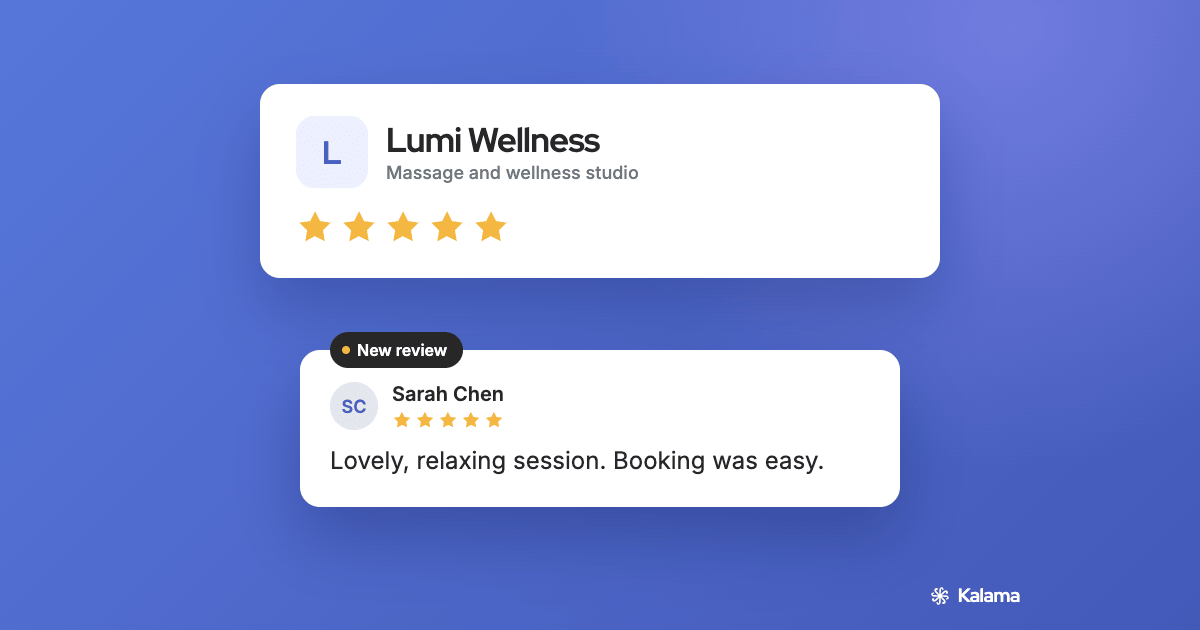
Send every client your Google review link soon after their visit, reply to what they write, and keep your Business Profile complete. Google says more reviews and positive ratings can help your local ranking, and there’s no way to pay for a better one.1
How Google ranks businesses on Maps
Google says local results are mainly based on three things:1
- Relevance. How well your profile matches what someone searched for. Complete, accurate details help here.
- Distance. How far you are from the person searching. You can’t change this one.
- Prominence. How well known your business is. Reviews and ratings count toward it.
So the two things you control most are a complete profile and a steady flow of reviews.
The 4-step review routine
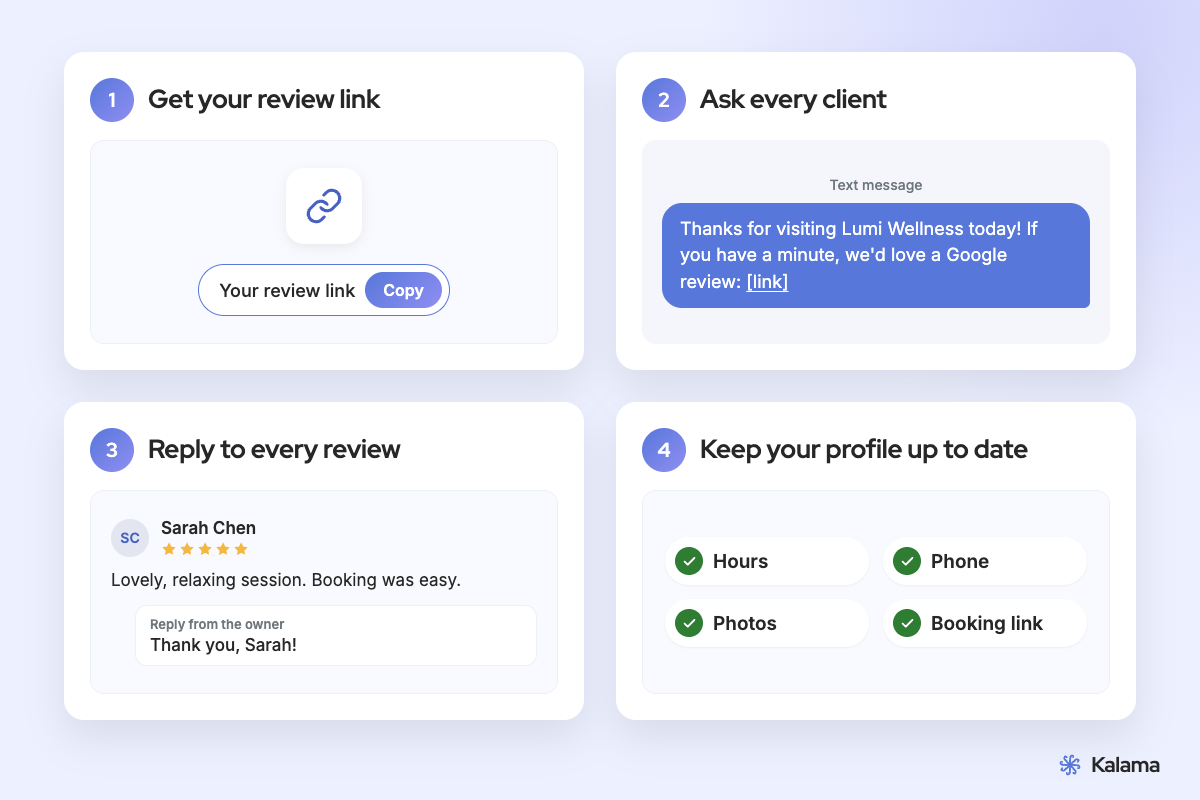
- Get your review link. In your Business Profile, open Read reviews, then Get more reviews, and copy the link. You can also save a QR code, but only from a computer. How to get your Google review link and QR code
- Ask every client, right after the visit. Send the link while the visit is fresh: by text, email or on a card at the front desk. Ask everyone, not just the clients you think are happy. How to ask clients for Google reviews, with templates
- Reply to every review. Thank people for good reviews and answer problems calmly. The reviewer is told when you reply, and your reply shows under their review as your business.
- Keep your profile complete and current. Verify your business, keep hours, phone and services up to date, and add photos. Add a link people can book from. What to link from your Business Profile
Google’s rules for asking
Asking for reviews is fine. Influencing them isn’t, and reviews that break these rules can be removed.2
Allowed
- ✓ Asking every client for an honest review
- ✓ Sharing your review link or QR code
- ✓ Replying to reviews, good and bad
Not allowed
- ✕ Offering a discount, gift or other reward for a review
- ✕ Asking only happy clients, or discouraging bad reviews
- ✕ Telling people what to write
- ✕ Pressuring people to review while they’re at your business
- ✕ Reviews from staff, owners or anyone with a conflict of interest
Turn profile views into bookings
More reviews bring more people to your profile. Give them a way to book there and then: a free booking page that adds appointments to your Google Calendar. Some business types can add it as a booking link in their profile; anyone can use the website field.5 Free booking page for Google Calendar
Questions
How do I get more Google reviews?
Do Google reviews help you rank higher on Google Maps?
Can I offer a discount for a Google review?
Should I reply to bad reviews?
Where do I find my Google review link?
Get booked from Google
Get a free booking pageFree with your Google Calendar · No credit card required
- Google: Tips to improve your local ranking on Google
- Google: Maps user-generated content policy, prohibited and restricted content
- Google: Manage customer reviews
- Google: Get more reviews (review link and QR code)
- Google: Edit your Business Profile
Accuracy note: details about Google come from Google’s help pages as of November 2026 and may change.