A free booking page for your Google Calendar
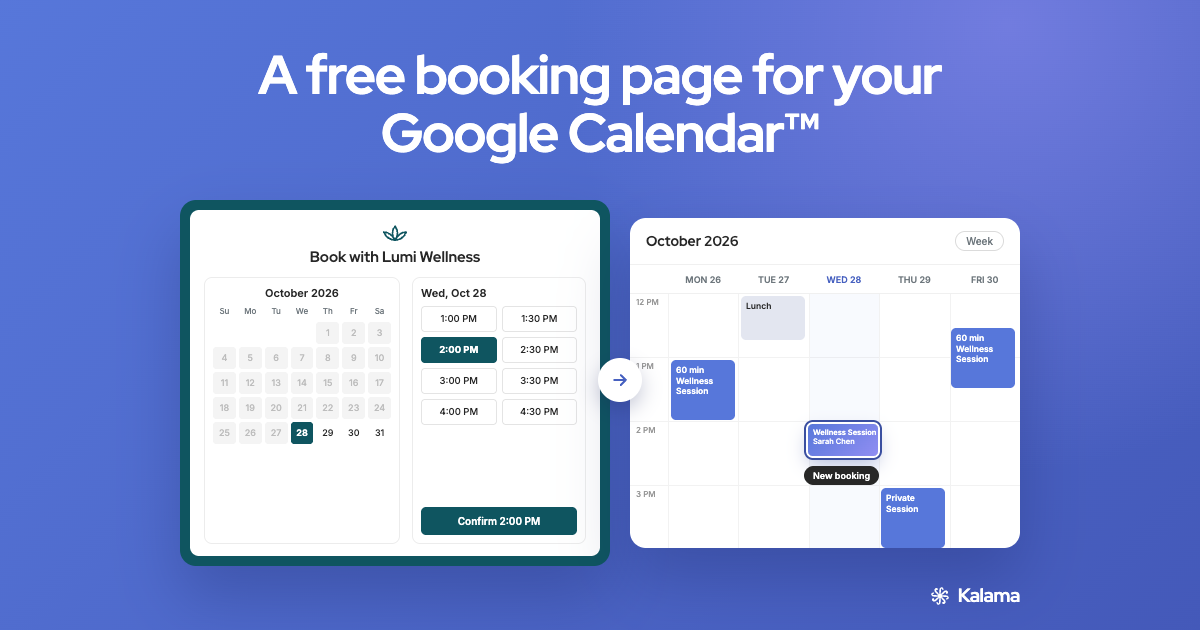
Share one link. Clients pick an appointment type and an open time, and it lands in your Google Calendar as a normal event. Free, with no trial to run out.
No credit card required · Works with your existing Google Calendar
Quick answer
Kalama gives you a free booking page that syncs both ways with your primary Google Calendar. Clients see only the times you’re free and choose from your appointment types. Each booking appears in your calendar straight away, so the same time can’t be booked twice. Add text message reminders whenever you want them.
What’s free
- One booking page, synced with your primary Google Calendar
- Unlimited bookings
- Unlimited appointment types on one link: every service, length or location
- Your logo and brand colour on the page
- A Google Meet link for online appointments
- 25 text reminders, one time (not monthly). Paid plans start at $19/month. Your booking page keeps working after you use them.
Built for appointments, not meetings
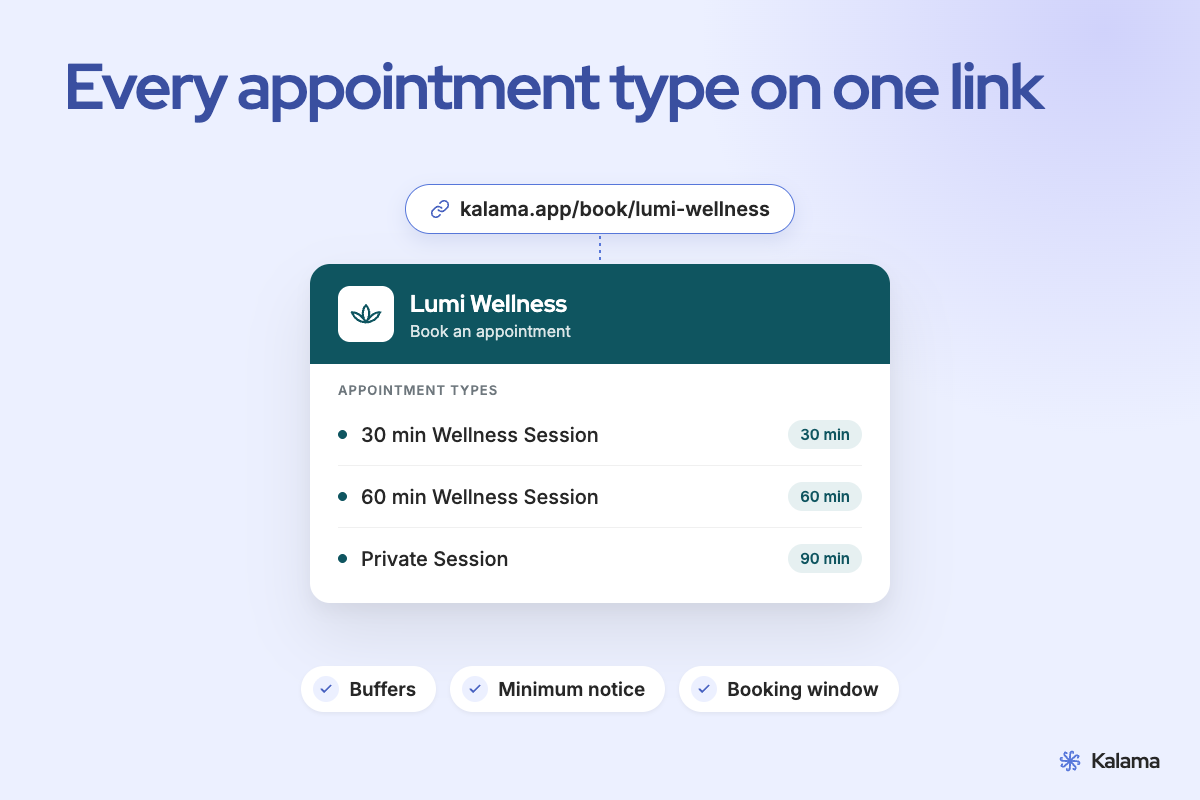
- Every appointment type on one link. Different lengths for each, with your own questions on each so bookings arrive with the details you need. Help
- Your rules, so your day stays sane. Buffers before and after, minimum notice, and a booking window for how far ahead clients can book. Help
- Your hours, day by day. Block closed days and holidays. Help
- Your brand. Add your logo and brand colour. Help
What your clients see
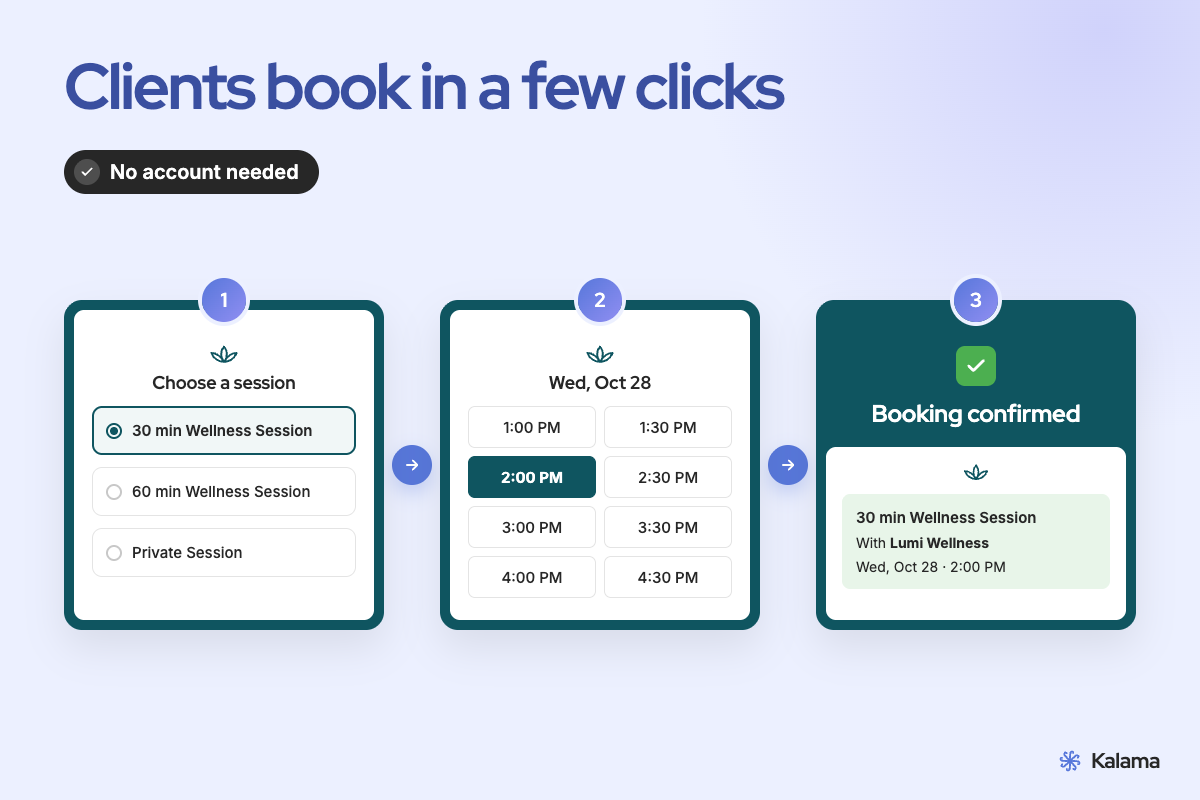
Clients pick an appointment type, then a date and time, then enter their details. They don’t need an account. Times show in their own time zone automatically. They can reschedule or cancel from their confirmation page or confirmation email. What your clients see
Set up in four steps
- Connect your Google Calendar.
- Set your weekly availability.
- Add your appointment types, logo and brand colour.
- Share your link and book a test appointment.
Full walkthrough: How to set up a booking page for Google Calendar
Get booked where people find you
A booking page only works once people can find it. Add your link to your Google Business Profile, so people who find you on Google can book. Add it to your website’s Book Now button and your email signature. Text it to existing clients, or print it as a QR code for your front desk. Where to share your booking link
Google Calendar’s booking page, or Kalama?
Google Calendar has its own appointment schedules. With a personal Google account you can create one booking page; more need an eligible paid Google plan. Google’s reminders go out by email. (Google, Google)
Kalama works on top of the same Google Calendar and adds:
- Unlimited appointment types on your free booking link
- Your logo and brand colour
- Text message reminders when you want them
More detail: Google Calendar appointment schedules vs a booking app
Accuracy note: details about Google Calendar come from Google’s help pages as of November 2026 and may change. Check Google’s site for current features.
Make sure clients show up
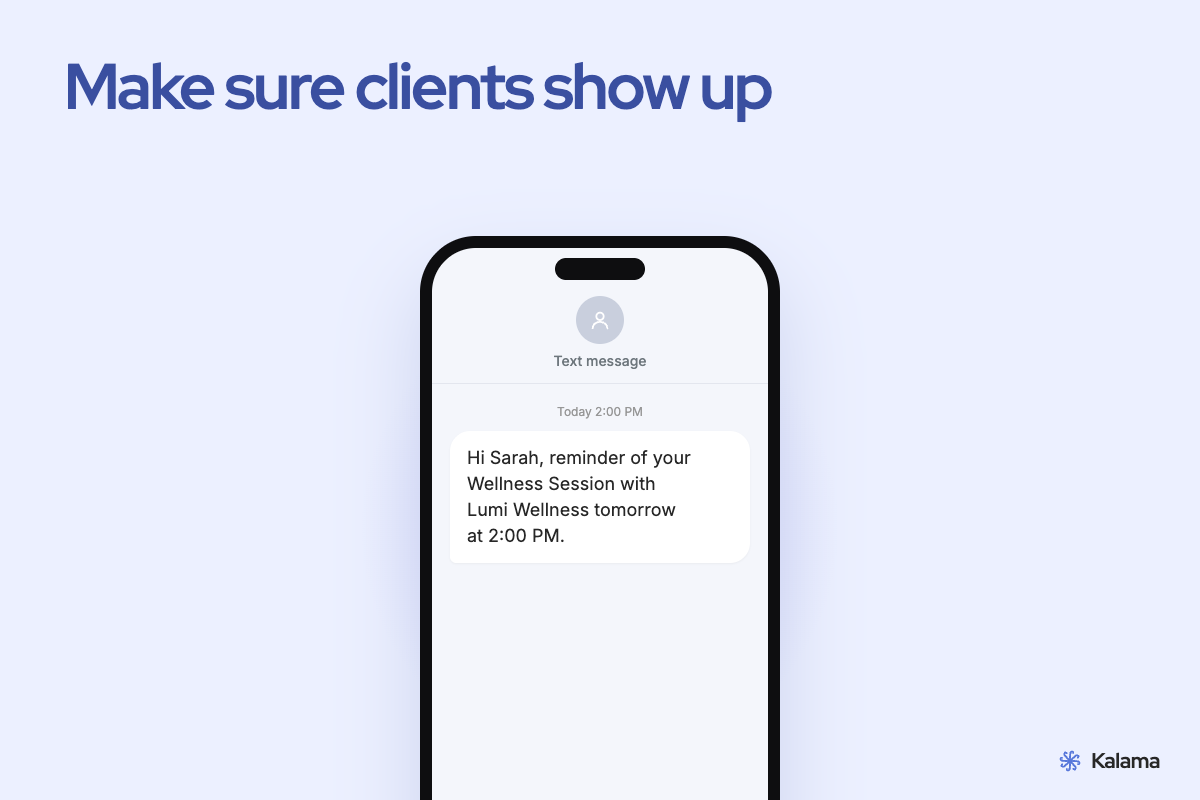
A booking is half the job. Turn on automatic text reminders for any appointment type, and clients can reply to confirm or cancel, or tap the link in the reminder.