Quick answer
If your appointments already live in Google Calendar, the choice is between three things: Google’s own appointment schedules, a full scheduling platform that replaces your calendar, or a calendar-native tool that adds booking and reminders to the calendar you already use.
For most small service businesses the third option is the least disruptive, and the deciding features are usually text reminders, support for appointments you book yourself, and control over message templates. SMS Reminder takes this approach: it reads your existing Google Calendar, adds a booking page, and texts clients automatically.
Three ways to schedule with Google Calendar
1. Google Calendar appointment schedules. Built into Calendar. A booking link, email confirmations and reminders, no extra software.
2. A full scheduling platform. Tools like Acuity Scheduling or Square Appointments run the booking, the client record, intake forms and payments. Your Google Calendar becomes a mirror of their system rather than the source of truth.
3. A calendar-native scheduling and reminder tool. Reads your Google Calendar directly and adds what’s missing — a booking page, SMS reminders, confirmations. Nothing moves.
The right answer depends on how much of your operation you want inside one system. If you need payments and intake forms, option 2 earns its complexity. If your calendar already works and the gap is client communication, options 1 and 3 are quicker to live.
What Google’s own appointment schedules do
Worth knowing before you buy anything, because for some businesses this is enough.
Google Calendar appointment schedules let people book open slots from a booking page. Google’s documentation says you can “set up confirmation emails and reminders for your appointments” and that “you can send up to 5 reminders”, and it notes that “some appointment schedule features require an eligible Google Workspace or Google One subscription”.1
What they don’t do is text your clients. The reminders are email, and there is no SMS channel to the person who booked. So if clients miss email — which is the usual reason businesses start looking — appointment schedules solve the booking half and leave the reminder half open.
Our step-by-step comparison of the two approaches is in the Google Calendar booking page guide.
What to look for in Google Calendar scheduling software
- Native sync, not a bridge. A tool that reads the calendar directly avoids a Zapier chain that can silently break.
- Real-time updates. Move an appointment on your phone and the reminder should follow it.
- Reminders for every appointment, not only ones booked through a booking page.
- A reply channel. Clients confirm far more often when they can answer the text than when they must open a link or call.
- Templates you control, with the client name, date, time and location.
- Several calendars or staff if more than one person takes bookings.
- Notice periods and buffers, so you aren’t booked ten minutes from now.
- Clear pricing. Per message, per user, or per contact? And what happens when you go over?
- Country coverage for SMS, if any of your clients are abroad.
For a side-by-side of the main tools against these criteria, see the Google Calendar reminder app comparison and the appointment reminder software buyer’s guide.
Self-booked and manually booked appointments
This is the criterion most people discover too late. A lot of scheduling software is built around its own booking page: the client books, the system knows about it, reminders follow. But most small businesses also book appointments the old way — over the phone, by text, at the counter, or by typing them straight into the calendar. If your tool only knows about bookings made through its page, those appointments get no reminder at all.
Ask the question directly when evaluating: does this send reminders for an appointment I type into my calendar myself?
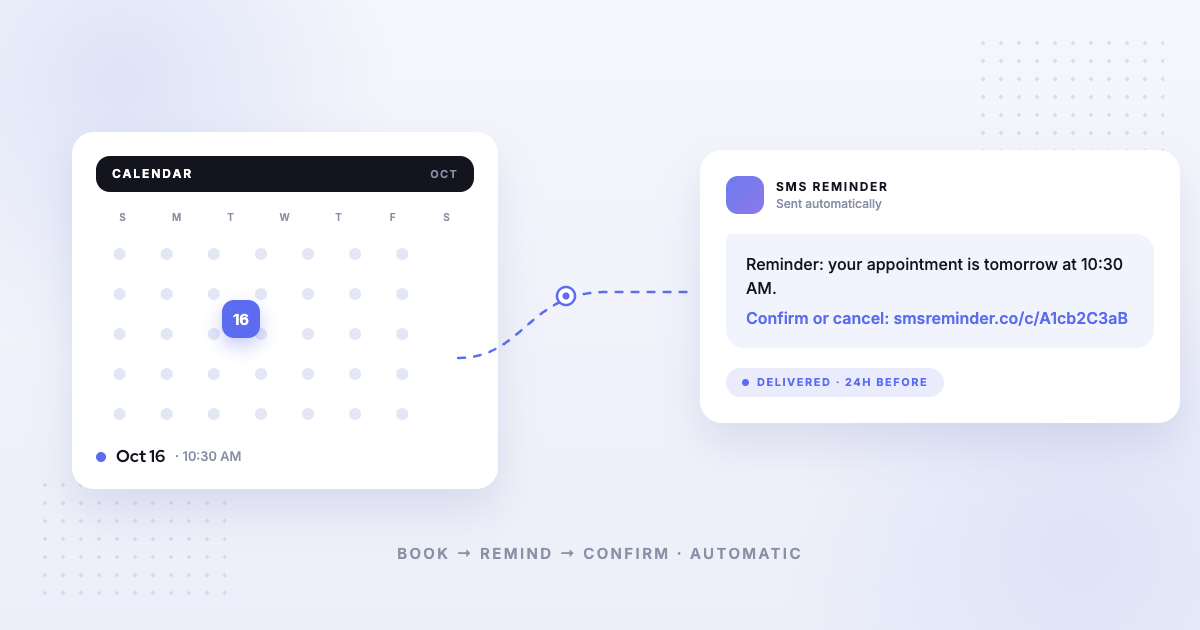
SMS Reminder reads the synced calendar, so both kinds are covered: an event created by the booking page and one you add yourself both trigger reminders, as long as the client’s mobile number is on the event.
SMS or email reminders?
Email reminders are cheap and long, and they’re what Google’s appointment schedules send. Texts are read sooner, which matters for something time-sensitive like “your appointment is tomorrow at 2”.
In practice many businesses use both channels for different jobs: email for the booking confirmation with directions and intake details, text for the reminder that has to be seen. SMS Reminder sends text messages, not email — it’s built for the reminder job, on top of whatever confirmation email your booking flow already sends.
If you want a single tool covering both channels, that points you towards a full scheduling platform, and the buyer’s guide covers which ones do that.
Multiple staff, services and calendars
Two questions decide whether a tool fits a team:
- How does it price calendars and users? Some charge per user, which gets expensive for a five-person salon; others include a number of connected calendars per plan.
- Can each service have its own message and timing? A 20-minute check-in and a half-day service need different lead times.
With SMS Reminder, plans differ by the number of connected calendars and users, message templates are set per calendar, and every plan allows unlimited appointment types on the booking page.
How SMS Reminder fits
SMS Reminder is the calendar-native option: it connects to the Google Calendar you already use through Google’s standard sign-in, then adds the pieces Calendar doesn’t have. Booking is free; the texting is what you pay for.
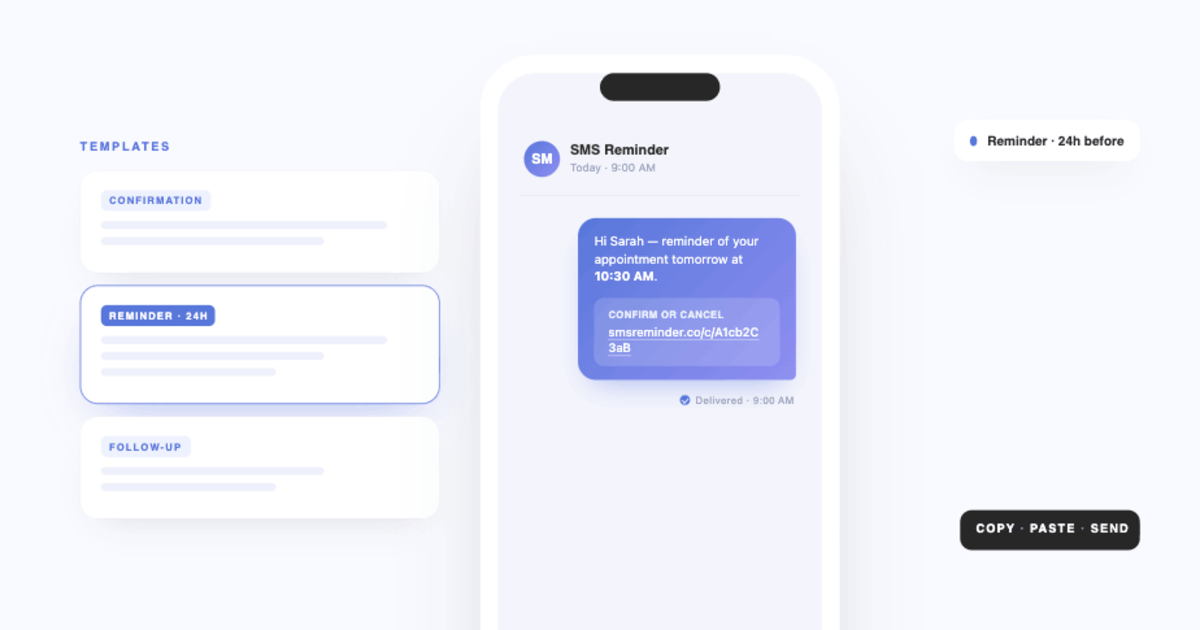
- Automatic SMS confirmations, reminders and follow-ups from calendar events
- Two-way texting — clients reply in plain language to confirm, cancel or ask to reschedule, and the app answers automatically
- A free booking page with unlimited appointment types, availability, minimum notice and buffers, writing bookings back into the same calendar
- Per-calendar templates and reminder timing you choose
- Works with personal Gmail accounts as well as Google Workspace
It is not a full practice-management suite: no payments, no intake forms, no email campaigns. If those are on your list, a scheduling platform is the better shape, and our comparison guides say which.
Getting started
- See the Google Calendar integration, or install the add-on from the Google Workspace Marketplace
- Follow the setup guide — about ten minutes
- Read how calendar events become texts, or the complete guide to SMS appointment reminders
- Get started free — free booking page, 25 reminders included
Feature and pricing details for third-party tools mentioned here can change — verify on each provider’s own site for the most up-to-date information.
Sources
- Google Calendar Help, “Create an appointment schedule”: support.google.com/calendar/answer/10729749 (accessed September 2026).
Frequently asked questions
Does Google Calendar have built-in scheduling software?
Yes, up to a point. Google Calendar’s appointment schedules let people book open times with you, and Google’s help documentation says you can set up confirmation emails and up to five reminders. It does not send SMS to clients, and Google notes that some appointment schedule features require an eligible Google Workspace or Google One subscription.
What features should I look for in a Google Calendar appointment reminder app?
Native two-way sync with the calendar you already use, reminders for appointments you book manually as well as ones clients book themselves, client replies rather than one-way messages, message templates you control, support for several calendars or staff, and clear per-message pricing.
What is the easiest text reminder service that syncs with Google Calendar?
The least disruptive option is a tool that reads your existing Google Calendar instead of replacing it. SMS Reminder connects through Google’s standard sign-in, needs no migration, and most users are sending reminders within about ten minutes.
Google Calendar appointment schedules or a booking app — which is better?
Appointment schedules are fine if you only need a simple booking link and email reminders. A booking app makes sense when you need text reminders, several appointment types, buffers and notice periods, or bookings across more than one staff calendar.
Do I have to move my calendar to use scheduling software?
No. Calendar-native tools read your existing Google Calendar through Google’s secure sign-in. Full scheduling platforms usually expect you to book inside their system instead, which is the main trade-off to weigh.
Can scheduling software send reminders for appointments I book myself?
Some can and some can’t. Tools built around a booking page often only remind clients who booked through that page. SMS Reminder reads every event in the synced calendar, so appointments you type in yourself get reminders too.