On this page
This guide is part of Google Business Profile websites: what to use now.
Short answer
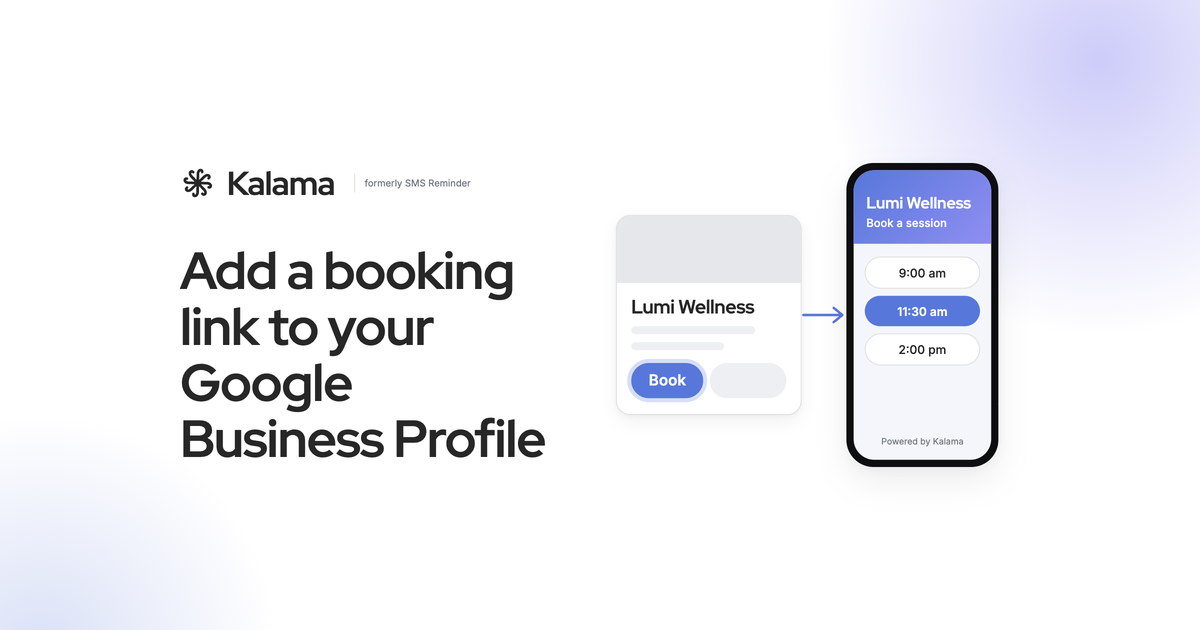
Copy your booking link, open your Google Business Profile, choose Booking, select Add link, paste the link and Save. Clients then see a booking option on your profile in Google Search and Maps. If you don’t have a booking page yet, Kalama gives you a free one that books straight into your Google Calendar™. (Google)
Why add a booking link
People who find you on Google are usually ready to act. A booking link lets them pick a time right away, instead of calling during business hours or going to look for your website.
It also matters more since Google stopped building free websites for Business Profiles. For many small businesses, the booking page now does the job a website used to do. More on that in our guide to the Google Business Profile website.
What you need
- A Google Business Profile you manage.
- An online booking page. Any booking link works. Kalama’s free booking page for Google Calendar is one option: bookings land in your Google Calendar, and busy times are blocked so you can’t be double-booked.
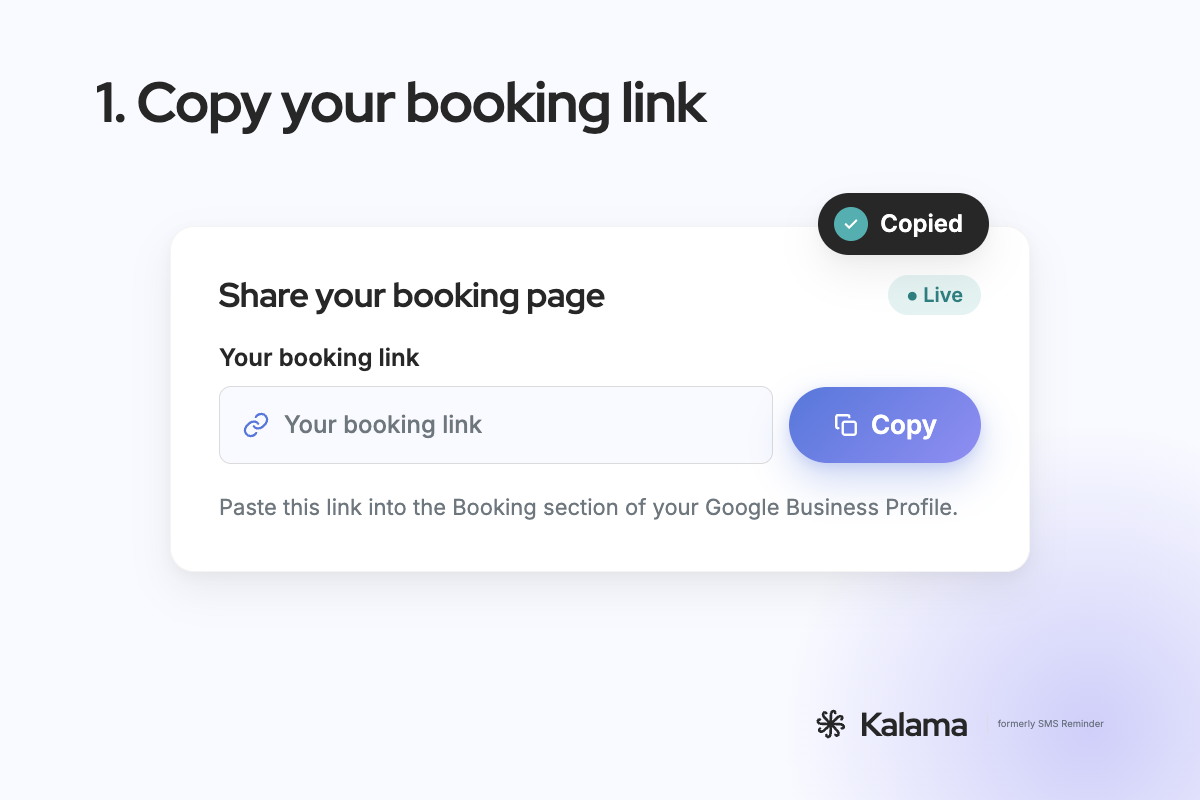
Step 1: Copy your booking link
- In Kalama, open your booking page settings.
- Click Copy booking link.
Steps 2–4: Add it to your Business Profile
From Google Search:
- Open your Business Profile.
- Select Booking, then Add link. If you already have a link, select Add another link.
- Paste your booking link and select Save.
From Google Maps:
- Open your profile and select Edit profile.
- Choose Booking, then Add link.
- Paste your link and save.
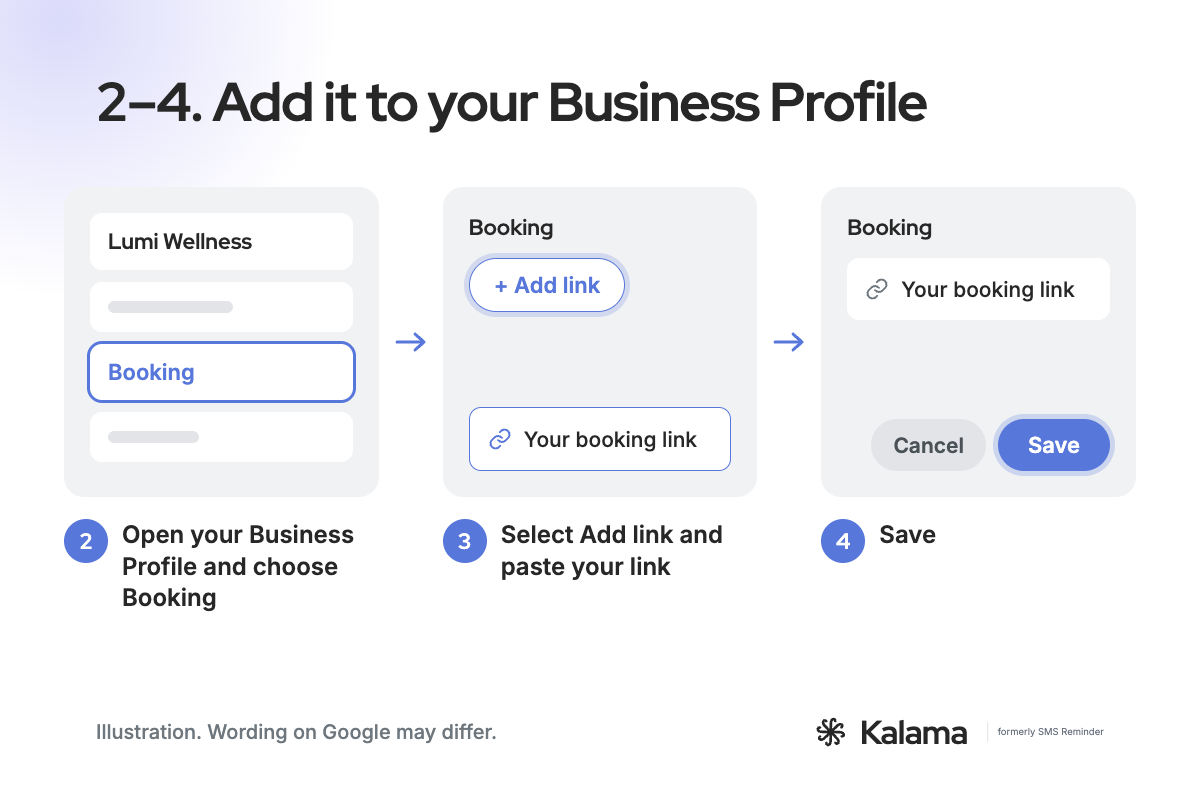
Google’s menus change from time to time, so the wording on your screen may differ slightly. (Google)
If you have more than one booking link
You can add up to 10 booking links. To choose which one clients see first, open Booking, select Set preferred link, pick your link and save. It’s then labelled “Business preferred”. (Google)
Sometimes a link appears that you didn’t add, from a booking provider that partners with Google. You can’t delete those links from your profile settings. Google says to contact that provider through its opt-out link, support form or account portal. (Google)
What your clients see
Clients tap the booking option on your profile, pick a time on your booking page and confirm. The appointment appears in your Google Calendar right away.
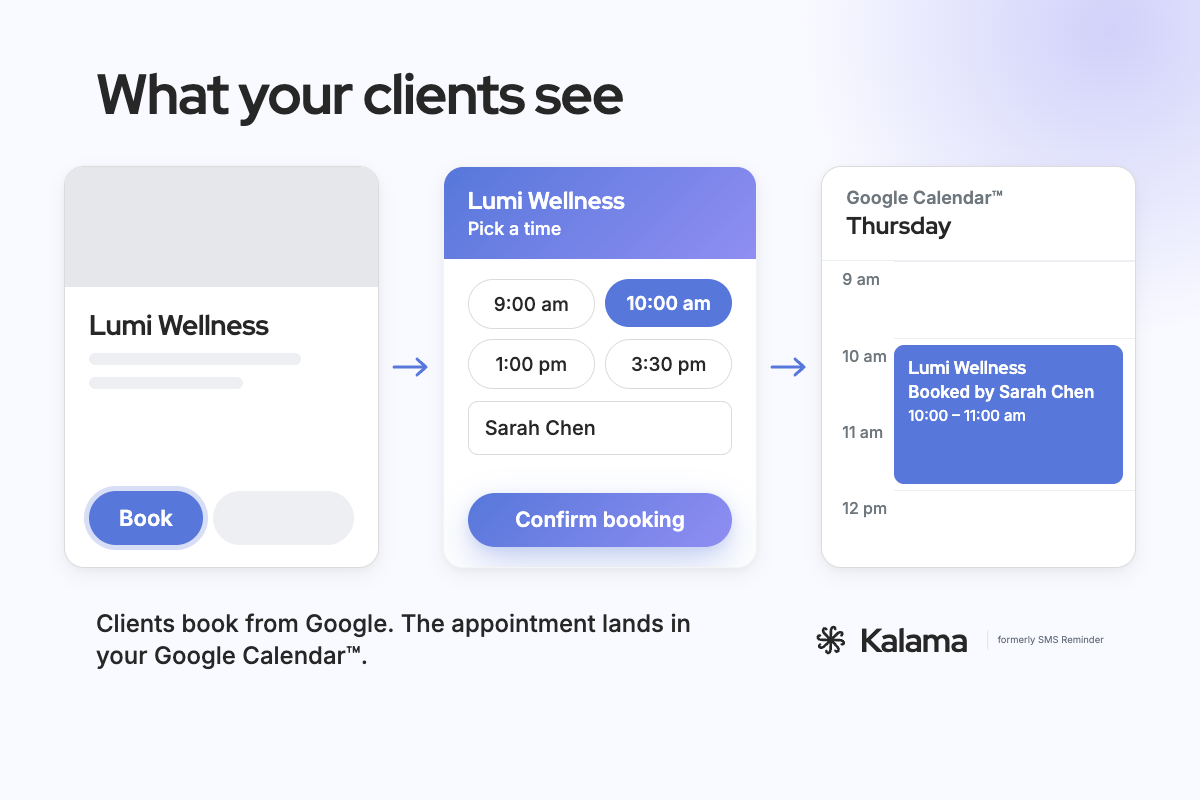
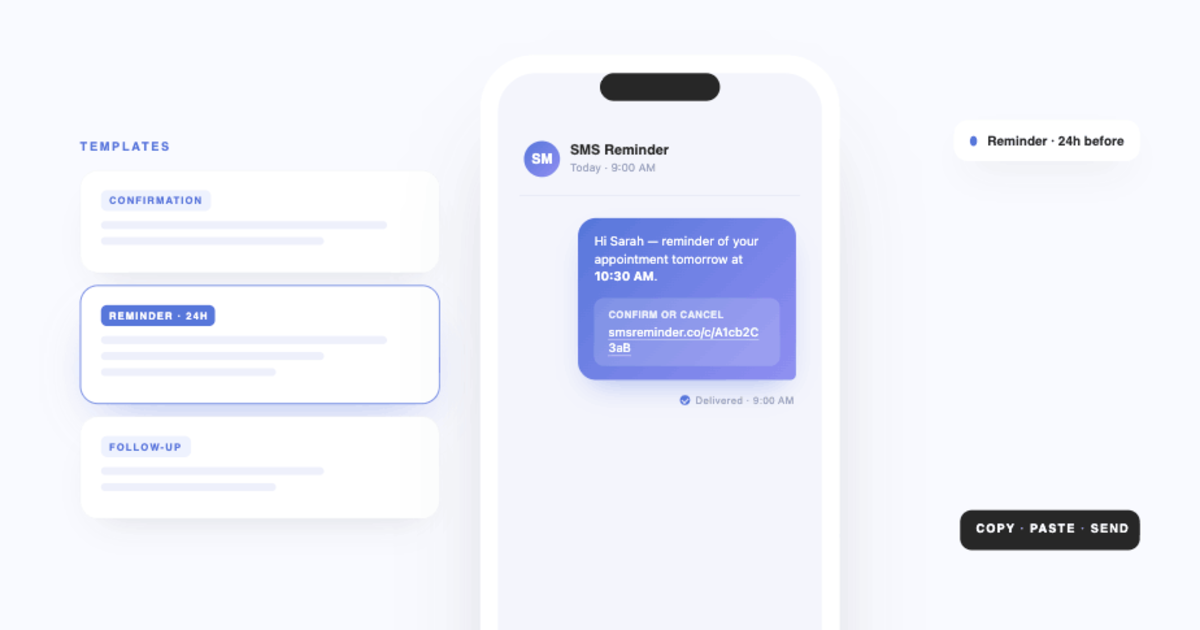
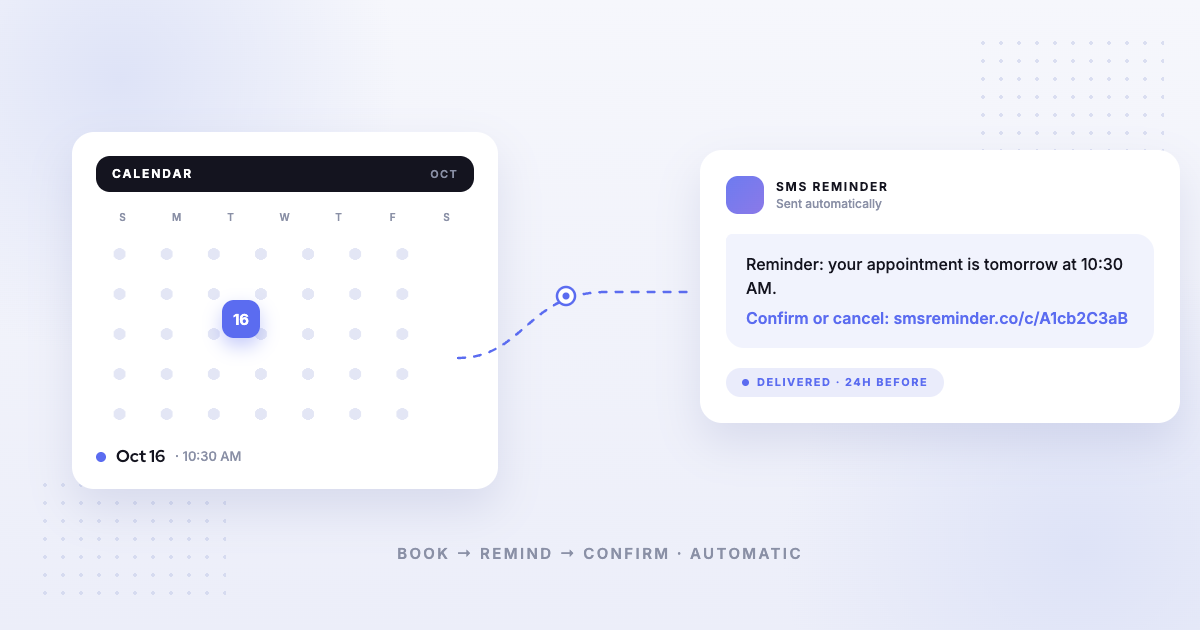
With Kalama, clients can also reschedule or cancel from their confirmation page. Bookings can get SMS reminders automatically so clients show up. See SMS reminders for Google Calendar.
Tips to get more bookings from Google
- Use one link everywhere. Put the same booking link on Instagram, Facebook and your email signature, so clients always land in the same place. See where to share your booking link.
- Keep your hours current. Match your booking page availability to the hours on your profile.
- Ask for reviews after each visit. Reviews help your profile show up in more searches. Here’s how to get your Google review link.
Frequently asked questions
Does it cost anything to add a booking link?
No. Adding links is part of your Business Profile settings. Kalama’s booking page is free, with unlimited appointment types and no credit card needed.
Why don’t I see a Booking option on my profile?
Options and wording can vary between profiles. If you can’t find Booking, add your booking link in the Website field instead, so clients still have a way to book.
Can I add more than one booking link?
Yes, up to 10. Set one as your preferred link so it shows first.
Will bookings show up in my Google Calendar?
With Kalama, yes. Bookings land in your primary Google Calendar on the free plan, and busy times on that calendar are blocked so the same slot can’t be booked twice.
Do clients get reminders?
Kalama can send SMS reminders for every booking. The free plan includes 25 SMS reminders one time (not monthly). After that, your booking page keeps working, and reminders pause until you pick a plan, from $19/month USD. See what’s free and what’s paid.
Related
- Google Business Profile websites: what to use now
- How to Get Your Google Review Link and QR Code
- Set Up an Online Booking Page for Your Business
Kalama: everything Google doesn’t do for your appointments. Free booking page for Google Calendar™, plus text reminders so clients show up. → Set up your free booking page
Accuracy note: Google steps checked against Google Business Profile Help on November 10, 2026. Google may change its menus.