On this page
Quick answer
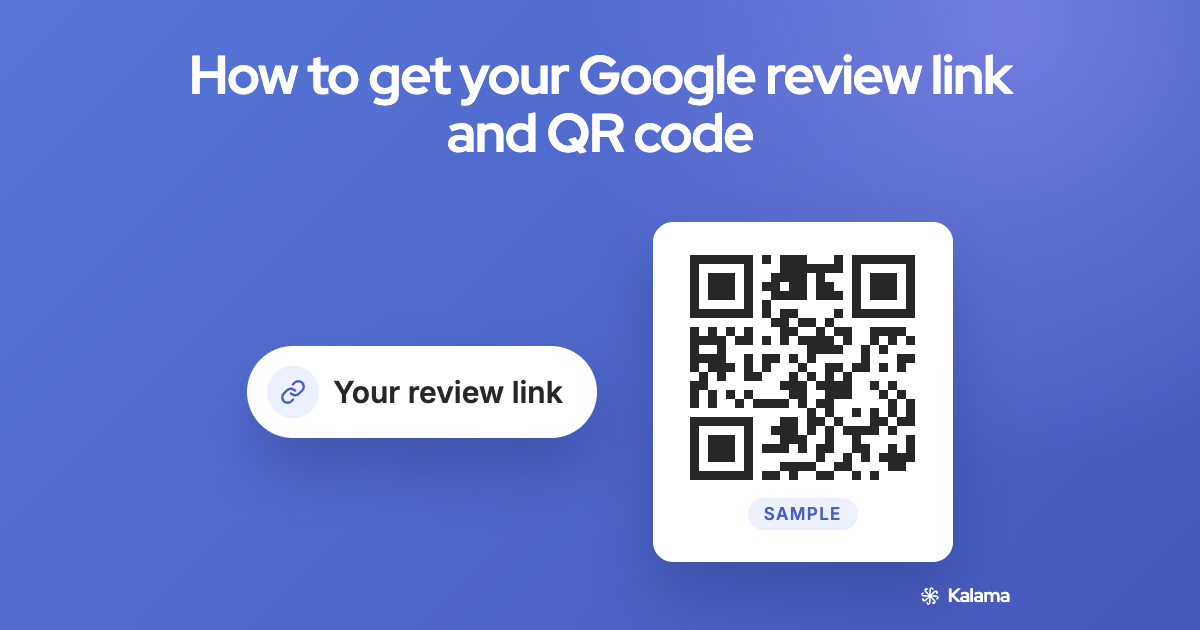
Open your Google Business Profile, select Read reviews, then Get more reviews. Copy the link, or save the QR code. Google only creates the review QR code on a computer browser, not on a phone. (Google)
Get your review link, step by step
- Go to your Business Profile at business.google.com.
- Select Read reviews, then Get more reviews.
- To copy the link, select Copy.
- Paste it somewhere you’ll find it again, such as a note or your email signature drafts.
Get your review QR code
- On a computer, follow steps 1 and 2 above.
- Right-click the QR code.
- Select Save image as…
Google only creates review QR codes on a computer browser, not on mobile devices. (Google)
Where to share it
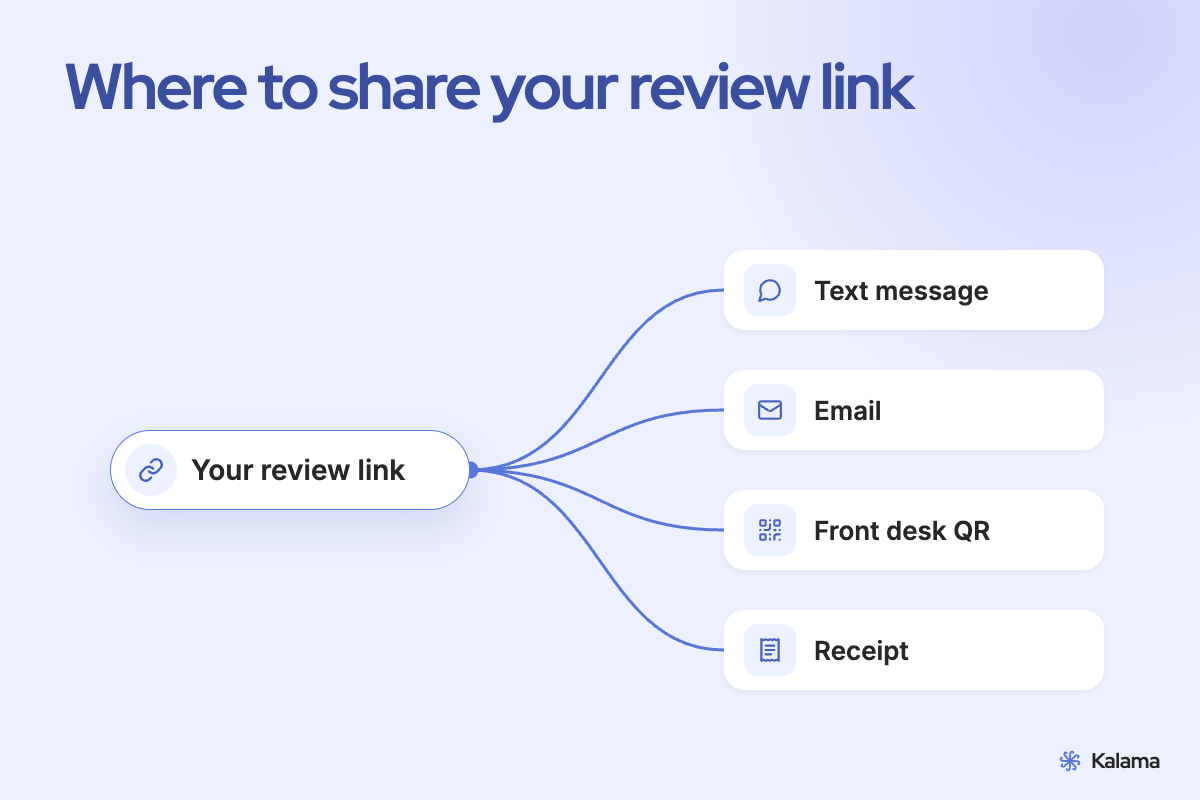
Google suggests:
- On your receipts
- In thank-you emails
- At the end of a chat with a client
- As a printed QR code in your shop or at your front desk
You can also send it by email, WhatsApp or a social post. (Google)
Tip: ask while the visit is fresh. A short, friendly message the same day is easy for a client to act on. How to ask clients for Google reviews, with templates
Google’s rules for asking
Asking for reviews is allowed, as long as you follow Google’s rules. (Google’s review policy)
- Ask everyone, not just happy clients. Google doesn’t allow businesses to selectively ask for positive reviews or discourage negative ones.
- No rewards. Don’t offer payment, discounts, free goods or services in exchange for a review.
- Don’t script it. Don’t ask clients to include specific content.
- No pressure on site. Google says businesses shouldn’t require or pressure people to leave reviews while they’re on the premises.
Frequently asked questions
Where do I find my Google review link?
In your Business Profile: select Read reviews, then Get more reviews, then Copy.
Can I make the review QR code on my phone?
Not at the moment. Google only creates review QR codes on a computer browser.
Can I offer a discount for a review?
No. Google doesn’t allow incentives such as payment, discounts or free services in exchange for reviews.
Can I send the link only to happy clients?
No. Google doesn’t allow businesses to selectively ask for positive reviews.
Related
- How to ask clients for Google reviews, with templates
- Google Business Profile websites: what to use now
- A free booking page for your Google Calendar
Kalama: everything Google doesn’t do for your appointments. Free booking page for Google Calendar, plus text reminders so clients show up. → Set up your free booking page
Accuracy note: steps and rules come from Google’s help pages as of November 2026 and may change.