On this page
Quick answer
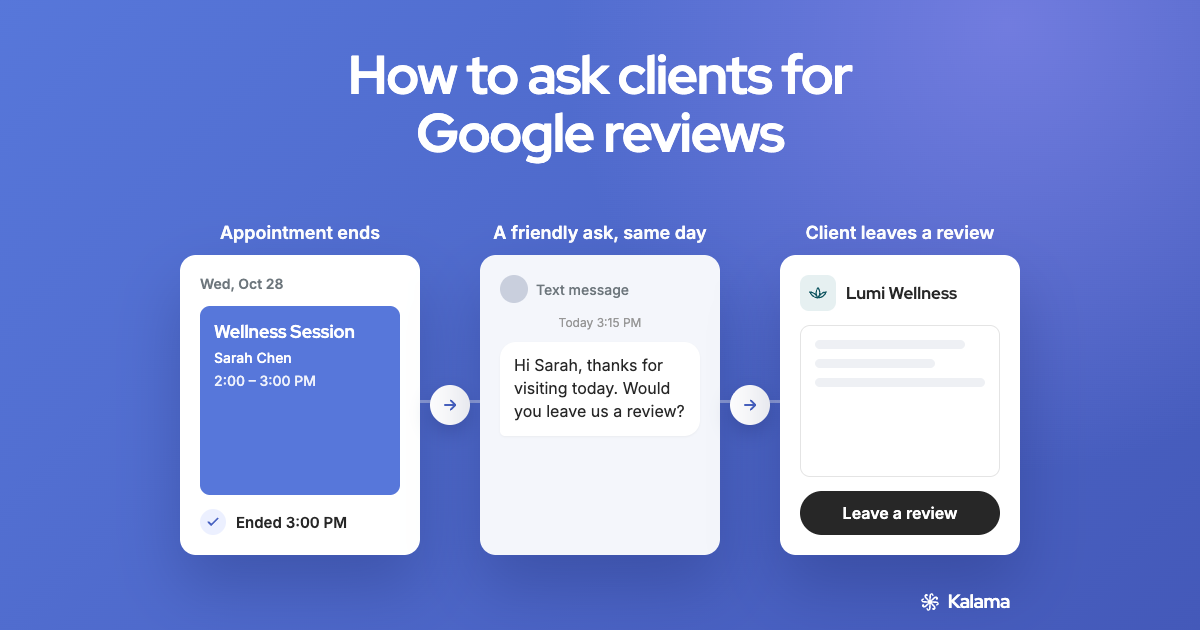
Ask every client, soon after their appointment, with a short message and your review link. Keep it personal and simple. Don’t offer anything in return, and don’t only ask the clients you think are happy: both break Google’s rules. (Google’s review policy)
Before you start: get your review link
You’ll need your Google review link or QR code. How to get your Google review link and QR code
When to ask
- The same day, while the visit is fresh.
- After the service is done, not before or during it.
- Every client, whatever you think they’ll say.
Ways to ask
- In person, at the end of the appointment, with a QR code at the front desk. Keep it to an invitation: Google says not to pressure people to leave a review while they’re on your premises.
- By text, a short message with your link.
- By email, in your thank-you or receipt email.
- On receipts and printed cards, with your QR code.
Templates
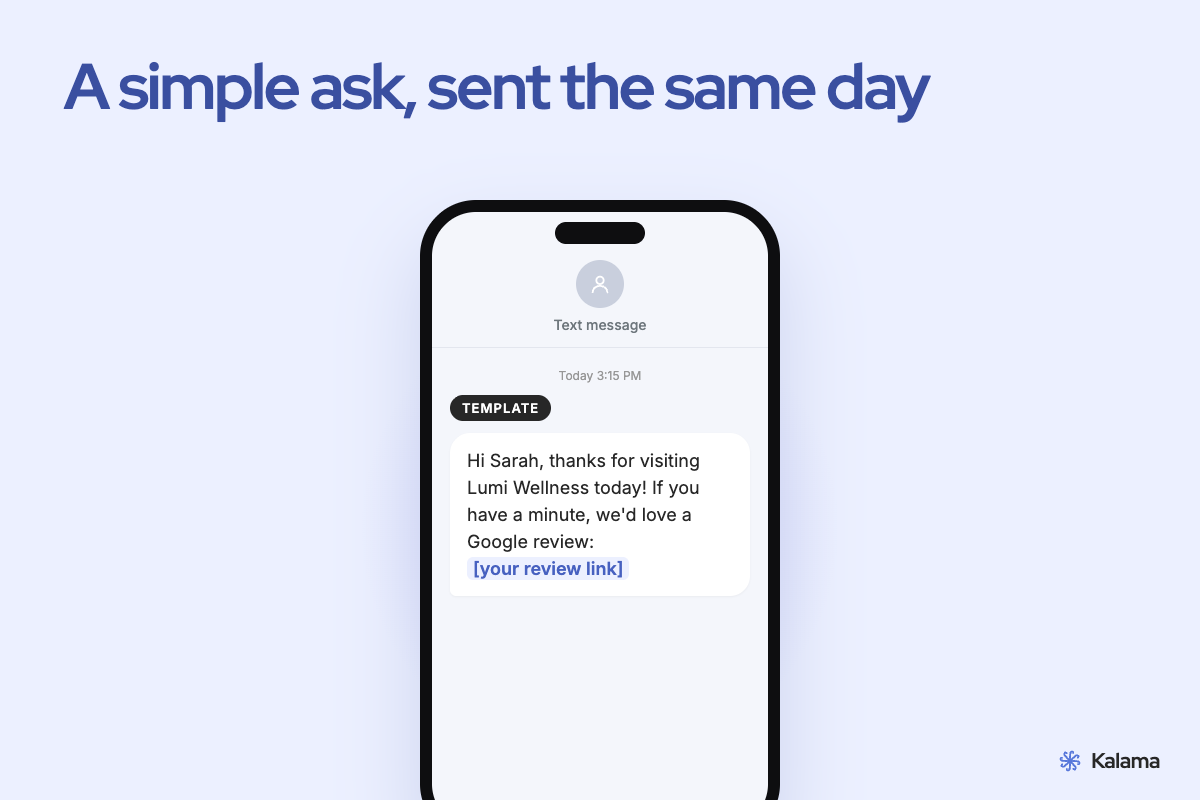
Copy these and replace the parts in brackets.
Text, same day
Hi [first name], thanks for coming in today. If you have a minute, we’d love to hear how it went on Google: [your review link]
Text, short
Thanks for visiting [business name], [first name]! Would you share a quick Google review? [your review link]
Subject: Thanks for visiting [business name]
Hi [first name],
Thank you for your appointment today. If you have a moment, we’d really appreciate an honest review on Google. It helps other people find us.
[your review link]
Thanks, [your name]
In person
“Thanks for coming in today. If you’re happy to, there’s a QR code at the desk for a Google review. Your honest feedback helps us a lot.”
On a receipt or card
Tell us how we did: scan for a Google review. [QR code]
What not to do
Google’s rules don’t allow these. (Google’s review policy)
- Offering a discount, gift, payment or free service for a review
- Only asking clients you expect to be happy, or steering unhappy clients away from Google
- Asking clients to mention specific words, staff or services
- Pressuring people to review while they’re still with you
Reply to your reviews
Thank people for good reviews by name where you can. Answer critical ones calmly and offer to put things right. Replies show future clients that you care.
Frequently asked questions
Is it OK to ask clients for Google reviews?
Yes. Google allows businesses to ask for reviews that reflect a genuine experience, as long as there’s no incentive and no attempt to influence what people write.
Can I offer a discount for leaving a review?
No. Google doesn’t allow incentives such as payment, discounts or free goods or services in exchange for a review.
Can I ask only my happy clients?
No. Google doesn’t allow selectively asking for positive reviews or discouraging negative ones.
What’s the best time to ask?
The same day as the appointment, while it’s fresh, with a short message and your link.
Related
- How to get your Google review link and QR code
- Google Business Profile websites: what to use now
- A free booking page for your Google Calendar
Kalama: everything Google doesn’t do for your appointments. Free booking page for Google Calendar, plus text reminders so clients show up. → Set up your free booking page
Accuracy note: Google’s review rules come from Google’s help pages as of November 2026 and may change.