Text reminders for every Google Calendar appointment
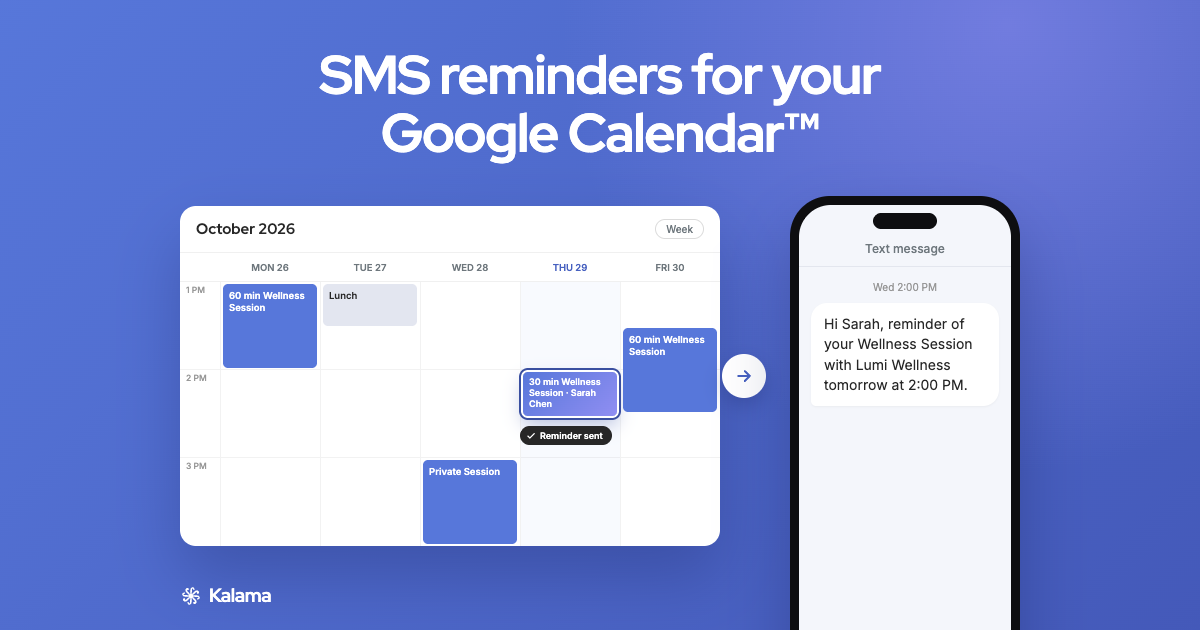
Kalama texts your clients before each appointment in the Google Calendar you already use. They reply to confirm or cancel, and the event updates itself.
25 free reminders, one time (not monthly) · No credit card required
Quick answer
Google Calendar stopped sending SMS notifications on January 7, 2019; it now uses in-app and email notifications (Google). Kalama adds text reminders to the same calendar. Set your timing once, add your client’s phone number to an appointment, and reminders go out on their own. Bookings from your free booking page get reminders automatically.
What’s free
- 25 SMS reminders, one time (not monthly). They don’t expire.
- A free booking page on your primary Google Calendar, with unlimited bookings
- No credit card to start
- Paid plans from $19/month USD add monthly reminders, more calendars and more users
Clients reply. Your calendar updates itself.
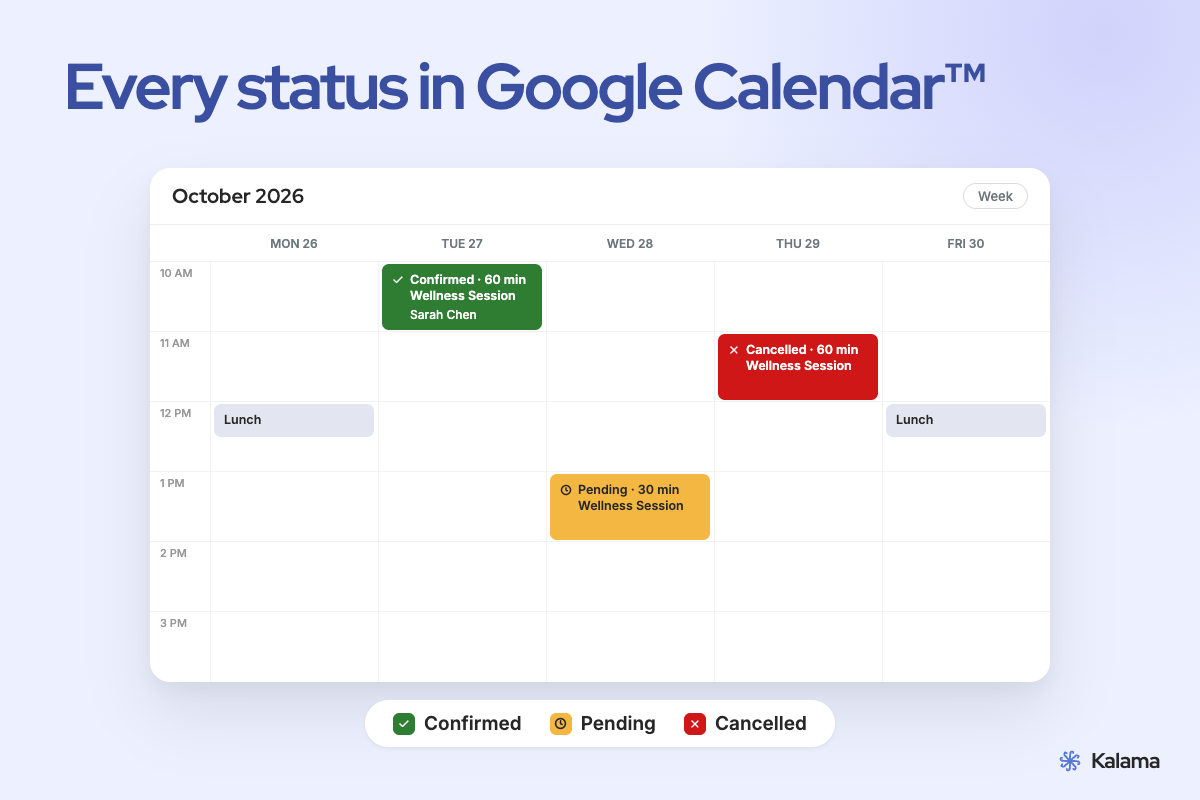
- “Yes” or 👍 confirms. The event turns green and says Confirmed.
- “Can’t make it” cancels. The event turns red, reminders stop, and you get an email.
- “Can we move it?” They get your booking link to pick a new time.
- A question? They’re told you’ll follow up, and you get an email with their message.
Replies are understood in English, French, Spanish, Italian, Portuguese and German. Clients can also tap the link in the reminder. How two-way texting works
Set up in three steps
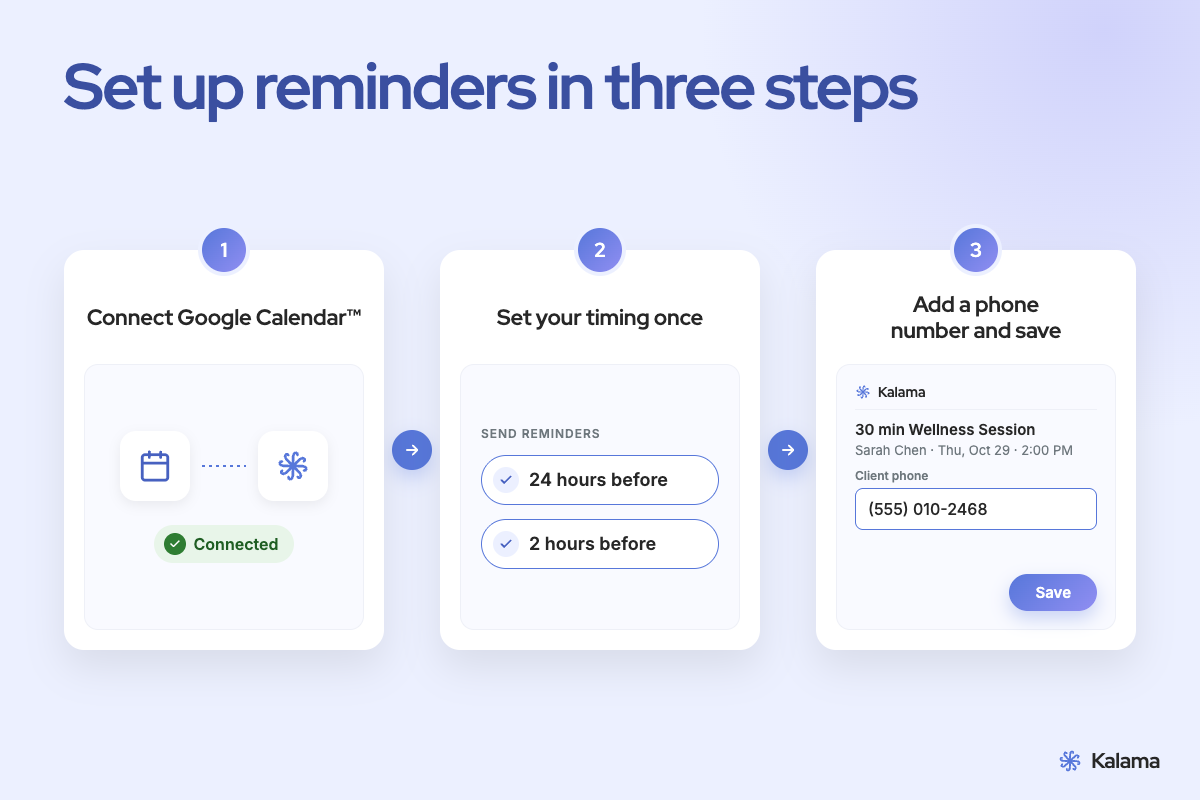
- Install the add-on and connect your Google Calendar.
- Set your reminder timing once, for example 24 hours and 2 hours before.
- Open an appointment, add your client’s phone number from the sidebar and save.
In the web app, approve a suggested number once and future appointments with it, recurring ones included, switch on by themselves. Automatic reminder activation
Full walkthrough: Setup guide
Every message, your way
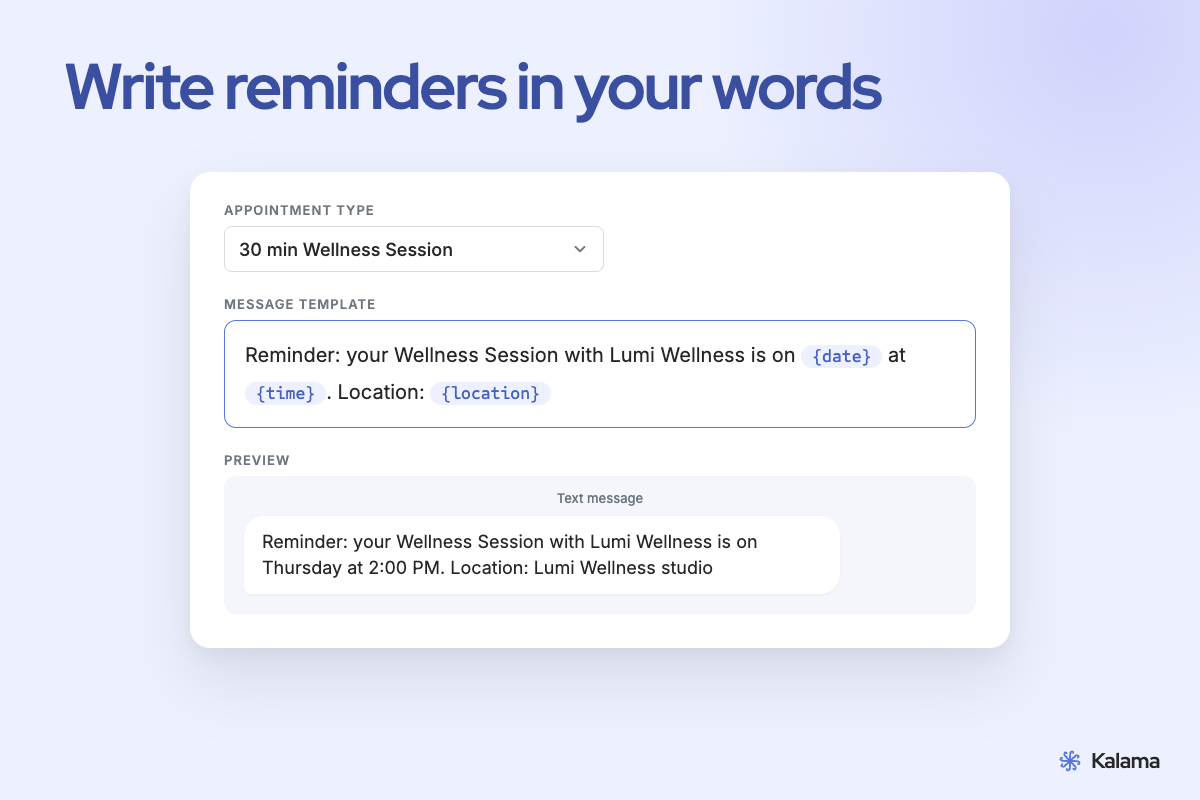
Write templates for confirmations, reminders and follow-ups, per appointment type. Each fills in the appointment’s date, time, location and video call link (Google Meet, Zoom, Microsoft Teams or Webex). SMS reminder templates with examples
What do no-shows cost you?
A single missed appointment is rarely just one lost slot: it’s the time, the prep, and the opportunity to book someone else. Adjust the numbers to see what reminders could mean for you.
Need a booking page too?
It’s free. Clients pick an open time, the booking lands in your Google Calendar, and its reminders switch on automatically.