On this page
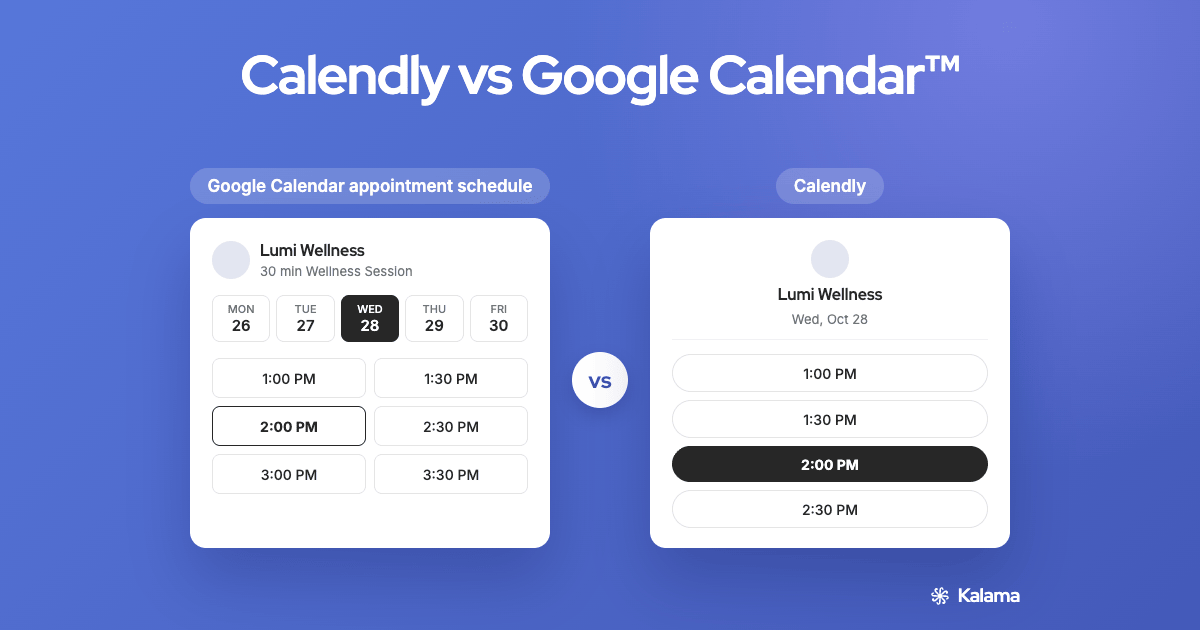
Calendly and Google Calendar’s appointment schedules both give you a link people can use to book time with you. One is a separate scheduling platform; the other is built into the Google Calendar you already use. This guide compares them using each company’s own help and pricing pages, and covers when a booking page built on Google Calendar is the better fit.
Short answer
- Choose Google Calendar’s appointment schedule if you want one simple booking page inside Google Calendar and don’t need text reminders. A personal Google account gets one booking page at no charge.6
- Choose Calendly if you need a full meeting-scheduling platform: several event types, team scheduling and workflows. Most of that is on its paid plans, priced per seat.1
- Neither one sends text reminders clients can reply to. Google’s reminders are emails,7 and Calendly says replies to its texts aren’t delivered or monitored.4 If confirmations by text matter, a booking app built on Google Calendar, like Kalama (formerly SMS Reminder), adds them. See the third option below.
Side-by-side comparison
| Google Calendar appointment schedule | Calendly | |
|---|---|---|
| Where it lives | Inside Google Calendar | Separate app that connects to your calendar2 |
| Free plan: booking pages / event types | One booking page (personal account)6 | One event type1 |
| Free plan: calendars it checks | Your calendar; checking several calendars is a paid feature6 | One calendar connection1,3 |
| Automated reminders | Email only, paid subscription6,7 | Paid plans1 |
| Text (SMS) reminders | Not offered7 | Paid plans; invitees opt in; replies not monitored4 |
| Take payments | Through Stripe, Workspace Individual and up6 | Stripe or PayPal, paid plans1 |
| How it’s priced | Part of a Google One or Workspace subscription6 | Per seat1 |
Competitor details are from each provider’s own site and current as of November 4, 2026; features and pricing may change, so please check their official websites.
Free plans compared
Google Calendar. With a personal Google account you can create one appointment schedule at no charge.6 You set your available hours, appointment length, buffer time, a daily booking limit and minimum notice, then share the link.7 Booking pages are public: anyone with the link can see your available times, but not the events on your calendar.8 You can only create a schedule on a computer, not in the phone app.7
Calendly. The Free plan includes one event type and one calendar connection.1,3 When someone books, Calendly sends the details to both you and your invitee, as a calendar invitation or an email confirmation.5
On both free plans you get one kind of booking. If you offer several services or session lengths, you’ll need to pay for either one, or use a booking app that includes unlimited appointment types on its free plan (see below).
Reminders
Reminders are where no-shows are won or lost, and the two work differently.
Google Calendar appointment schedules send email reminders: up to 5, and you can’t edit their text.7 Automatic email reminders need an eligible Google One or Google Workspace subscription.6 Google doesn’t offer text reminders for appointment schedules.
Calendly lists automated meeting reminders on its paid plans, not on the Free plan.1 On paid plans it can also send text messages through Workflows, with a few limits from Calendly’s own help centre:4
- Invitees must choose to receive texts before Calendly can send them.
- Each message can be up to 180 characters.
- You can’t send text reminders during the trial.
- Replies from invitees aren’t delivered or monitored, so the texts are one-way.
Payments
- Google Calendar: taking payments for bookings (through Stripe) needs Google Workspace Individual or higher.6
- Calendly: paid plans can connect Stripe or PayPal to collect payment at booking.1
Pricing
- Google Calendar: one booking page is free with a personal account. More booking pages, email reminders and checking several calendars come with Google One Premium or Google Workspace; payments need Workspace Individual or higher.6
- Calendly: Free plan; Standard $12 per seat per month billed monthly, or $10 billed yearly; Teams $20 per seat per month billed monthly, or $16 billed yearly; Enterprise starts at $15k per year.1
Prices change, so check Calendly’s pricing page and Google’s plan pages for current figures.
Which should you choose?
| If you… | Choose |
|---|---|
| Want one free booking page, no new app | Google Calendar appointment schedule |
| Already pay for Google Workspace | Google Calendar appointment schedule |
| Need team scheduling, routing or several event types for a sales team | Calendly |
| Run appointments (studio, salon, trades) and want text reminders clients can reply to | A booking app built on Google Calendar, like Kalama (formerly SMS Reminder) |
A third option: a booking app built on Google Calendar
If you run an appointment-based business, you may not need a meeting platform at all. What usually matters is that clients book, get a text, and show up.
Kalama (formerly SMS Reminder) adds a booking page and SMS reminders to the Google Calendar you already use:
- Unlimited appointment types on every plan, including the free plan.10
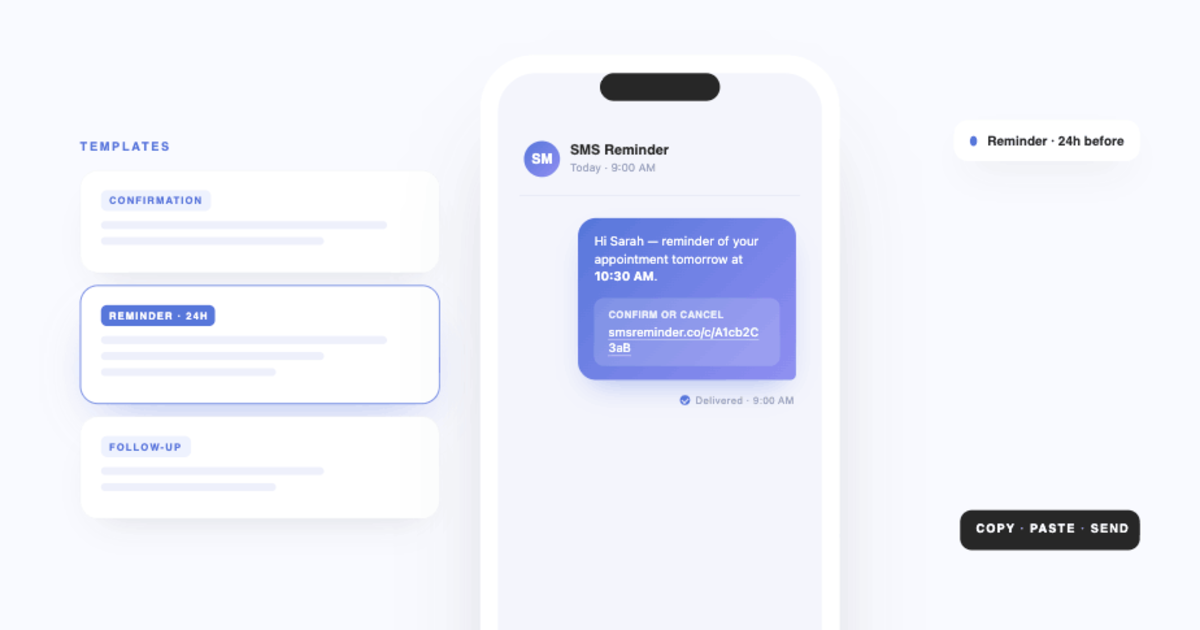
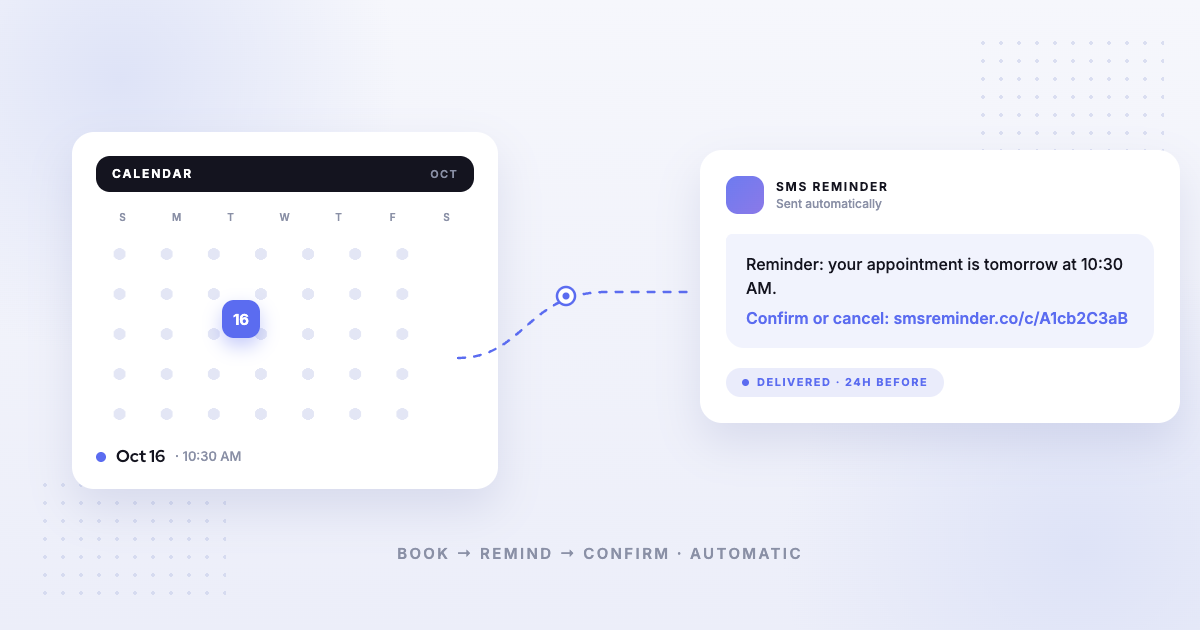
- Automatic SMS reminders for each booking.11 Clients can reply to confirm, cancel or ask to reschedule.
- Reminders for appointments you add yourself, not just ones booked through the link.
- Free plan: booking on your primary Google Calendar, 1 user, and 25 SMS reminders one time (not monthly). Paid reminder plans start at $19/month.9
See the free booking page for Google Calendar, or how SMS reminders for Google Calendar work. Want to go deeper on Google’s option? Read how to set up a Google Calendar appointment schedule, or compare Kalama (formerly SMS Reminder) as a Calendly alternative.
Frequently asked questions
Is Calendly better than Google Calendar’s appointment schedule?
It depends on what you need. Google Calendar’s appointment schedule is built into Google Calendar and gives a personal account one booking page at no charge.6 Calendly’s free plan also gives you one event type and one calendar connection, and its paid plans add unlimited event types, automated reminders and payments through Stripe or PayPal.1 If one simple booking page is enough, Google’s built-in option avoids another tool. If you need several event types or automated reminders, compare Calendly’s paid plans with a paid Google subscription.
Does Calendly work with Google Calendar?
Yes. Calendly says you can connect Google Calendar on all plans. Once connected, Calendly checks the calendars you choose for conflicts and adds new meetings to one calendar.2 Its free plan connects one calendar; paid plans connect up to six.3
Does Google Calendar’s appointment schedule send text reminders?
No. Google describes appointment schedule reminders as emails: up to 5, with text you can’t edit.7 Automatic email reminders also need an eligible Google One or Google Workspace subscription.6
Does Calendly send text reminders?
Yes, on paid plans, through its Workflows feature. Calendly says invitees must choose to receive texts, each message can be up to 180 characters, and replies from invitees aren’t delivered or monitored.4
Is there a free alternative to Calendly that uses Google Calendar?
Google Calendar’s own appointment schedule gives a personal account one free booking page.6 Kalama (formerly SMS Reminder) also has a free plan: a booking page on your primary Google Calendar with unlimited appointment types, 1 user, and 25 SMS reminders one time (not monthly). Paid reminder plans start at $19/month.9
Sources
Competitor information on this page reflects publicly available details from each company’s own website at the time of writing and may have changed since. Product names and trademarks belong to their respective owners. Please verify the most current features and pricing on the provider’s official website before making a decision. Last verified: 2026-11-04.
- Calendly — Pricing, https://calendly.com/pricing, accessed 2026-11-04.
- Calendly — “How to connect your Google Calendar,” Calendly Help Center, https://calendly.com/help/how-to-connect-your-google-calendar, accessed 2026-11-04.
- Calendly — “Connect your calendar to Calendly” (Free plan: 1 calendar; paid plans: up to 6), Calendly Help Center, https://help.calendly.com/hc/en-us/articles/236174208, accessed 2026-11-04.
- Calendly — “How to send text messages with Workflows,” Calendly Help Center, https://calendly.com/help/how-to-send-text-messages-with-workflows, accessed 2026-11-04.
- Calendly — “Calendly scheduling notifications,” Calendly Help Center, https://calendly.com/help/calendly-scheduling-notifications, accessed 2026-11-04.
- Google — “Compare premium features for appointment schedules,” Google Calendar Help, https://support.google.com/calendar/answer/16287038, accessed 2026-11-04.
- Google — “Create an appointment schedule,” Google Calendar Help, https://support.google.com/calendar/answer/10729749, accessed 2026-11-04.
- Google — “Share your appointment schedule,” Google Calendar Help, https://support.google.com/calendar/answer/10733297, accessed 2026-11-04.
- Kalama (formerly SMS Reminder) — Pricing.
- Kalama (formerly SMS Reminder) Help — Create unlimited appointment types for your booking page.
- Kalama (formerly SMS Reminder) Help — Automatically send SMS reminders on booked appointments.