“Best” appointment reminder software is the wrong question without a second half: best for what? A solo therapist who needs HIPAA compliance, a salon that wants text reminders on top of Google Calendar, and a multi-location clinic that wants booking and payments in one place will each land on a different tool. This guide sorts the options by the need they fit best.
Quick answer
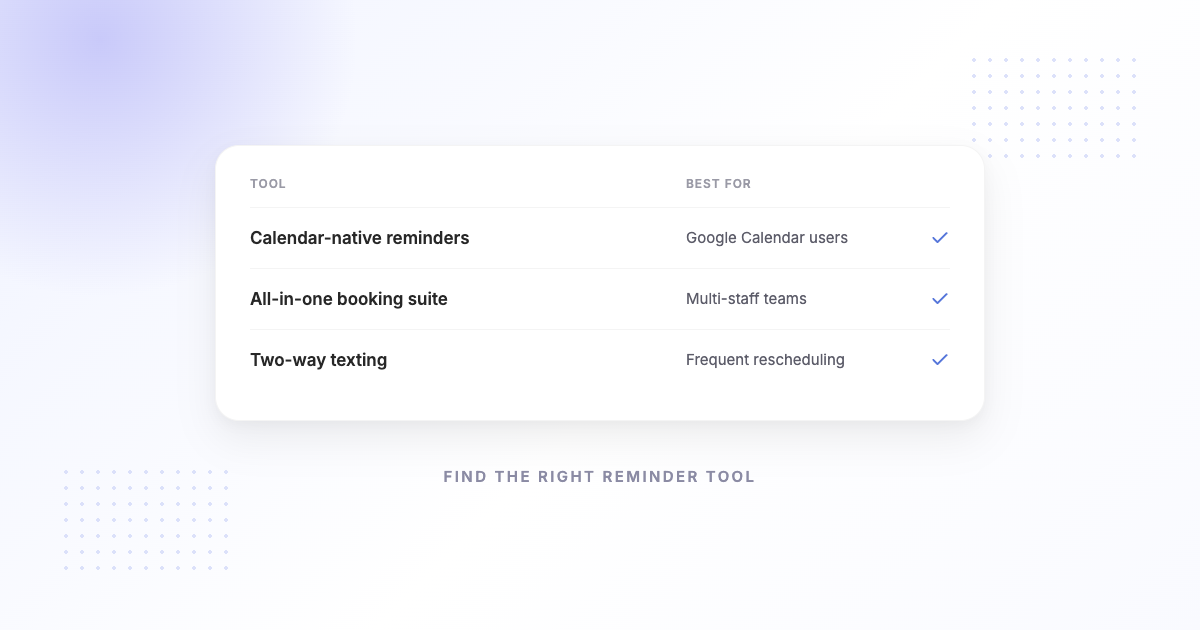
If you run appointments on Google Calendar and mainly want automatic SMS reminders your clients can reply to, SMS Reminder is a focused, low-cost pick. If you need HIPAA-compliant messaging for a medical practice, look at a healthcare-oriented service. If you want an all-in-one booking, reminders, and payments platform, a full system like Square Appointments fits. And if reminders are secondary to meeting scheduling, a scheduling-first tool is the better home. The rest of this guide maps tools to needs.
How to choose appointment reminder software
Start with three questions:
- Where do your appointments live today? If the answer is Google Calendar and you don’t want to move, favour a tool that reads your calendar directly rather than one that replaces it.
- What’s the actual job? Cutting no-shows on booked clients is a reminder problem. Capturing new bookings, taking payments, or answering calls are different jobs that need different tools.
- Any hard requirements? HIPAA compliance, voice reminders, a specific CRM, or multiple locations will narrow the field quickly — decide these first.
Everything else — templates, timing, price — is easier to compare once those three are settled. To work out what the problem is worth solving, the no-show cost calculator gives a rough monthly figure.
Best by business type
- Google Calendar users who want simple SMS reminders → SMS Reminder. Reads your existing Google Calendar events and sends automatic texts with two-way replies (confirm, cancel, or ask to reschedule) in six languages. From $19/month.
- Medical and healthcare practices (HIPAA) → a healthcare-oriented service. Appointment Reminder, for example, offers SMS, voice, and email reminders with HIPAA-compliant messaging under a signed BAA, from $29/month.1
- Financial advisors & professional services → a platform with CRM + compliance. GReminders is built for this, pairing Google/Outlook calendar reminders with CRM automation and an AI notetaker; SMS is available on its paid plans.2
- Businesses that want booking + payments in one place → an all-in-one platform. Square Appointments bundles online booking, automated SMS and email reminders, and integrated payments, and syncs with Google Calendar for availability.3
- Meeting-first teams → a scheduling tool with reminders attached. If your core need is client-facing meeting scheduling, a scheduling-first product with reminders as a supporting feature fits better than a reminder-first tool.
Comparison at a glance
| Tool | Category | SMS reminders | Client can reply | Best for |
|---|---|---|---|---|
| SMS Reminder | SMS reminders for Google Calendar | Yes | Yes — two-way, 6 languages | Google Calendar users cutting no-shows |
| Appointment Reminder | Healthcare reminder service | Yes (+ voice)1 | Yes1 | Medical practices needing HIPAA1 |
| GReminders | Meeting-management platform | Yes, on paid plans2 | Confirmations2 | Advisors & professional services2 |
| Square Appointments | Booking + payments platform | Yes (+ email)3 | Self-service rescheduling3 | All-in-one booking & payments3 |
| Full scheduling platforms | Scheduling suites | Usually on higher tiers | Via booking page | Complex scheduling, intake, payments |
What to look for
Once you’ve matched a tool to your business type, compare on:
- Calendar fit — does it read the calendar you already use, or make you move?
- Every appointment, or only self-booked ones — tools built around their own booking page often remind only the clients who booked through it. If you also add appointments by hand, check that those get reminders too.
- Channels — text, email, or both. Email suits long confirmations with directions and forms; text suits the reminder that has to be seen. SMS Reminder sends text only, by design.
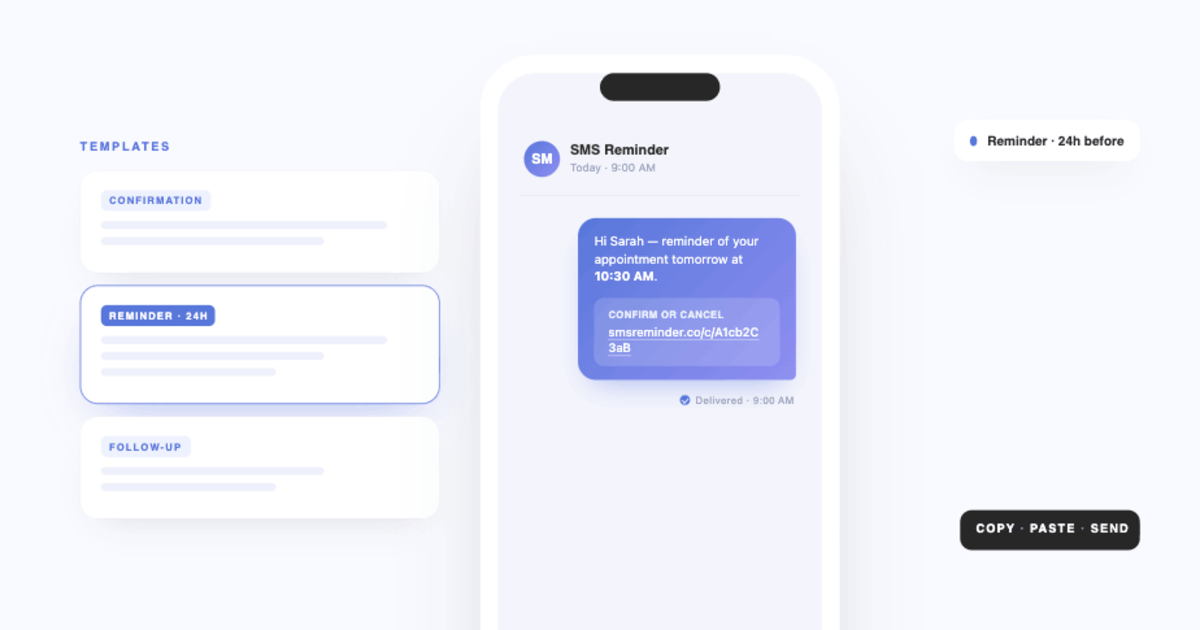
- Two-way replies — can clients confirm, cancel, or reschedule by replying to the text, or only by tapping a link? Replies get the highest response.
- Message control — customisable templates with name, date, time, and location.
- Hard requirements — HIPAA/BAA, voice, CRM, multi-location, as applicable.
- Pricing that scales with your appointment volume, not against it.
How SMS Reminder fits
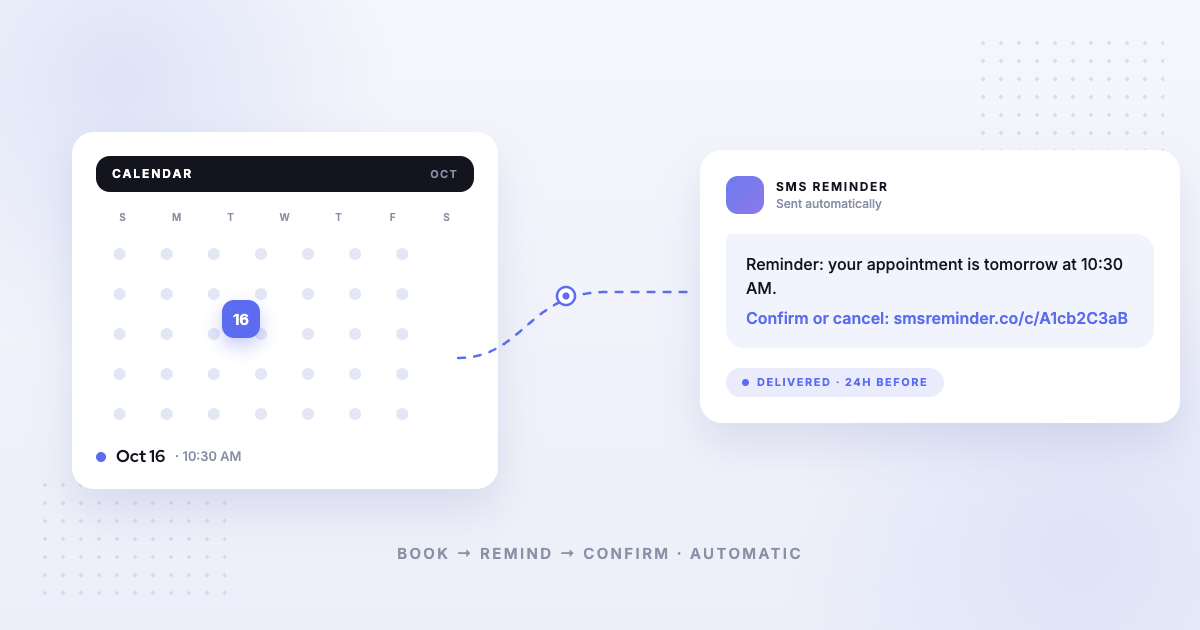
SMS Reminder is the focused option for the most common case: you already run on Google Calendar and want fewer no-shows without adopting a whole platform. It reads your calendar events, sends automatic SMS reminders, and lets clients reply to confirm, cancel, or ask to reschedule — in six languages — from $19/month.
If Google Calendar is your system of record, see our dedicated, deeper comparison: the best Google Calendar text reminder apps, and how to choose scheduling software that integrates with Google Calendar if booking as well as reminders is on your list.
Get started free and have reminders going out today.
Sources
Competitor details can change — the items below were verified on each company’s own site on the access date shown. Confirm current information on their sites before deciding.
- Appointment Reminder — SMS Reminders for Google Calendar, https://appointmentreminder.com/integrations/google-calendar, accessed 2026-08-12.
- GReminders — How It Works, https://www.greminders.com/how-it-works, accessed 2026-08-12.
- Square — Appointment reminders, https://squareup.com/us/en/appointments/features/reminders, accessed 2026-08-12.
Frequently asked questions
What is the best appointment reminder software?
There isn’t one best tool for everyone. If you run on Google Calendar and want simple SMS reminders your clients can reply to, SMS Reminder is a strong pick. Medical practices that need HIPAA compliance, financial advisors who need CRM workflows, and businesses that want an all-in-one booking-and-payments platform each have a different best fit.
What should appointment reminder software do?
At minimum: send automatic reminders before each appointment, let clients confirm or cancel easily (ideally by replying to the text), and work with the calendar or booking system you already use. Extras like voice reminders, HIPAA compliance, payments, and CRM integration matter for some businesses and not others.
Do I need a full scheduling platform just to send reminders?
Not necessarily. If your only goal is fewer no-shows and you already keep your schedule somewhere (like Google Calendar), a focused reminder tool is simpler and cheaper than adopting a full booking-and-payments platform.
Which appointment reminder software works with Google Calendar?
Several do. For a detailed, Google-Calendar-specific comparison, see our guide to the best Google Calendar text reminder apps.
This page references other companies’ products. Details can change; please verify current features and pricing on each provider’s own site.