On this page
“AI scheduling” covers several different features, and only some of them change how full your day gets. This guide sorts out what the tools actually do, what to ask a vendor, and the levers that fill a calendar without AI.
Short answer
AI scheduling tools try to fill more of each day in three ways: ranking open times so new bookings sit next to existing ones, letting clients book by describing what they need, and adjusting reminders to each client.
Before paying for one, check the levers that don’t need AI: service lengths that match the work, buffers and notice periods, reminders clients can reply to, and a booking page that’s always open.
What AI scheduling usually means
- Ranking open slots. Tilavon scores every open slot from 0 to 100 and ranks them, favouring times right next to an existing booking. It’s a staff-side tool: “a person still places the booking”, and online booking shows your normal availability.1
- Booking by conversation. SchedulingKit says clients can book “by describing what they need”, with times drawn from your synced calendar.2
- Adaptive reminders. SchedulingKit also says its reminders “adapt timing and frequency based on client behavior”.2
Competitor details are from each provider’s own site and current as of the date shown; features and pricing may change — please verify on their official website.
Five questions to ask before you buy
- Does it change what clients see, or only what staff are shown?
- Does it work with the calendar you already use, or replace it?
- What happens when someone cancels: does anything refill the slot?
- Are its no-show or utilization figures measured on businesses like yours?
- What does it cost per month at your booking volume?
How to fill more of your day without AI
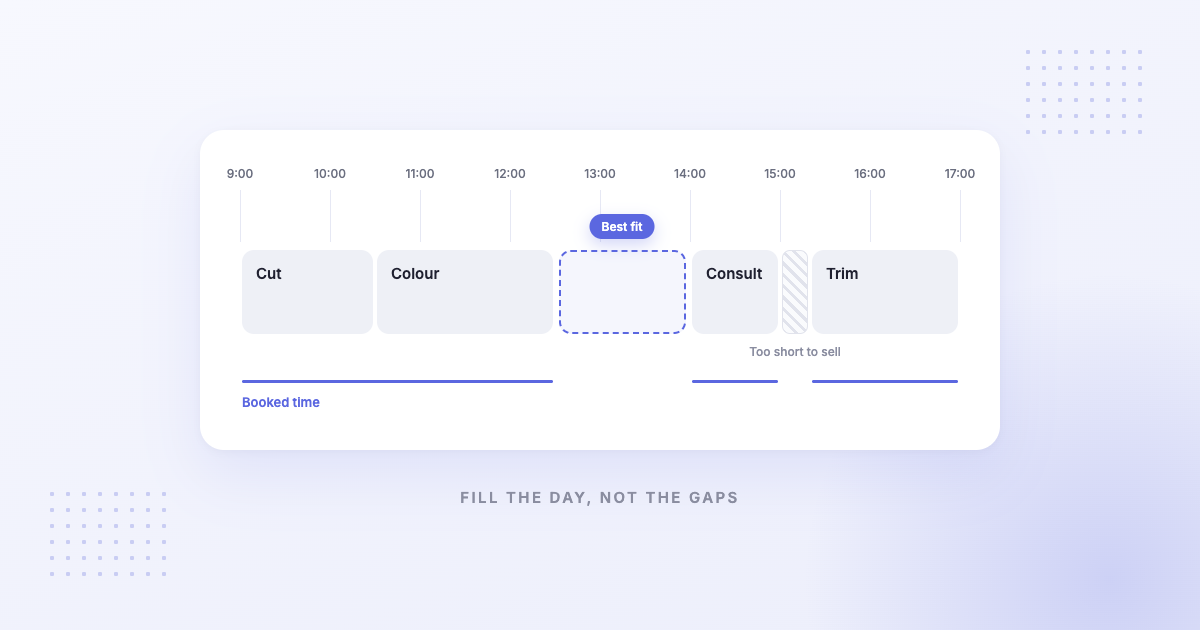
- Match lengths to the work. A 90-minute service booked as 60 leaves a gap or an overrun every time.
- Use buffers and notice on purpose. Buffers protect turnover time; a minimum notice period stops bookings you can’t prepare for.3
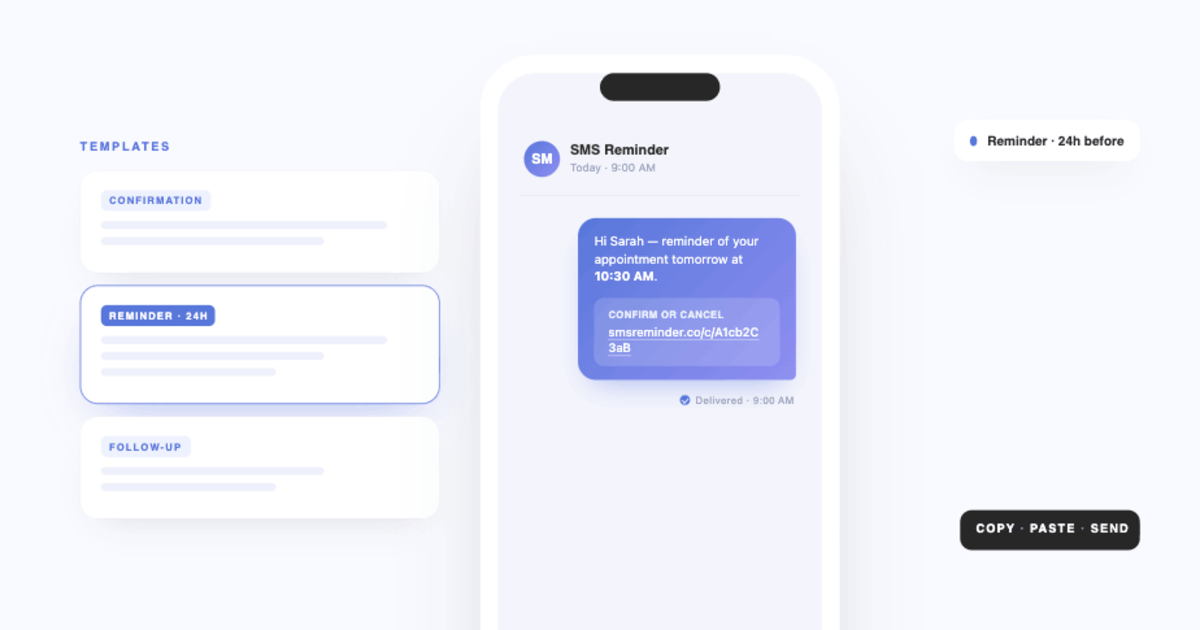
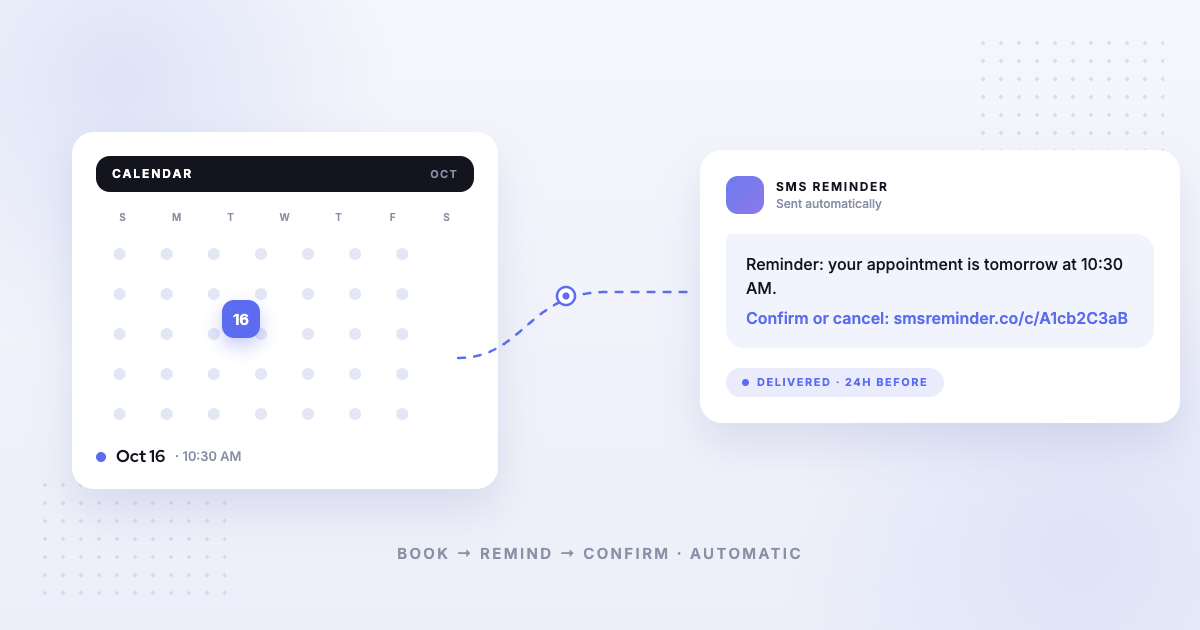
- Remind clients, and let them answer. A reminder they can reply to turns a no-show into a cancellation you hear about in time.4
- Make the freed slot easy to rebook. Keep your booking page open and send the link to clients who wanted an earlier time. See waitlist software vs filling gaps by text.
- One link for the whole team. Give each person their own appointment type linked to their calendar, so clients can book whoever is free.5
Where Kalama (formerly SMS Reminder) fits
Kalama (formerly SMS Reminder) doesn’t use AI to arrange your schedule. It covers levers 2 to 5 on Google Calendar: a booking page with notice and buffers per appointment type, automatic text reminders clients can reply to, a rebook link when someone cancels, and one booking link across staff calendars. Plans start at $19/month; the free plan includes a booking page and 25 reminders one time. For the bigger picture, see automated appointment management.
Frequently asked questions
AI tools that optimize appointment scheduling to maximize daily bookings
They work in three ways: ranking open slots so bookings sit next to each other (Tilavon scores each slot from 0 to 100 for staff to act on),1 letting clients book by describing what they need, and adapting reminder timing (both as described by SchedulingKit).2 Check the non-AI levers first: matched service lengths, buffers and notice, reminders clients can reply to, and an open booking page.
Does Kalama (formerly SMS Reminder) use AI to schedule appointments?
No. It sends automatic text reminders from Google Calendar that clients can reply to in their own words, and it adds a booking page with notice periods and buffers. It doesn’t rearrange or rank your schedule.
Do I need AI scheduling software to fill my calendar?
Usually not at first. Most empty slots come from no-shows, late cancellations and gaps too short to sell, which reminders, buffers and an open booking page address without AI.
Sources
Details about other products can change. The information below was checked on each provider’s own site on the date shown; confirm current details there before deciding. Kalama (formerly SMS Reminder) details come from our help centre.
- Tilavon — “Smart scheduling & gap-fill,” https://tilavon.com/features/smart-scheduling, accessed 2026-10-07.
- SchedulingKit — “AI scheduling,” https://schedulingkit.com/ai, accessed 2026-10-07.
- Kalama (formerly SMS Reminder) Help — Appointment notice periods & buffers.
- Kalama (formerly SMS Reminder) Help — Two-way texting: can my clients reply to reminders?.
- Kalama (formerly SMS Reminder) Help — Setting up appointment booking for multiple calendars.