On this page
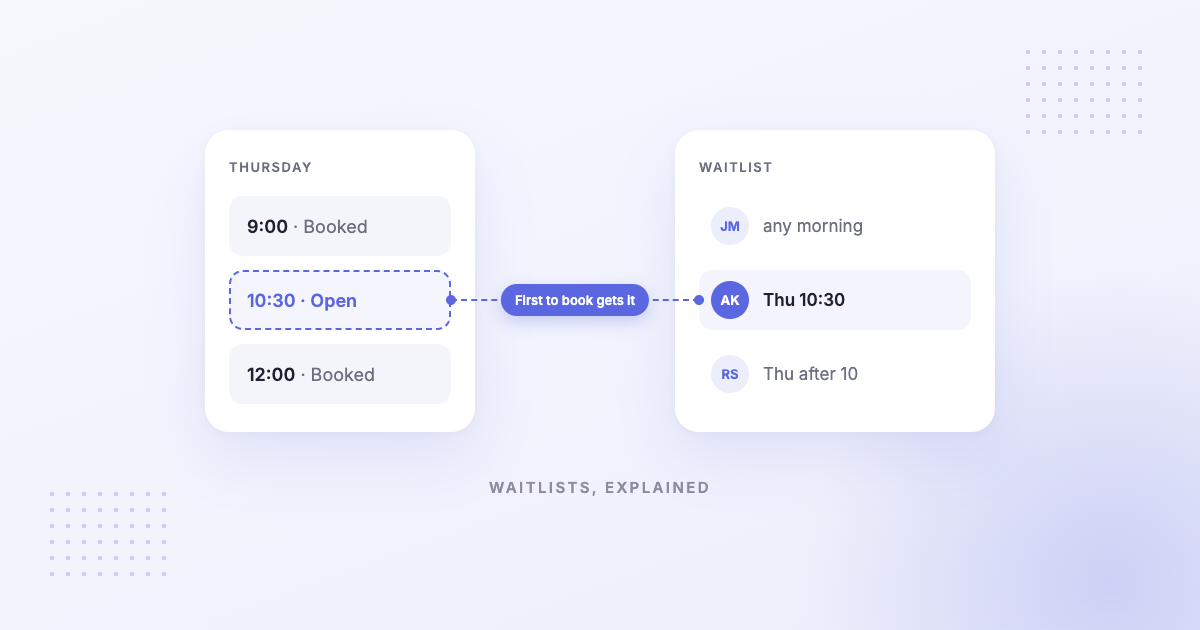
Waitlist software lets clients ask for a time that’s already taken, then tells them when it opens. Some tools text every waiting client and give the slot to whoever books first; others let your team choose who to contact. This guide explains how each approach works, what popular tools include, and how to fill most gaps without a waitlist at all.
Short answer
Waitlist software lets clients ask for a time that’s already taken, then tells them when it opens. Some tools text every waiting client and give the slot to whoever books first; others let your team choose who to contact.
If cancellations are occasional, you may not need one. Hearing about a cancellation days ahead, then sending your booking link to a client who wanted an earlier time, fills most gaps.
How waitlist software fills a cancelled slot
Three steps: a client joins the waitlist for a time that’s full; a cancellation opens it; the client is told and books it. The tools differ on step three.
- First to book wins. Acuity texts waitlisted clients when a matching time opens, and the first to complete the booking gets it.1
- Your team decides. Square Appointments leaves the choice to you: you message the client you want and move them into the schedule.2
What popular tools include
| Tool | How it works, in its own words | Plan |
|---|---|---|
| Acuity Scheduling | Clients join from your booking page and agree to text alerts; “the first client to complete the booking gets the spot”1 | Standard and Premium, for one-on-one appointments, with SMS enabled1 |
| Square Appointments | Clients request a spot through online booking; “your team decides who to contact and when”2 | Plus and Premium2 |
| Cowlendar (Shopify) | “Collect interest when a service is fully booked”3 | Listed among its features3 |
| Appointo (Shopify) | Waitlist4 | Premium, $25/month4 |
Competitor details are from each provider’s own site and current as of the date shown; features and pricing may change — please verify on their official website.
When you don’t need waitlist software
A waitlist only helps if you hear about the cancellation in time to offer the slot. If most gaps come from clients who simply don’t show up, the fix is earlier notice, not a waitlist. And if you only get a few cancellations a week, a short list of clients who asked for an earlier time does the same job.
How to fill cancellations by text without a waitlist
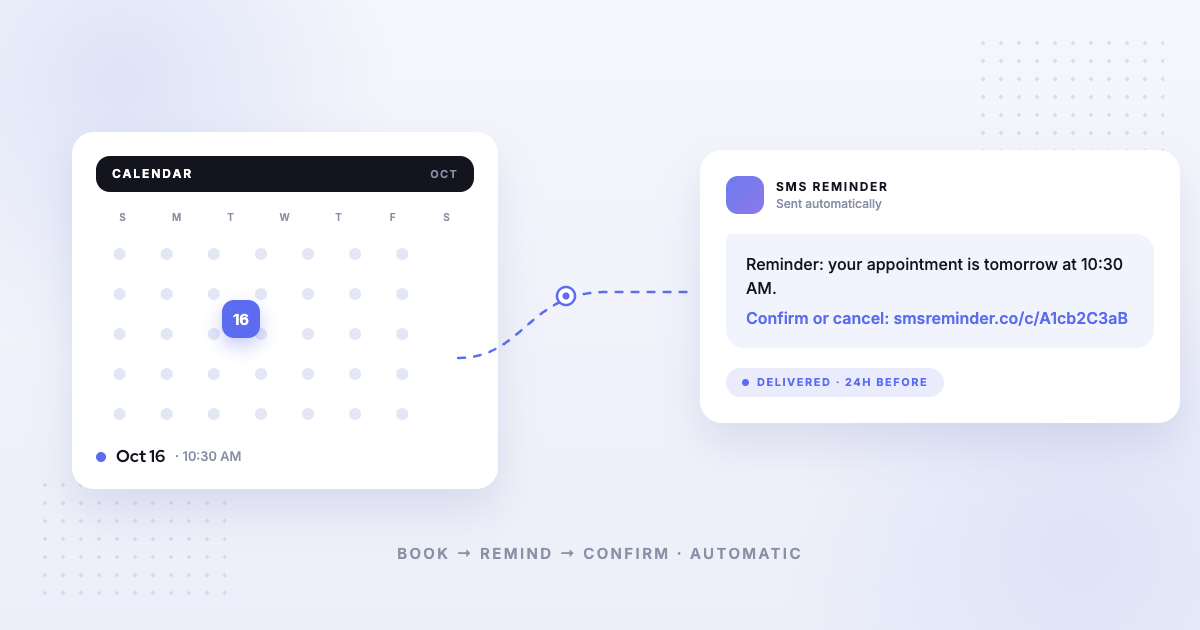
- Send reminders clients can reply to. A reminder a day or two ahead turns a silent no-show into a cancellation you hear about.
- Let the reply free the slot. With Kalama (formerly SMS Reminder), when a client replies to cancel, the Google Calendar event turns red, the slot is freed, the client gets a link to rebook, and you get an email.5
- Offer the slot. Text your booking link to the clients on your earlier-time list; the first to book takes it.
- Keep the booking page open. Clients browsing your booking page see open times as they appear.
For more on policies and timing, see how to recover revenue from last-minute cancellations.
Where Kalama (formerly SMS Reminder) fits
Kalama (formerly SMS Reminder) doesn’t have a waitlist. It sends automatic text reminders from Google Calendar that clients can reply to, so you find out about cancellations sooner, and it gives each cancelling client a link to rebook. Its booking page shows freed times to anyone booking. Plans start at $19/month; the free plan includes a booking page and 25 reminders one time.
Frequently asked questions
Best automated waitlist software that texts clients to fill cancellations
It depends how you want the slot filled. Acuity texts waitlisted clients when a matching time opens and gives it to the first to book, on its Standard and Premium plans.1 Square Appointments lets your team choose who to contact, on Plus and Premium.2 On Shopify, Cowlendar lists waitlists among its features3 and Appointo includes one on its $25/month Premium plan.4
Does Kalama (formerly SMS Reminder) have a waitlist?
No. It helps you hear about cancellations earlier, through reminders clients can reply to, and sends each cancelling client a rebook link. Filling the slot is something you do, for example by texting your booking link.
Does waitlist software book the slot automatically?
Not usually. Acuity gives the slot to the first waitlisted client who books it;1 Square leaves the choice to your team.2
Sources
Details about other products can change. The information below was checked on each provider’s own site on the date shown; confirm current details there before deciding. Kalama (formerly SMS Reminder) details come from our help centre.
- Acuity Scheduling — “Fill canceled slots with waitlist software,” https://acuityscheduling.com/learn/fill-slots-with-waitlist-software, accessed 2026-10-07.
- Square — “Waitlist software,” https://squareup.com/us/en/appointments/features/waitlist-software, accessed 2026-10-07.
- Cowlendar — Features, https://cowlendar.com/features, accessed 2026-10-07.
- Appointo — Shopify App Store listing, https://apps.shopify.com/appointo-appointments-and-bookings, accessed 2026-10-07.
- Kalama (formerly SMS Reminder) Help — Two-way texting: can my clients reply to reminders?.