On this page
Last-minute cancellations are one of the quietest ways an appointment business loses money — but most of that revenue is recoverable if you catch them early.
Quick answer
You can’t prevent every cancellation, but you can recover most of the revenue they cost — if you find out early enough. Three things do the heavy lifting: reminders your clients can reply to (so cancellations surface days ahead instead of as no-shows), a clear cancellation policy (so very-late changes are the exception), and an easy way to refill the freed slot.
Why last-minute cancellations hurt
A cancellation an hour before the appointment is almost as costly as a no-show: there’s rarely time to fill the slot, the prep is already done, and the income is gone. The problem usually isn’t that clients don’t cancel — it’s that they cancel too late, or don’t tell you at all until they simply don’t turn up. Recovering the revenue is mostly about compressing that timeline: get usable notice, and a lost slot becomes a fillable one.
The no-show cost calculator is a quick way to put a monthly figure on what cancellations and no-shows are costing you.
Surface cancellations earlier
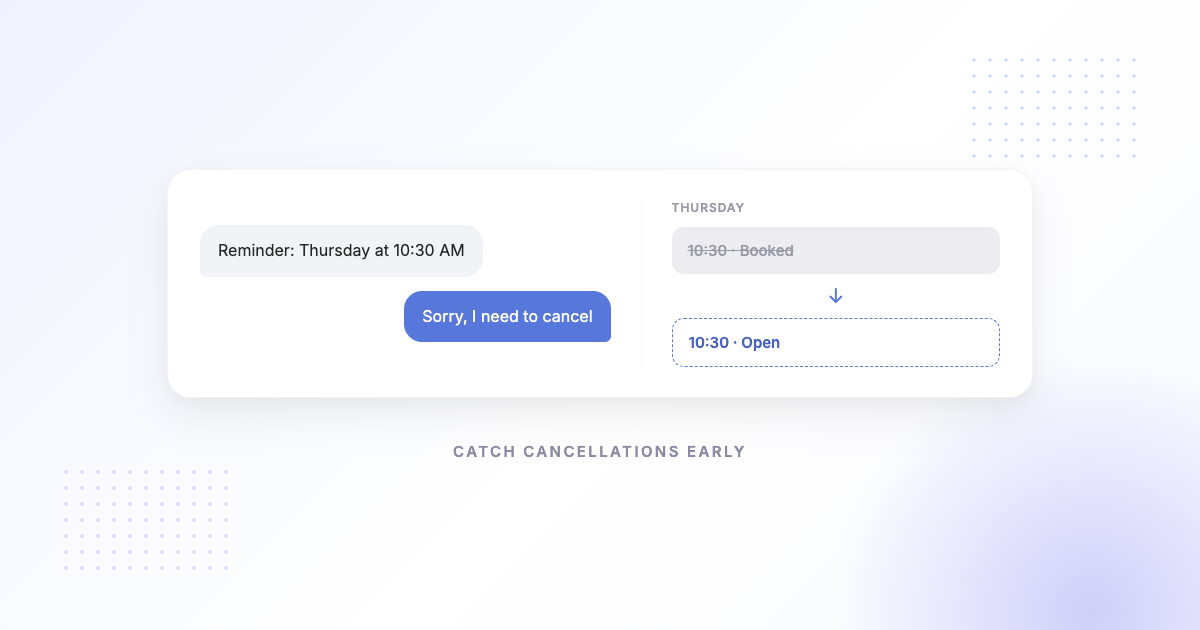
The single biggest lever is making it effortless for a client to tell you early. A reminder your client can reply to — “Can’t make it, sorry” — gives you notice days ahead instead of an empty chair. That’s the difference between a slot you can still sell and one you can’t.
This is where two-way reminders beat one-way notices and confirm-only links: the easier you make it to say “I need to cancel,” the sooner you hear it, and the more of that appointment’s value you can recover by offering the time to someone else.
Set a cancellation policy
A short, clearly disclosed cancellation policy sets expectations and discourages no-notice changes. Keep it simple and state it where clients see it — at booking and in reminders. Common approaches include a notice window (for example, 24 hours) and, for some businesses, a deposit or late-cancellation fee. Whatever you choose, the goal is the same: nudge clients to give you enough warning to refill the slot.
Make the freed slot easy to fill
Early notice only helps if you can act on it. Keep a simple way to offer the opening — a booking link you can send to a waitlisted client, a quick message to your next-best lead, or a self-serve booking page where someone can grab the time. The faster a freed slot is visible and bookable, the more often it gets taken.
Running a waitlist without waitlist software
You don’t need a dedicated waitlist feature to fill a gap:
- Keep a short list of clients who asked for an earlier slot, with the days that suit them.
- When a cancellation lands, text two or three of them your booking link rather than offering the slot to one person at a time.
- Whoever books first takes it, and the booking page closes the slot for the rest.
- Keep the list short and recent — a stale waitlist is worse than none, because the offers stop feeling real.
How SMS Reminder helps
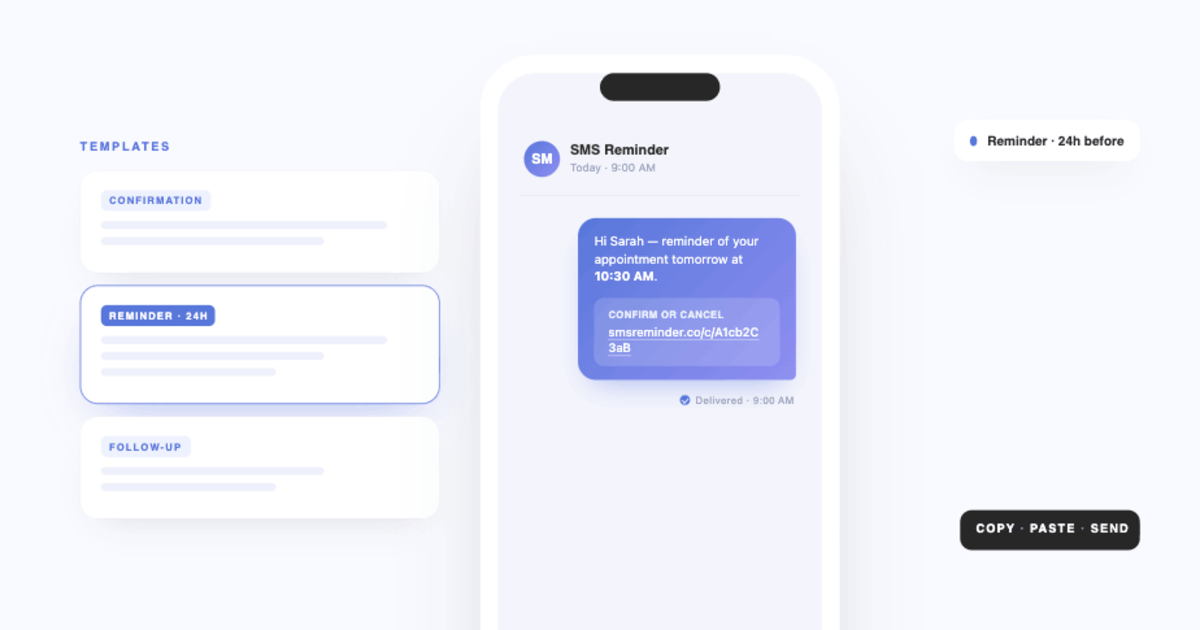
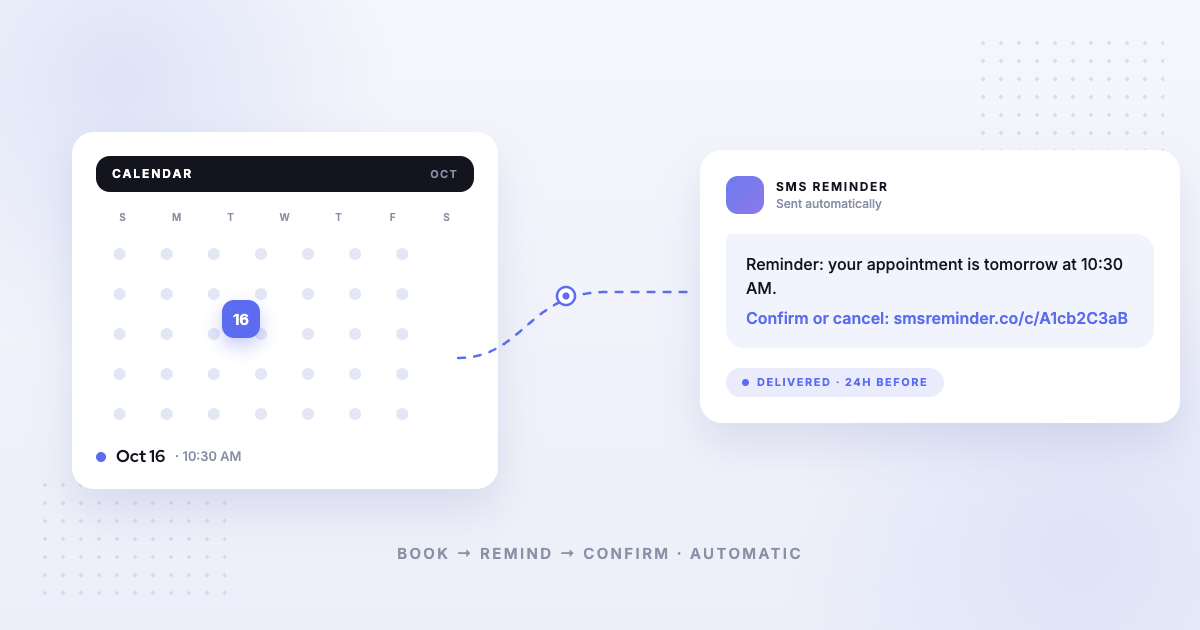
SMS Reminder sends automatic reminders from your Google Calendar, and clients can reply to confirm or cancel — or tap the link. Because cancelling is one tap, clients tend to do it earlier, which gives you usable notice instead of a silent no-show. You can also share a booking link so a freed slot can be filled by another client. SMS Reminder doesn’t automatically rebook cancellations for you — it surfaces them early so you can recover the time.
Get started free and start catching cancellations before they become no-shows.
For the numbers behind this, see our appointment no-show statistics; for the mechanics of client replies, see conversational, two-way reminders.
Frequently asked questions
How do you recover revenue from last-minute cancellations?
The key is time. The earlier you know a client can’t make it, the more chance you have to offer the slot to someone else. Reminders clients can reply to surface cancellations sooner, a clear policy discourages very-late cancellations, and an easy booking link helps you refill the gap.
Can SMS Reminder automatically rebook a cancelled slot?
No — SMS Reminder surfaces cancellations early by letting clients confirm or cancel from the reminder, so you can offer the freed time to another client. Rebooking the slot is something you or the client does, for example through your booking link.
How does a two-way reminder reduce lost revenue?
When a client can cancel with a one-tap reply days ahead instead of simply not showing up, you get usable notice. Early notice is what turns a dead slot into one you can still fill.
Do cancellation policies actually help?
A clear, disclosed policy sets expectations and discourages last-minute changes. Combined with reminders that make confirming or cancelling easy, it reduces the number of no-notice cancellations.