Quick answer
Conversational appointment reminders are text reminders your clients can reply to — to confirm, cancel, or ask to reschedule — instead of one-way messages they can only read. The technology behind them is two-way SMS: the system sends the reminder and reads the client’s response, then acts on it. Because replying is effortless (a one-word text, no app, no login), conversational reminders tend to get more responses than link-only reminders — which is what makes them effective at reducing no-shows. SMS Reminder adds conversational two-way texting to reminders sent straight from your Google Calendar.
What are conversational appointment reminders?
A traditional appointment reminder is a broadcast: the business sends a text, and that’s the end of it. If the client wants to confirm or change the appointment, they have to take a separate action — click a link, call back, or reply into a void that no one reads.
A conversational reminder closes the loop. The client can simply reply to the message — “Yes,” “I need to cancel,” “Can we do Thursday?” — and the system understands the reply and responds automatically. The reminder becomes a short two-way exchange rather than a one-way notice.
One-way vs two-way SMS reminders
The difference sounds small but changes client behaviour:
- One-way SMS — the reminder is sent; replies are ignored or bounce. To respond, the client must use a separate channel (a link or a phone call).
- Two-way SMS — the reminder is sent, and the client can reply in the same thread. The system reads the reply and confirms, cancels, or begins a reschedule.
Every extra step between “I got the reminder” and “I responded” loses some clients. Two-way SMS removes those steps, which is why it tends to lift confirmation rates.
Two-way SMS vs an AI receptionist
These get grouped together, but they’re different tools:
- An AI receptionist typically answers phone calls — it speaks with callers and can book appointments by voice. It’s aimed at capturing inbound calls when no one’s available to pick up.
- A two-way SMS reminder works over text. It reaches out with the reminder and handles the client’s reply to confirm, cancel, or reschedule.
For the everyday back-and-forth around existing appointments — confirmations, cancellations, quick reschedule requests — two-way SMS handles the majority of it without a phone call, and clients often prefer texting. SMS Reminder is a text-based two-way tool; it is not a phone answering service.
| One-way SMS | Two-way SMS (SMS Reminder) | AI receptionist | |
|---|---|---|---|
| Client responds by | A separate link | Replying to the text | Talking on a call |
| Confirm or cancel | Via link only | Reply or tap the link | By voice |
| Ask to reschedule | No | Reply; finish on the booking page | By voice |
| Answers phone calls | No | No | Yes |
| Setup | Minimal | Minutes, from Google Calendar | Phone system setup |
| Best for | Basic notifications | Cutting no-shows on booked clients | Capturing missed inbound calls |
Weighing the two for your business? See the full head-to-head: Do You Need an AI Receptionist? Two-Way SMS vs AI Receptionists.
How SMS Reminder does conversational reminders
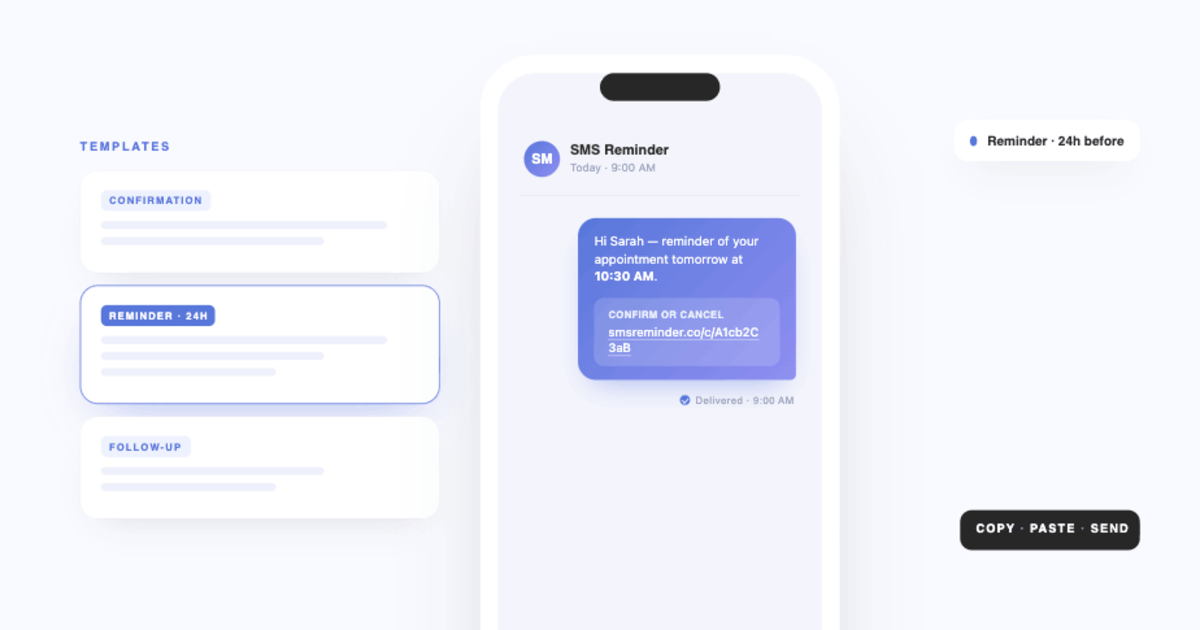
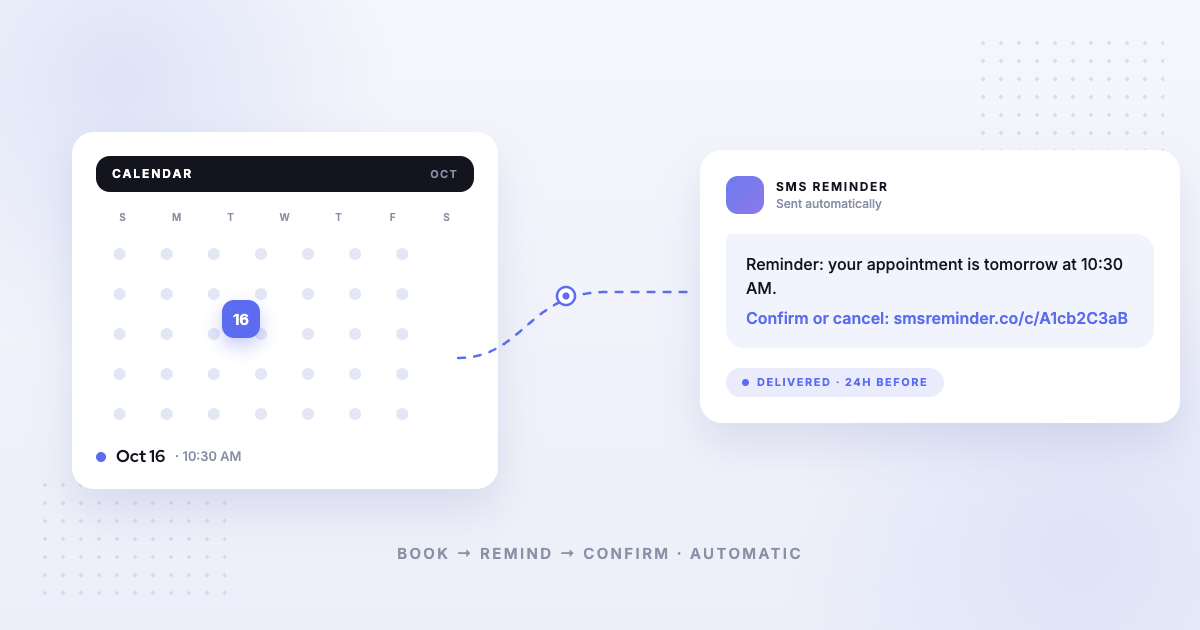
SMS Reminder connects to your Google Calendar and sends automatic reminders before each appointment. With two-way texting enabled, the conversation runs like this:
- The client gets a reminder text before their appointment.
- They reply in plain language — “Yes,” “OK,” 👍, or “Can we move to Friday?”
- SMS Reminder reads the reply and responds automatically — confirming, cancelling, or starting a reschedule — in English, French, Spanish, Italian, Portuguese, or German.
- The appointment status updates in your dashboard and on your calendar. (A reschedule is finished on your booking page.)
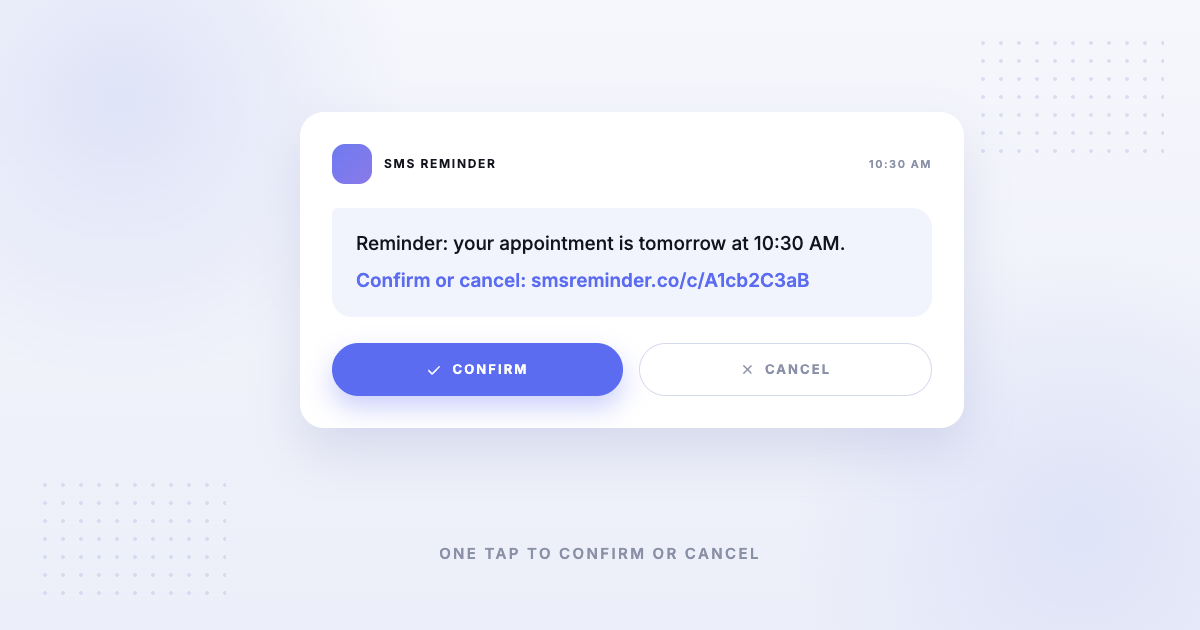
Clients can also confirm or cancel by tapping a link, if they prefer. There’s no app for them to download.
Why conversational reminders reduce no-shows
No-shows are often just friction: the client meant to confirm or cancel and never got around to the extra step. Conversational reminders remove that friction — replying is the easiest possible action. The result is more confirmations, earlier cancellations (so you can rebook the slot), and fewer appointments that quietly slip through.
For appointment-based businesses, even a small drop in no-shows adds up across a full calendar.
Getting started
- Turn on conversational reminders for your Google Calendar: Get started free
- See the full setup: how to send Google Calendar to SMS
- Let clients change their own times: how to let clients reschedule by text
- Deciding on a tool: two-way SMS vs an AI receptionist
- Compare tools: best Google Calendar text reminder apps
Frequently asked questions
What are conversational appointment reminders?
Conversational appointment reminders are text reminders a client can reply to. Instead of a one-way message, the client can text back to confirm, cancel, or ask to reschedule, and the system understands the reply and responds — a two-way conversation rather than a broadcast.
What is two-way SMS for appointments?
Two-way SMS means the reminder system can both send a text and read the client’s reply. With SMS Reminder, a client can reply in plain language (“Yes”, “Can we move to Friday?”) and the app confirms, cancels, or starts a reschedule automatically.
Is a two-way SMS reminder the same as an AI receptionist?
Not quite. An AI receptionist usually answers phone calls and books appointments by voice. A two-way SMS reminder works over text: it reminds clients and handles their replies to confirm, cancel, or reschedule. For appointment reminders specifically, two-way SMS covers the most common back-and-forth without a phone call. SMS Reminder is a text-based two-way tool, not a phone answering service.
Do clients need an app to reply?
No. Replies are standard text messages, so any mobile phone can respond — no app to download and no account to create.
How do conversational reminders reduce no-shows?
They lower the effort to respond. A client who can confirm with a one-word reply is more likely to act than one who has to open a link, log in, or call back — so more appointments get confirmed or rescheduled instead of quietly missed.
Does SMS Reminder support two-way texting?
Yes. With two-way texting set up, clients reply to confirm, cancel, or ask to reschedule and SMS Reminder responds automatically, in six languages. They can also confirm or cancel with a link. When comparing tools, it’s worth checking whether a reminder is one-way only.