On this page
Short answer: If your main goal is to stop appointment no-shows, you probably don’t need a full AI receptionist. A two-way SMS reminder — a text your clients can reply to in order to confirm or cancel — solves the no-show problem directly, for less money and less setup. An AI receptionist is a bigger tool for a bigger job: answering calls and handling new enquiries by voice. Many small businesses reach for the receptionist when what they actually need is the reminder.
What is an AI receptionist?
An AI receptionist is software that answers your phone, talks to callers, and can book or manage appointments through a voice conversation. It is designed to replace or supplement a human front desk — fielding new-customer calls, answering questions, and capturing bookings when no one is free to pick up.
That is genuinely useful if you miss a lot of inbound calls. But it is a broad, higher-cost tool, and most of its capability is aimed at answering the phone — not at reminding already-booked clients to show up.
What is a two-way SMS reminder?
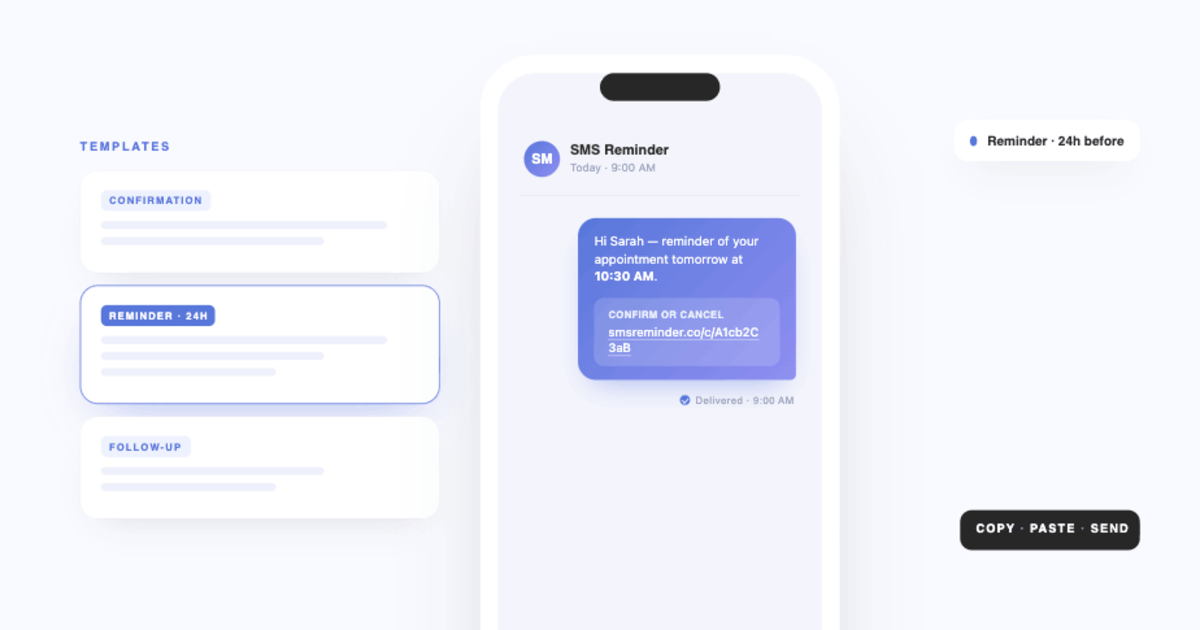
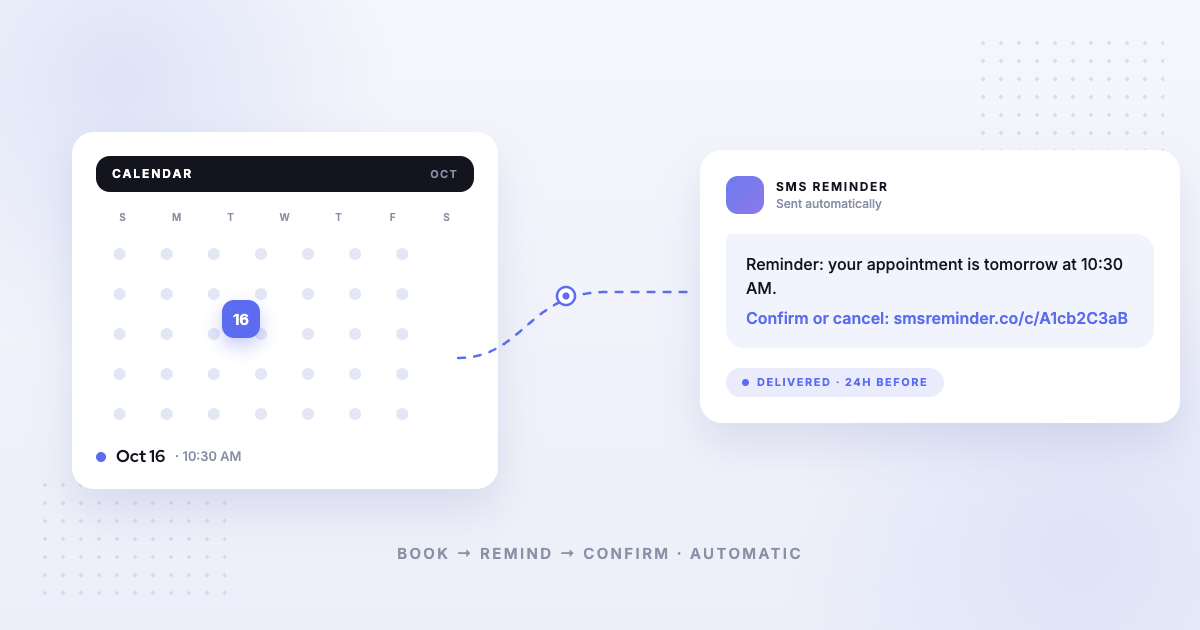
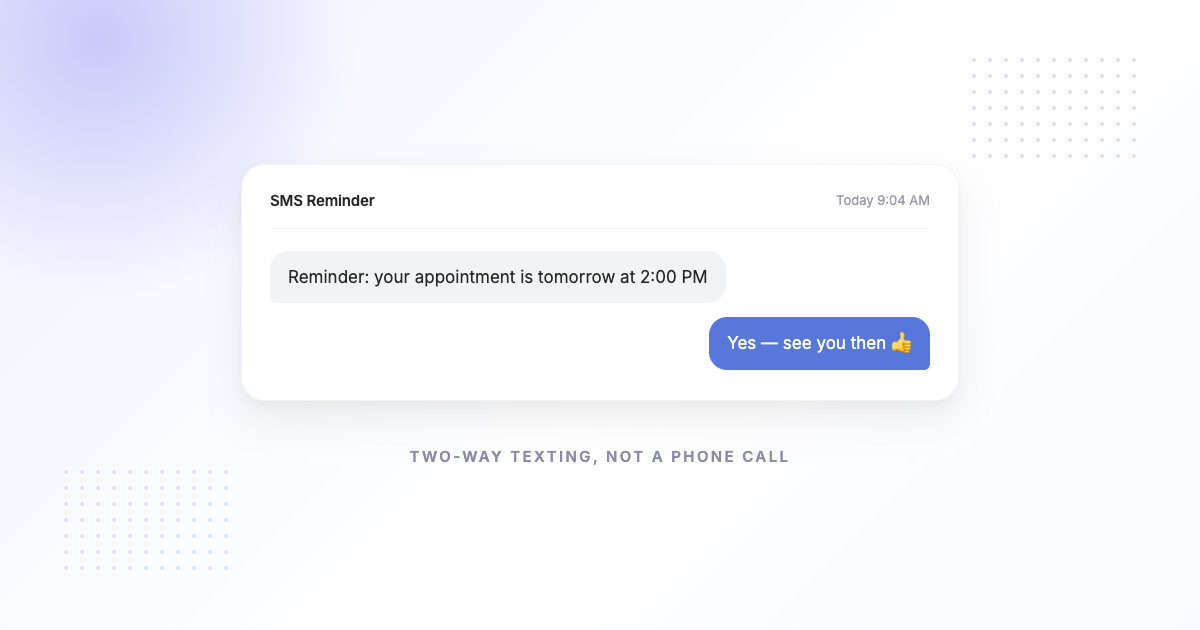
A two-way SMS reminder is an automatic text sent before each appointment that the client can reply to. With SMS Reminder, the text is generated from your Google Calendar event, and your client can reply to confirm or cancel — or tap the link in the reminder to do the same. If they ask to reschedule, the app responds and they pick a new time on the booking page.
It is a focused tool: keep booked appointments from turning into no-shows, without anyone manually chasing clients.
Two-way SMS vs AI receptionist: side by side
| Two-way SMS reminder (SMS Reminder) | AI receptionist | |
|---|---|---|
| Main job | Cut no-shows on booked appointments | Answer calls & capture new bookings by voice |
| How clients interact | Reply to a text, or tap a link | Talk to an AI on the phone |
| Confirm / cancel | Yes — reply to the SMS or tap the link | Yes, by voice |
| Reschedule | Client asks by text; completes on the booking page | By voice |
| Works from Google Calendar | Yes, natively | Varies |
| Setup | Minutes; no phone system changes | Longer; call routing / phone setup |
| Typical cost | Lower, flat monthly by SMS volume | Higher; often per-minute or premium tiers |
| Best for | Businesses that already take bookings and want them honoured | Businesses drowning in inbound calls |
Which one should you choose?
Choose a two-way SMS reminder if:
- Your clients already book with you, and the problem is that they forget or don’t show.
- You run on Google Calendar and want reminders to fire automatically from it.
- You want confirmations and cancellations without hiring or paying for a voice system.
- You want to be live in minutes, not set up a phone tree.
Choose an AI receptionist if:
- You are missing a high volume of inbound phone calls from new customers.
- Booking by voice conversation matters more to you than reminding booked clients.
- You have the budget and setup time for a full front-desk replacement.
For a lot of solo practitioners, salons, clinics, and mobile service businesses, the no-show — not the missed call — is the expensive problem. That is the job two-way SMS is built for.
Can you get both jobs done affordably?
Often, yes — by matching the tool to the problem. If no-shows are your pain, start with automatic two-way SMS reminders from your calendar; it is the cheaper, faster fix and it is what most “I need an AI receptionist” searches are really trying to solve.
How SMS Reminder handles it
SMS Reminder connects to your Google Calendar and texts each client before their appointment. They can reply to confirm or cancel, or tap the link in the message. If they want a different time, they ask and finish rescheduling on the booking page — no phone tag, no front desk required. You can also share a booking link so new clients self-schedule straight into your calendar.
Get started free and have reminders going out today.
Frequently asked questions
Is a two-way SMS reminder the same as an AI receptionist?
No. A two-way SMS reminder sends a text before an appointment that clients can reply to in order to confirm or cancel. An AI receptionist answers phone calls and books by voice. They solve different problems — reminders reduce no-shows; receptionists handle inbound calls.
Do I need an AI receptionist to reduce no-shows?
Usually not. No-shows come from booked clients forgetting or not confirming, which an automatic reminder they can reply to addresses directly — without a phone system.
Can clients reschedule by text?
Clients can reply to ask for a new time, and SMS Reminder responds; the reschedule is then confirmed on the booking page.
Does SMS Reminder work with Google Calendar?
Yes. Reminders are generated automatically from your Google Calendar events.