Reducing no-shows comes down to a simple system: send timely SMS reminders, make it easy for clients to confirm or reschedule, and automate the process so it happens consistently for every appointment.
1. Send SMS appointment reminders
SMS reminders are one of the most effective ways to reduce no-shows. Text messages are seen quickly and are much harder to miss than email.
Clients are busy. A reminder helps keep the appointment top of mind and gives them time to confirm or reschedule if needed.
Best practice:
- Send a reminder 24 hours before the appointment
- Send a second reminder the same day
- Include a clear confirmation option
Key takeaway: SMS reminders help reduce missed appointments by making it easy for clients to remember, confirm, or reschedule.
Try SMS Reminder free — it can send appointment reminders automatically from Google Calendar.
2. Require appointment confirmations
A reminder is helpful, but a confirmation request is even better.
Asking clients to confirm gives you an early signal about whether they still plan to attend. If they do not respond, you can follow up before the appointment time is lost.
Example:
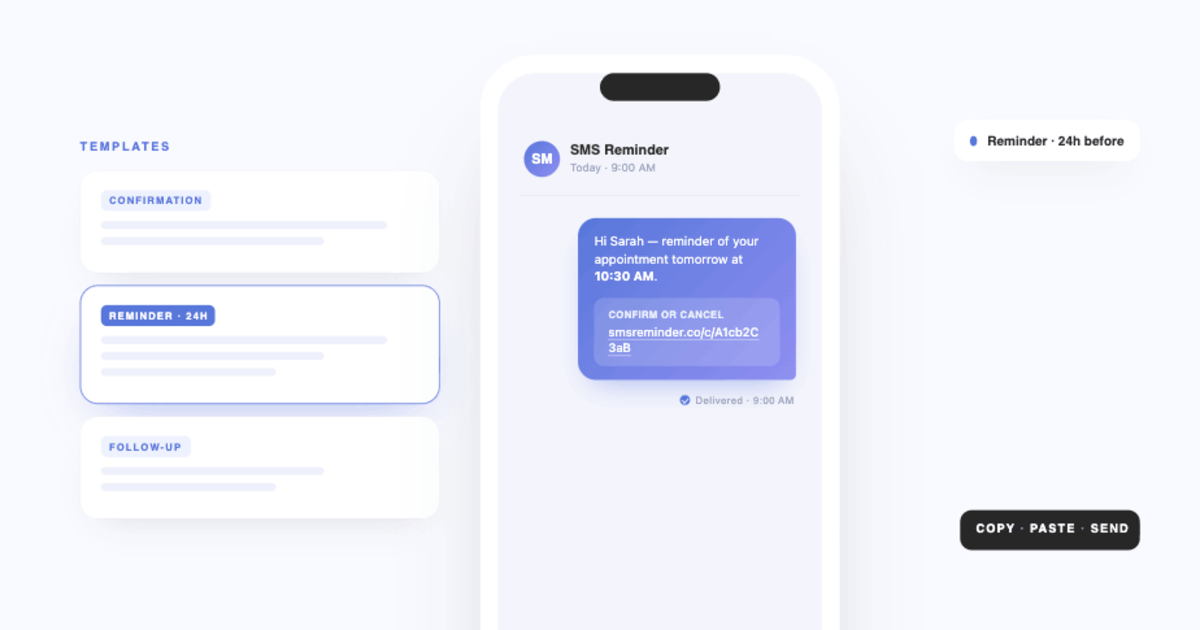
“Hi Sarah, just a reminder of your appointment tomorrow at 2:00 PM. Click to confirm…”
If they do not confirm, you can send a follow-up reminder, contact them manually if needed, or open the slot for someone else.
Key takeaway: Confirmation requests help you catch risky appointments before they turn into no-shows.
3. Make it easy to confirm or cancel
Sometimes clients do not show up simply because taking action feels inconvenient.
If someone cannot make it, they are much more likely to act when the process is fast and obvious.
Make it easier by:
- Including a link so clients can confirm or cancel easily in the reminder
- Offering flexible appointment times
- Having a clear cancellation policy they know about ahead of time
The easier it is to respond to a reminder, the less likely it is that a client will simply not show up.
Key takeaway: Low-friction confirmation and cancellation options reduce silent no-shows and help recover slots that would otherwise be lost.
4. Set clear expectations at booking
No-shows often begin at the booking stage.
If a client is unclear on the date, time, location, or cancellation policy, the chance of a missed appointment increases.
When someone books, make sure they clearly receive:
- The appointment date and time
- The location or meeting link
- Your cancellation or rescheduling policy
- What they need to do next
This creates accountability and reduces confusion later.
Key takeaway: Clear booking communication prevents avoidable no-shows before they happen.
5. Use an automated reminder system
Manual reminders are easy to forget, especially when your schedule gets busy.
Automation makes your process more consistent and removes the need to remember every follow-up yourself.
An automated reminder system can help you:
- Send reminders at the right time
- Track confirmations
- Reduce admin work
- Create a more professional client experience
This is especially helpful for businesses managing frequent appointments or repeat customers.
Key takeaway: Automation reduces no-shows by ensuring every appointment gets the right follow-up at the right time.
Get started with SMS Reminder to automate appointment reminders and confirmations from Google Calendar.
6. Send more than one reminder
One reminder is often not enough.
People miss messages, get distracted, or intend to reply later and forget. A second reminder can make a big difference without feeling excessive.
A simple reminder schedule:
- 24 hours before the appointment
- 2 to 3 hours before the appointment
This gives clients enough notice while still catching same-day forgetfulness.
Key takeaway: Multiple reminders improve attendance without creating extra manual work.
7. Track and improve your no-show rate
If you want to reduce no-shows over time, track what is happening.
Look at patterns such as:
- Which appointment types get missed most often
- Which clients confirm vs do not confirm
- Which reminder timings get the best response
Once you see patterns, you can improve your reminder strategy and reduce missed appointments more consistently.
Key takeaway: Tracking confirmation and reminder behaviour helps you improve your no-show prevention system over time.
How SMS Reminder helps reduce no-shows
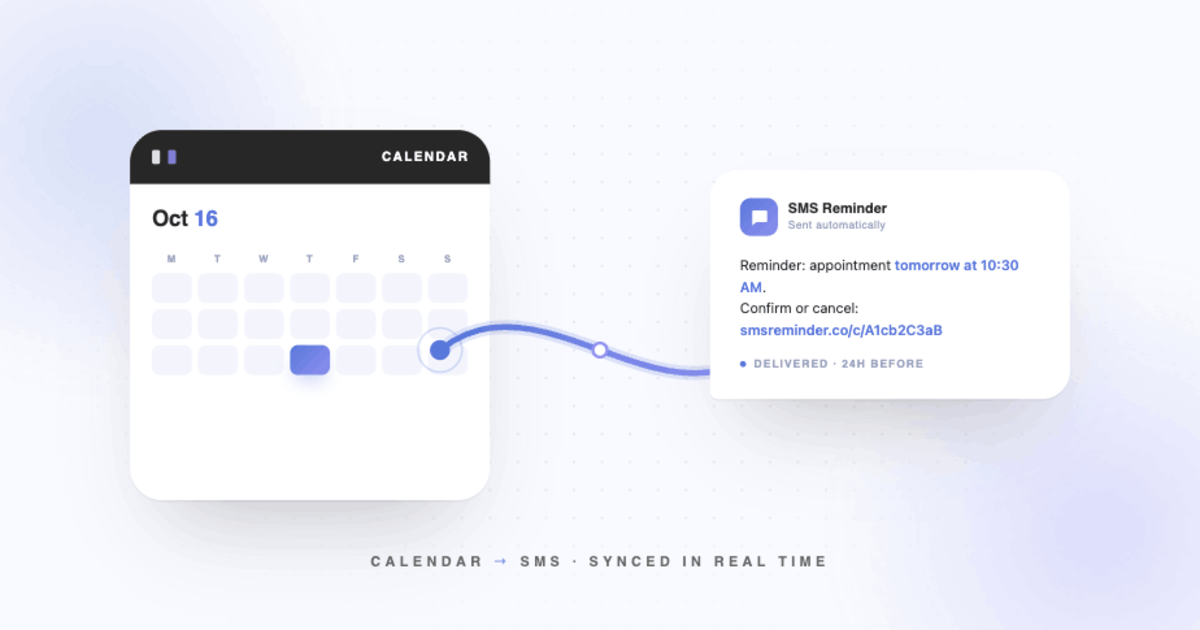
SMS Reminder for Google Calendar helps businesses reduce missed appointments by automating client communication.
With SMS Reminder, you can:
- Send SMS appointment reminders automatically
- Request client confirmations via a link in the reminder
- Reduce manual admin work
- Keep your calendar running more smoothly
If you rely on Google Calendar to manage appointments, SMS Reminder helps you turn it into a more reliable appointment system.
Frequently asked questions
How many reminders should I send before an appointment?
Most businesses see the best results with one reminder 24 hours before the appointment and a second reminder on the same day.
Do SMS reminders reduce no-shows?
Yes. SMS reminders are one of the most effective ways to reduce no-shows because text messages are seen quickly and are harder to overlook than email.
What is the best time to send appointment reminders?
A common best practice is to send one reminder 24 hours before the appointment and another 2 to 3 hours before the scheduled time.
Should I use SMS or email reminders?
SMS is generally more effective for appointment reminders because it is immediate, visible, and more likely to be opened quickly.
What should an appointment reminder include?
A good appointment reminder should include the client’s name, appointment date, appointment time, location or meeting link, and a simple way to confirm or reschedule.