On this page
Confirmations turn a reminder into a commitment — and tell you who still hasn’t responded.
Quick answer
Appointment confirmation software asks clients to confirm before their appointment and shows you who hasn’t — so you can follow up before an unconfirmed booking turns into a no-show. Clients confirm by replying to a text or tapping a link, and their status updates automatically. Scheduling more than one reminder gives anyone who hasn’t acted a second nudge.
What is appointment confirmation software?
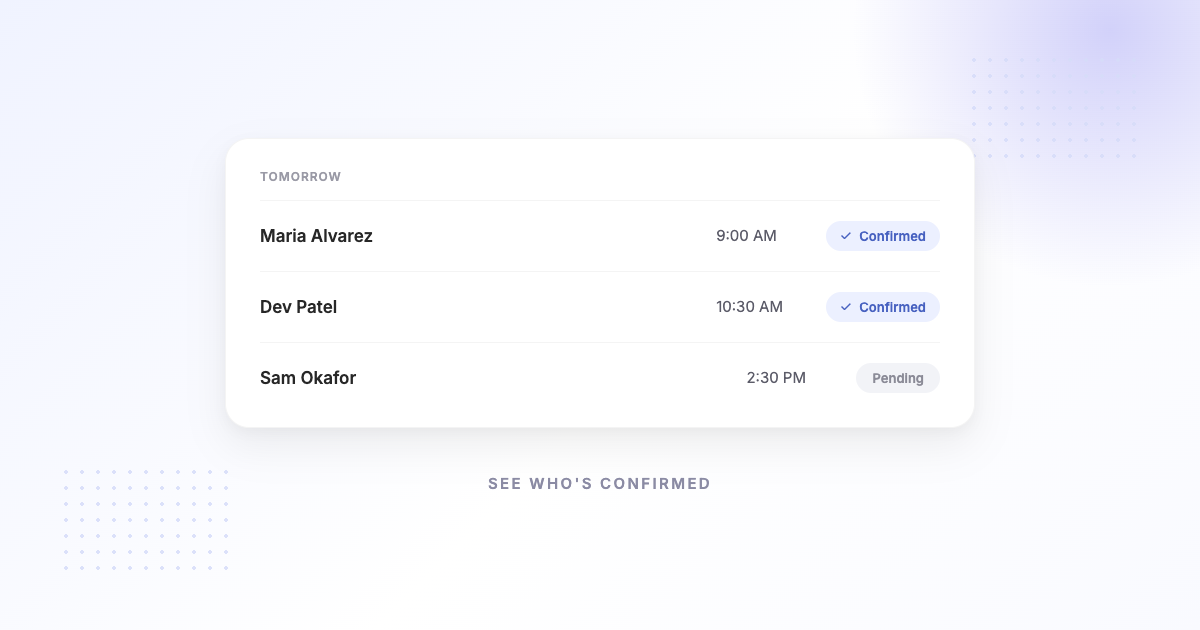
Appointment confirmation software turns a one-way reminder into a check: instead of just telling a client about their appointment, it asks them to confirm it. The client responds — typically by replying to an SMS or tapping a confirm/cancel link — and the tool records the outcome so you can see, at a glance, which appointments are confirmed and which are still open.
That visibility is the point. A confirmed appointment is far more likely to happen; an unconfirmed one is a flag to follow up.
How confirmations reduce no-shows
Two things drive the effect. First, asking for a confirmation prompts the client to actually check their calendar and commit — a small action that makes them more likely to show. Second, it gives you early signal: if someone hasn’t confirmed as the date approaches, you can reach out, or offer the slot elsewhere if they cancel. Either way you’re acting on information instead of finding out when the chair stays empty.
When a client doesn’t confirm
No confirmation isn’t the same as a no-show — it’s a prompt to nudge. The simplest, most reliable approach is to send more than one reminder: for example, one 24 hours ahead and another a couple of hours before. Anyone who hasn’t confirmed gets a second, timely reminder, and clients who need to cancel get another easy chance to tell you early. You keep the visibility of who’s confirmed without having to chase people by phone.
A simple escalation ladder works better than a single ask:
- Confirmation at booking — the details in writing, and a first chance to respond.
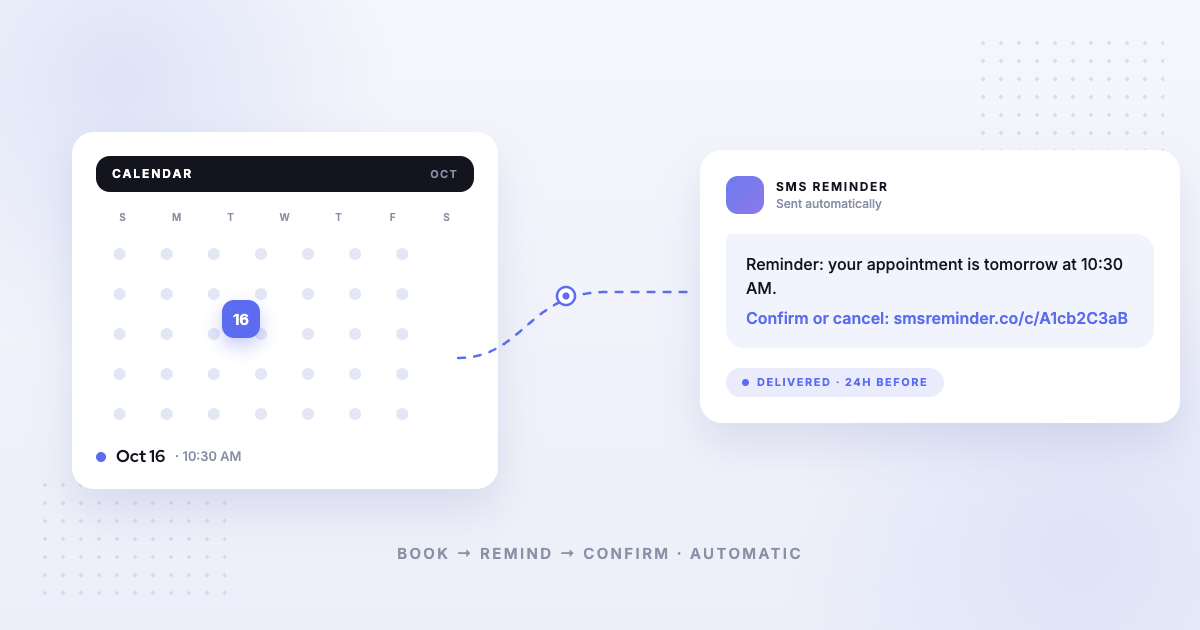
- Reminder 24 hours before, with confirm and cancel options. Most replies arrive here.
- Reminder 1–2 hours before for anyone who still hasn’t answered.
- A human step for the few that matter most — a quick call for high-value or long appointments, using the unconfirmed list as your call sheet.
The point of the ladder is to spend your attention only where automation didn’t work. You can draft the wording in the SMS reminder template generator and see how it reads before you send it.
How SMS Reminder handles confirmations
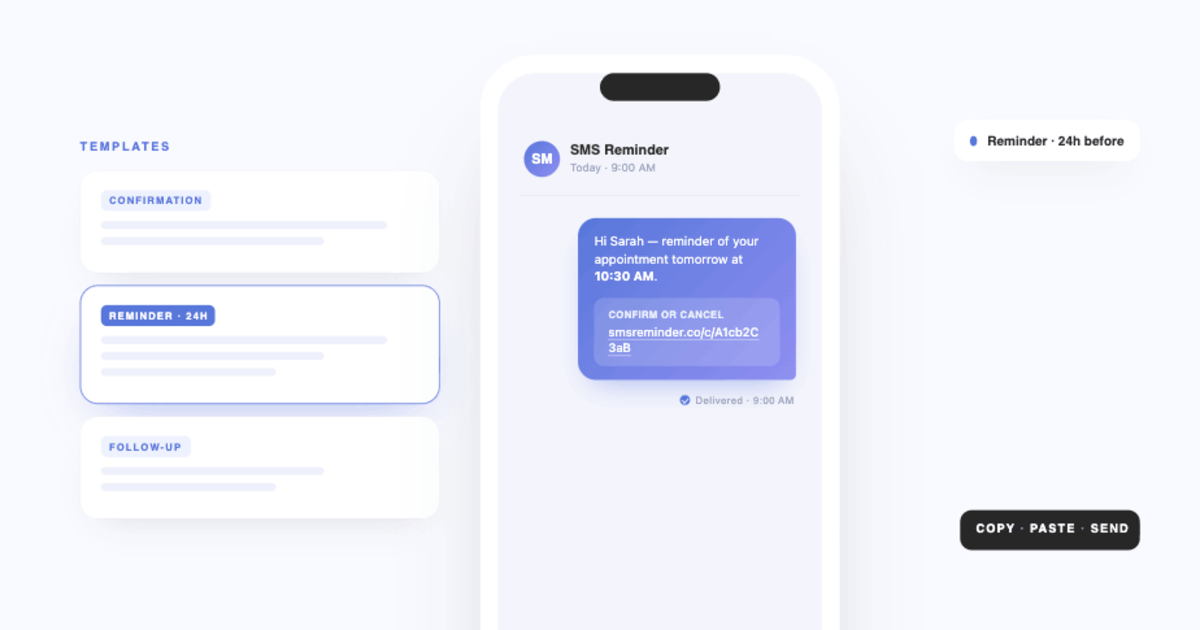
With confirmations enabled, SMS Reminder’s reminder includes the option to confirm or cancel — and clients can simply reply to the text in plain language. The app reads the reply and confirms, cancels, or handles a reschedule request automatically, in English, French, Spanish, Italian, Portuguese, or German, and the status updates for you. You can also set your reminder timing — 24 hours, 2 hours, or any lead time — and schedule more than one reminder so unconfirmed clients get a follow-up nudge.
Get started free and turn reminders into confirmations.
Related: conversational, two-way reminders and how to reduce no-shows.
Frequently asked questions
What is appointment confirmation software?
It’s software that asks clients to confirm an upcoming appointment — usually by replying to a text or tapping a link — and shows you who has and hasn’t confirmed, so you can act on the unconfirmed ones before they become no-shows.
How do automatic appointment confirmations work?
Before the appointment, the client gets a message asking them to confirm. They confirm by replying to the SMS or tapping a link, and their status updates automatically. With SMS Reminder, clients can also cancel or ask to reschedule the same way.
What happens if a client doesn’t confirm?
You can see who hasn’t confirmed and follow up. A practical approach is to schedule more than one reminder — for example 24 hours and 2 hours before — so anyone who hasn’t acted gets another nudge closer to the time.
Does SMS Reminder support two-way confirmations?
Yes. Clients reply to confirm or cancel — or tap the link — and the app reads the reply and updates the status automatically, in six languages.