On this page
EZ Texting and Kalama (formerly SMS Reminder) are often compared, but they’re built for different jobs. EZ Texting describes itself as “SMS Marketing That’s Easy to Use & Impossible to Outgrow.”1 Kalama (formerly SMS Reminder) does one thing: text reminders for the appointments already in your Google Calendar. This guide compares the two honestly, using EZ Texting’s own published documentation.
Quick answer
Kalama (formerly SMS Reminder) is the better fit if your goal is appointment reminders tied to Google Calendar. It reads your calendar directly, texts clients before each appointment, and handles their replies automatically.
EZ Texting is a mass-texting platform. It can send appointment reminders, and it does support two-way texting.2 But connecting it to Google Calendar goes through Zapier rather than a native integration,3 the Zap reads the client’s phone number from the calendar event’s Location field and fails silently if that field is empty,3 and EZ Texting requires your contacts to opt in by texting a keyword before they can receive reminders.3 For a marketing list that’s correct and necessary. For a client who just booked a haircut, it’s a step that often doesn’t happen.
Two different jobs
EZ Texting’s own positioning is clear. Its homepage leads with mass texting and MMS for SMS marketing,1 and its appointments page frames the product as the messaging layer on top of bookings made elsewhere: “Instantly remind and confirm appointments booked through other channels (such as your website or phone) via mass text message.”4
That’s an accurate description of what it is — a broadcast and campaign tool that can also do reminders. If you’re running promotions, alerts and campaigns to a list of thousands, that breadth is the point, and a purpose-built reminder tool would be too narrow for you.
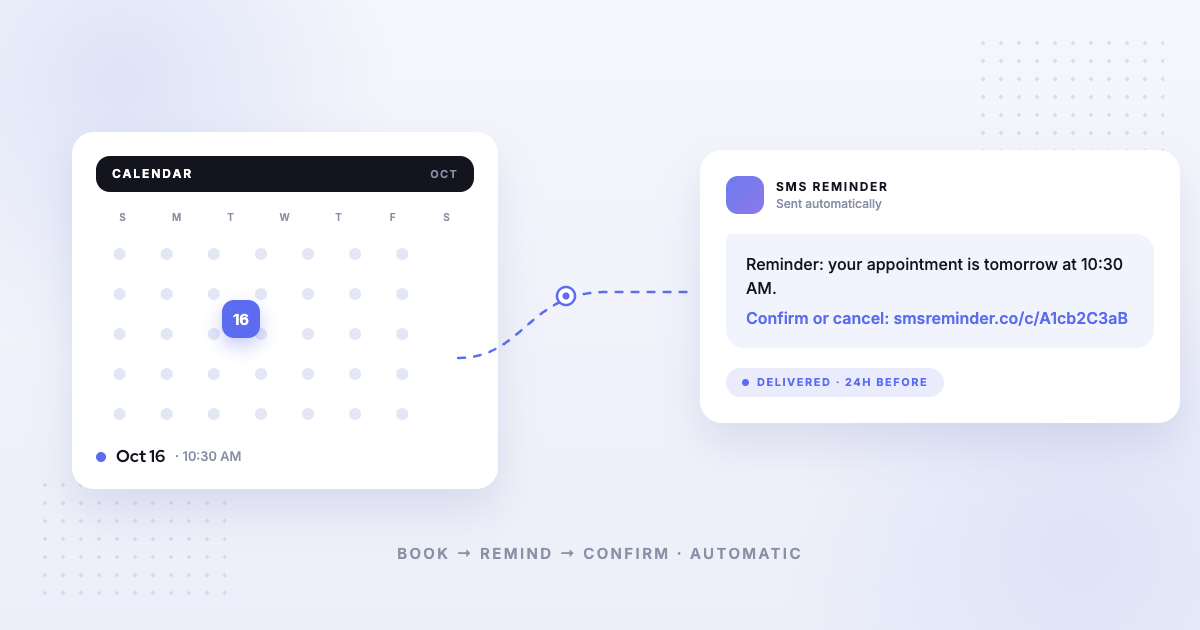
Kalama (formerly SMS Reminder) is the opposite trade: it doesn’t do campaigns at all. It watches your Google Calendar and sends the right text at the right time.
How EZ Texting connects to Google Calendar
It’s worth being precise here, because “no integration” would be wrong.
EZ Texting does list Google Calendar in its integrations directory, and its help centre publishes a step-by-step guide to automating appointment reminders from Google Calendar events.5,3 The connection is Zapier-mediated, not native — the directory entry links to a Zapier embed, and the help article walks through building a Zap with “a Trigger (Event Start in Google Calendar) and an Action (Send Message in EZ Texting).“3
What that setup involves, in EZ Texting’s own words:
- A Zapier account is required. “If you do not have a Zapier account you will need to create one. Zapier is free for fewer than 100 ‘tasks’ per month. The free level is also limited to one-action ‘zaps’… A paid account is needed to unlock premium Zapier features.”3
- The phone number lives in the Location field. “We suggest placing the contact’s phone number in the location field.”3 And the warning that follows: “If a Google Calendar event does not include a phone number in the Location field, the Zap will fail and a message will not be sent.”3
- You filter by keyword in the event title. “Input the search term so that the zap will only trigger on events containing a specific keyword, for example, ‘appointment’. Only calendar events containing the search term will trigger a reminder SMS.”3 Search operators like AND or OR aren’t supported.3
None of that is unreasonable for a marketing platform. It does mean the reliability of your reminders depends on everyone who touches the calendar formatting events correctly, every time.
EZ Texting’s native automation works differently again: its Workflows fire from a date field on a contact record inside an EZ Texting list, not from a calendar at all.6
The opt-in requirement
This is the difference that catches most appointment businesses out.
EZ Texting’s help centre states: “Contacts must opt-in to receive text reminders to ensure compliance with carrier regulations. To opt-in, they can simply text a keyword to confirm their consent to receive text reminders.”3
There’s also mandatory carrier registration before you can send at all: “all SMS and MMS messages sent to phone numbers in the U.S. using +1 10DLC phone numbers must be sent through an approved A2P campaign,” and “New businesses and organizations joining EZ Texting will need to register their accounts and be approved before sending.”7 EZ Texting includes standard registration at no extra cost;8 high-volume registration carries a one-time $90 setup fee on the Boost plan, waived on Scale.7
These are real carrier rules and EZ Texting handles them properly. The question is whether asking a client to text a keyword before you can remind them about the appointment they just booked fits how your business runs.
Where EZ Texting is the better tool
We’d rather say this plainly than pretend otherwise. Choose EZ Texting if you need:
- Bulk marketing campaigns and promotional broadcasts to a large list
- MMS — images, GIFs, video8
- Keywords, QR codes and signup forms for growing an opt-in list8
- A shared team inbox for ongoing text conversations at volume2
EZ Texting is a mature product doing a job Kalama (formerly SMS Reminder) doesn’t attempt.
Pricing
Point-in-time snapshot — verify current pricing on each provider’s site.
- Kalama (formerly SMS Reminder) — free plan (booking page on your primary calendar, 1 user, 25 reminders one time); paid plans from $19/mo USD.
- EZ Texting — Launch from $25/month (or $20 billed annually), Boost from $75 ($60), Scale from $125 ($100), Enterprise from $3,000. Launch, Boost and Scale each include 500 monthly credits, with overage at $0.04, $0.035 and $0.03 per credit respectively. One SMS of 160 characters or less is one credit.8 A $5/month telecom fee applies on Launch and is waived on higher plans; each plan includes one user seat, with additional seats at $10/month.8 EZ Texting operates in the United States and Canada.8
Which should you choose?
- Choose Kalama (formerly SMS Reminder) if your appointments live in Google Calendar and you want reminders that work without building a Zap, formatting event fields a particular way, or collecting a keyword opt-in first. Get started free
- Choose EZ Texting if SMS marketing is the actual job — campaigns, promotions, MMS and list growth — and appointment reminders are a secondary use you’re happy to wire up through Zapier.
For a broader view, see our comparison of the best Google Calendar text reminder apps or all our alternative comparisons.
Sources
Competitor details can change — the following were verified on EZ Texting’s own site and help centre on the access dates shown, and you should confirm current information on EZ Texting’s site before deciding.
- EZ Texting — Homepage, https://www.eztexting.com/, accessed 2026-08-19.
- EZ Texting — “Two-Way Texting,” https://www.eztexting.com/features/two-way-texting, accessed 2026-08-19.
- EZ Texting — “How to Automate Appointment Reminders with Zapier,” EZ Texting Help Center, https://callfire.my.site.com/answers/s/article/How-to-Automate-Appointment-Reminders-with-Zapier, accessed 2026-08-19.
- EZ Texting — “Turn Texts Into Appointments,” https://www.eztexting.com/turn-texts-into/appointments, accessed 2026-08-19.
- EZ Texting — Integrations directory, Google category, https://www.eztexting.com/integrations, accessed 2026-08-19.
- EZ Texting — “Appointment Reminders & Confirmations” workflow template, https://www.eztexting.com/features/workflows/templates/appointment-reminders, accessed 2026-08-19.
- EZ Texting — “10DLC & A2P,” https://www.eztexting.com/features/10dlc-a2p, accessed 2026-08-19.
- EZ Texting — Pricing, https://www.eztexting.com/pricing, accessed 2026-08-19.