On this page
If you’re weighing up appointment reminder or scheduling tools, this page collects every comparison we’ve published, grouped by the kind of product you’re actually comparing against.
Quick answer
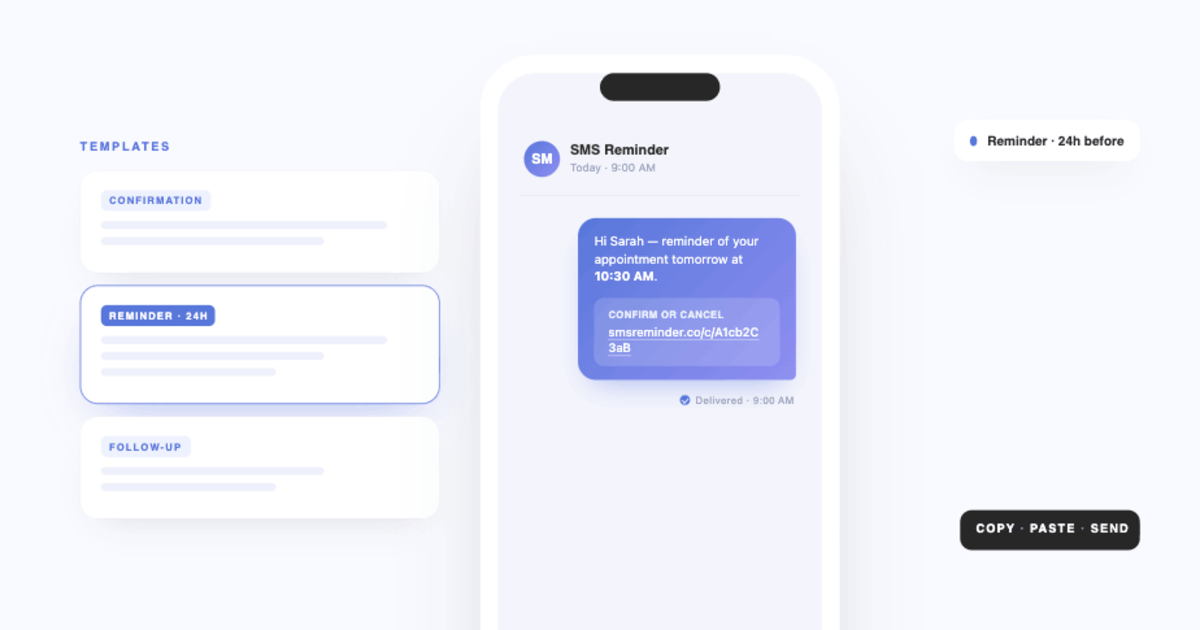
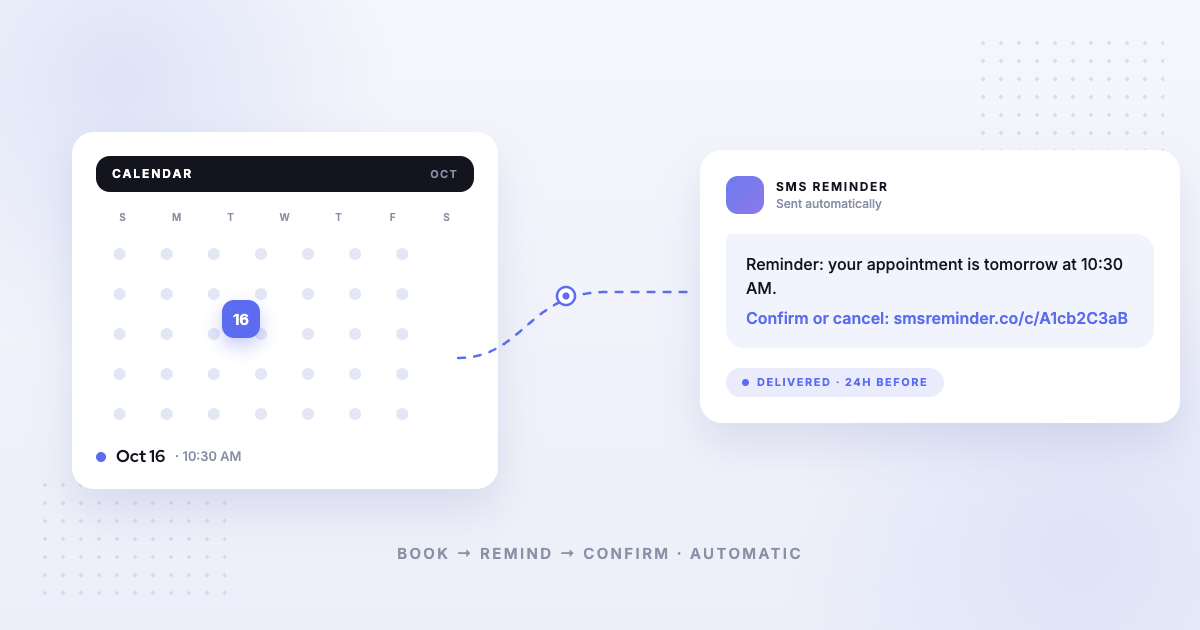
Kalama (formerly SMS Reminder) is a focused tool: it connects to the Google Calendar you already use, sends automatic SMS reminders for the appointments in it, and supports two-way texting — clients reply in plain language to confirm or cancel and the app answers automatically, or they tap the link in the reminder.
That focus is the trade-off worth understanding. It includes a free booking page, but if you need to take deposits, run classes, or manage a full customer database, a broader scheduling platform will serve you better, and the comparisons below say so where it’s true.
Start here: what actually differs
Across every tool we’ve compared, the same three questions decide the fit:
- Where do your appointments come from? If they’re already in Google Calendar — booked by phone, walk-in, or an existing system — a reminder tool reads them directly. Most scheduling platforms need the appointment to be created inside their system before they’ll notify anyone about it.
- Can the client reply — and who answers? Some tools send one-way texts. Some forward replies to your email inbox. Some don’t document it either way. Kalama (formerly SMS Reminder) handles confirmations, cancellations and reschedule requests itself, and emails you when something needs a human, such as a question.
- Are the reminders included, or metered? Several tools price SMS separately from the subscription, so the number on the pricing page isn’t the monthly cost.
Scheduling platforms
Broad booking systems where reminders are one feature among many.
- Calendly alternative — Calendly sends SMS via Workflows, but its documentation states replies from invitees aren’t delivered or monitored.
- Acuity Scheduling alternative — a full scheduling platform; comparison covers its SMS reminder model.
- Square Appointments alternative — strong if you’re already on Square for payments.
- Setmore alternative — generous free tier, but SMS is Pro-only and Setmore doesn’t allow URLs in text reminders, so the confirm link moves to email.
- YouCanBookMe alternative — replies are received, but converted to email; SMS is an extra charge on every plan.
- SimplyBook.me alternative — large custom-feature catalogue; SMS sold as credits that aren’t included in any plan.
Dedicated reminder tools
The closest comparisons — products solving the same problem we do.
- GoReminders alternative — Google-Calendar-native and two-way compared.
- GReminders alternative — requires a Google Workspace account; comparison covers what that means in practice.
- Apptoto alternative — Apptoto also does two-way texting; the comparison is about focus and price rather than capability.
- AppointmentReminder.com alternative — a direct comparison of the two reminder services.
SMS and messaging platforms
Tools built for texting generally, rather than appointments specifically.
- EZ Texting alternative — SMS marketing software; it supports two-way texting and connects to Google Calendar, but through Zapier rather than natively, and contacts must opt in by keyword first.
- Two-way SMS vs AI receptionists — whether you need a conversational AI phone agent, or whether text replies cover it.
- Affordable AI receptionist alternative: what answering services cost — published prices from $79 to $285/month, what each one meters on top, and when an answering service is genuinely the right buy.
Shopify booking apps
If you sell services through Shopify, these compare our Shopify app against the booking apps in that ecosystem.
- Shopify booking app comparison — the overview
- vs Cowlendar · vs Appointo · vs BTA · vs Apntly · vs Calendly
- Best free booking app for Shopify
Roundups and category guides
Not a head-to-head — broader guides for working out which category you need.
- Best appointment reminder software (2026): a buyer’s guide
- 7 best Google Calendar text reminder apps, compared
- Conversational appointment reminders explained
- Appointment confirmation software
Frequently asked questions
Best alternatives for automated booking systems that integrate seamlessly with existing calendar apps
If your existing calendar is Google Calendar, look for a tool that works inside it rather than replacing it. Kalama (formerly SMS Reminder) reads and writes to Google Calendar directly, adds a booking page and automatic SMS reminders, and needs no migration. It isn’t built for other calendar apps, so if you run Outlook or iCloud, choose a tool that supports those natively.
What is the best alternative to my current appointment scheduling tool?
It depends what job you need done. If your appointments already live in Google Calendar and the gap is text reminders, a dedicated reminder tool fits better than replacing your whole scheduling system. If you need clients to self-book, a scheduling platform is the right category. Each comparison below states plainly which situations favour the other tool.
Do these comparisons only argue for Kalama (formerly SMS Reminder)?
No. Every comparison includes a section on when the other product is the better choice, and we cite the competitor’s own documentation for each factual claim rather than paraphrasing reviews. Where a competitor’s docs don’t answer a question, we say so instead of guessing.
How we write these comparisons
Every factual claim about another product on these pages is checked against that company’s own published documentation — their pricing page, help centre, or product docs — never against reviews, roundups or forum posts. Each claim carries a numbered source with the date we accessed it.
Where a competitor’s documentation doesn’t answer a question, we say that explicitly rather than inferring an answer. If their help centre is silent on whether clients can reply to a text, we tell you it’s silent — we don’t turn that into a claim that the feature is missing.
Prices and features change constantly. Treat every figure as a point-in-time snapshot and confirm on the provider’s own site before you decide.
Ready to try the alternative? Get started free