On this page
Setmore is a capable, well-priced booking platform with a genuinely useful free tier. But if your appointments already live in Google Calendar, and you want a text reminder your clients can act on directly, there are a few specific constraints in Setmore’s own documentation worth knowing about first. This guide compares Kalama (formerly SMS Reminder) as a Setmore alternative, using Setmore’s own published details.
Quick answer
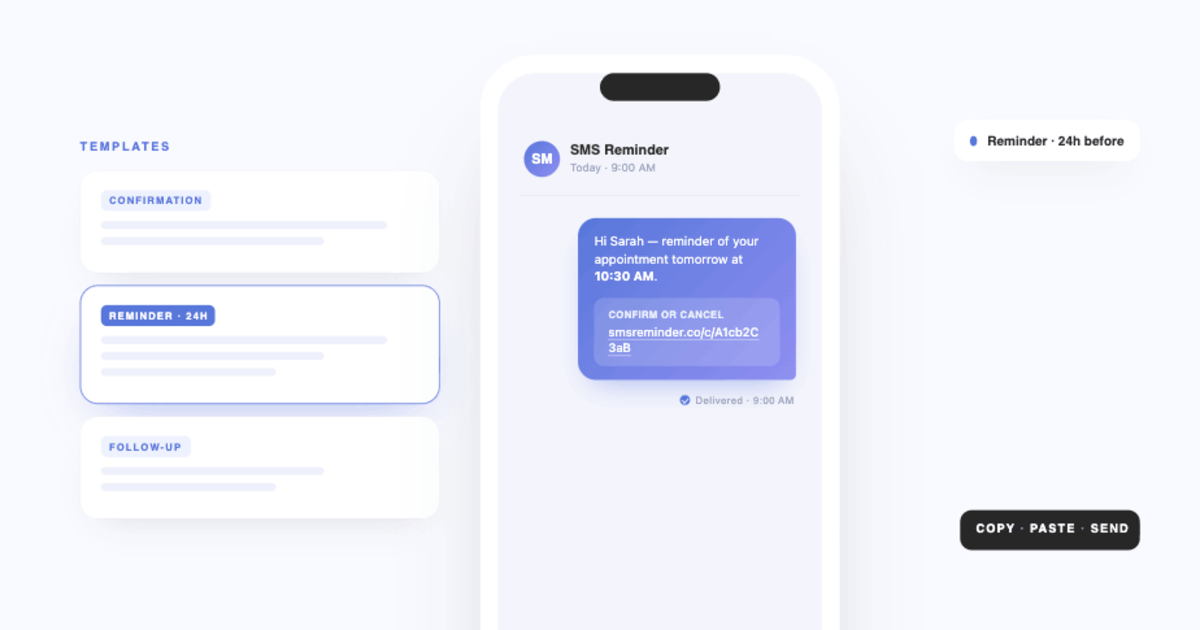
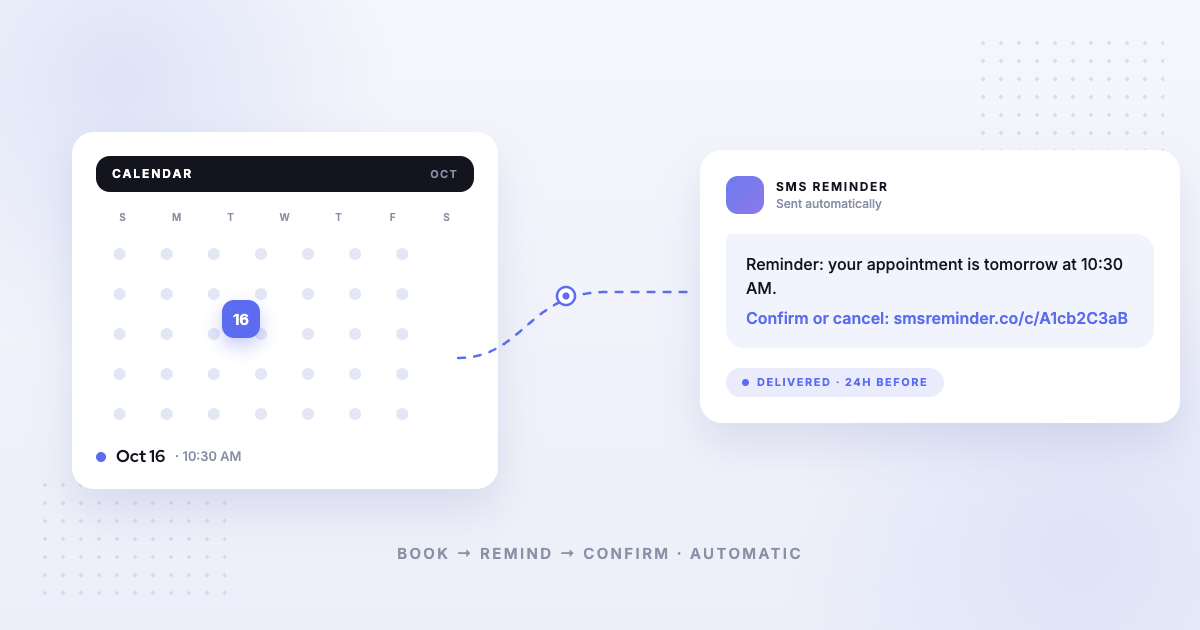
Kalama (formerly SMS Reminder) is a strong Setmore alternative when your priority is automatic SMS reminders for appointments in Google Calendar. It reads the calendar you already use, texts clients before each appointment, and the reminder carries a link they can tap to confirm or cancel — or they can simply reply in plain language and the app answers automatically.
Setmore also sends text reminders, on its Pro plan.1 Two documented constraints matter most for appointment businesses. Setmore does not allow URLs in SMS reminders2 — so the text cannot carry a confirm, cancel or reschedule link; Setmore routes those actions through email instead.3 And each appointment triggers a single SMS reminder,2 where many appointment businesses want a 24-hour and a same-day nudge.
Why look for a Setmore alternative
Setmore is a booking platform first: customers book through your Setmore Booking Page, and reminders attach to those bookings. Setmore’s own usage policy describes its SMS as “intended solely for appointment reminders for bookings made in Setmore.”4
If your appointments arrive some other way — booked by phone, added by a receptionist, entered straight into Google Calendar — then a booking platform is solving a problem you may not have, while the reminder layer is the part you actually need.
How Setmore’s text reminders work
From Setmore’s own documentation:
- Pro plan only. Setmore’s FAQ states: “Sending text reminders to clients is exclusive to Pro accounts.”1 The pricing table marks SMS reminders as unavailable on Free.5
- One reminder per appointment. “Each appointment triggers a single SMS reminder for the booked service or class.”2 The pricing table notes Free sends one reminder and Pro sends two.5
- No URLs. “Unfortunately, we do not allow URLs in SMS reminders. This restriction is due to our SMS provider, Twilio.”2
- Lead time capped at 30 days. “You can select a lead time of up to 30 days.”2
- Country restrictions. Setmore publishes a list of countries and territories where SMS reminders cannot be sent, and states that “clients in unsupported countries will receive email reminders for their appointments.”4
- Fair-use limits. SMS is subject to a fair usage policy; Setmore reserves the right to block sending if usage looks inconsistent with appointment reminders.4
To be even-handed: SMS delivery is restricted by country for us too — our own unsupported countries list is published for the same reason. Carrier rules, not product limits, drive most of this.
The key difference: links and replies
The link. Because Setmore doesn’t allow URLs in SMS,2 a Setmore text reminder can tell a client about the appointment but can’t give them anything to tap. Setmore’s notifications documentation puts cancel and reschedule in the email: “customers can reschedule or cancel their own appointment from their email notifications.”3 That works — provided your client reads the email.
With Kalama (formerly SMS Reminder), the confirm-or-cancel link sits in the text itself, which is the message people actually open.
The reply. Here we want to be careful and fair. Setmore’s published documentation does not describe what happens when a client replies to a text reminder. We searched their help centre and their text-reminders FAQ and found no article covering inbound SMS, replies, or two-way texting — but silence in documentation is not the same as a product limitation, and we’re not going to claim Setmore can’t do something it simply hasn’t written about. What we can say is that Setmore documents its text reminders as automated outbound messages, and publishes no two-way texting capability.
What Kalama (formerly SMS Reminder) does is documented: clients reply in plain language — “Yes”, “OK”, “Can’t make it”, 👍 — and the app responds automatically in six languages. Confirmations update the appointment status. Cancellations, reschedule requests and questions email you with the client’s exact words, and a reschedule request sends the client your booking page to pick a new time.
How each one uses Google Calendar
Both connect to Google Calendar, but in opposite directions.
Setmore’s 2-way sync is a Pro feature — “2-way sync requires a Pro subscription”6 — and it works by exporting Setmore appointments out to Google, while importing Google events in as blocked time so customers can’t book over them.7 Setmore’s own sync documentation distinguishes throughout between Setmore appointments and imported Google events.7
Kalama (formerly SMS Reminder) works the other way round. It reads the appointments already in your Google Calendar and sends reminders for those. There’s no migration, no separate booking system to adopt, and your calendar stays the source of truth.
Pricing
Point-in-time snapshot — verify current pricing on each provider’s site.
- Kalama (formerly SMS Reminder) — free plan (booking page on your primary calendar, 1 user, 25 reminders one time); paid plans from $19/mo USD.
- Setmore — Free at $0 for up to 4 users (email reminders only, no SMS).5 Pro at $12 per user on monthly billing, or $5 per user on annual billing.8
Setmore’s free tier is genuinely generous and its Pro pricing is low. If email reminders are enough for your clients, Setmore’s Free plan is a reasonable place to start — we’d rather say that plainly than pretend otherwise.
Which should you choose?
- Choose Kalama (formerly SMS Reminder) if your appointments already live in Google Calendar, and you want a text reminder carrying a tappable confirm-or-cancel link that clients can also just reply to. It also includes a booking page that books clients straight into Google Calendar. Get started free
- Choose Setmore if you want a full booking platform with payments, classes and a booking page, you’re happy for clients to book inside Setmore, and one text reminder without a link — or email reminders on the free tier — covers your needs.
For a broader view, see our comparison of the best Google Calendar text reminder apps or all our alternative comparisons.
Sources
Competitor details can change — the following were verified on Setmore’s own site on the access dates shown, and you should confirm current information on Setmore’s site before deciding.
- Setmore — “Text reminders” feature page, https://www.setmore.com/features/text-reminders, accessed 2026-08-19.
- Setmore — “Text reminders,” Setmore Support, https://support.setmore.com/en/articles/490963-text-reminders, accessed 2026-08-19.
- Setmore — “Notifications,” Setmore Support, https://support.setmore.com/en/articles/1569167-notifications, accessed 2026-08-19.
- Setmore — “SMS regulation and fair usage policy,” Setmore Support, https://support.setmore.com/en/articles/7003313-sms-regulation-and-fair-usage-policy, accessed 2026-08-19.
- Setmore — Pricing, https://www.setmore.com/pricing, accessed 2026-08-19.
- Setmore — Google Calendar integration, https://www.setmore.com/integrations/google-cal, accessed 2026-08-19.
- Setmore — “Google Calendar sync (2-way),” Setmore Support, https://support.setmore.com/en/articles/491007-google-calendar-sync-2-way, accessed 2026-08-19.
- Setmore — “Setmore Pro (web/desktop),” Setmore Support, https://support.setmore.com/en/articles/4475815-setmore-pro-web-desktop, accessed 2026-08-19.