On this page
YouCanBookMe is a well-established booking-page tool, and it can send SMS reminders — but if your goal is reducing no-shows for appointments already in Google Calendar, and having clients respond without adding work to your inbox, the fit is different. This guide compares Kalama (formerly SMS Reminder) as a YouCanBookMe alternative, using YouCanBookMe’s own published documentation.
Quick answer
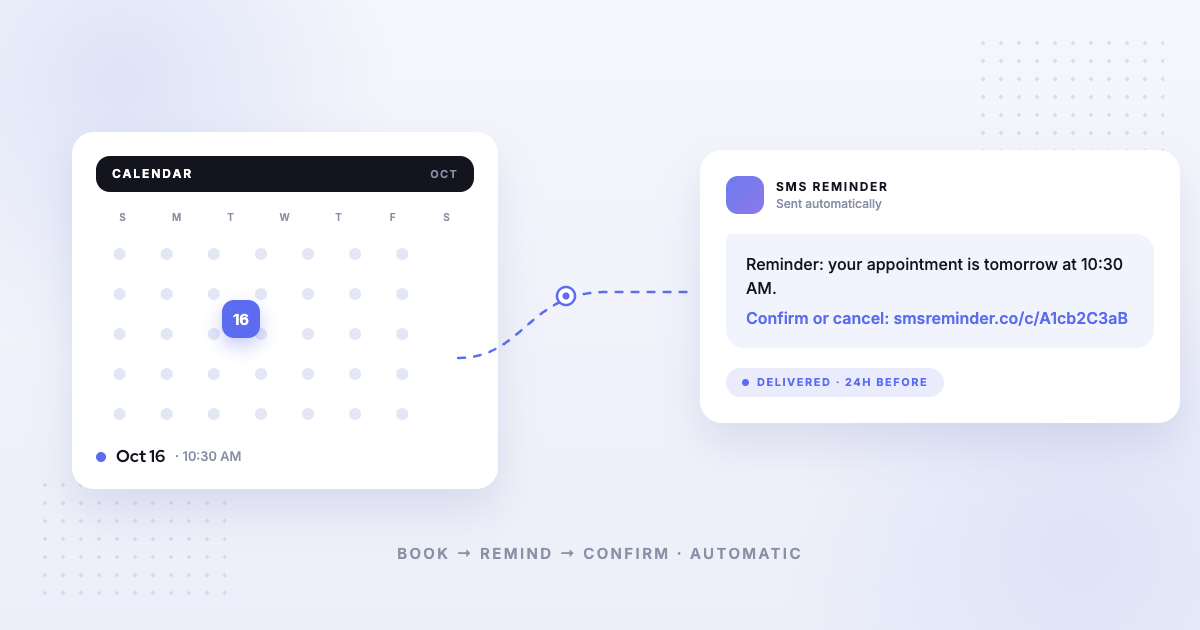
Kalama (formerly SMS Reminder) is a strong YouCanBookMe alternative when your priority is automatic SMS appointment reminders tied to Google Calendar. It connects natively to the calendar you already use, texts clients before each appointment, and supports two-way texting — clients reply to confirm or cancel, and the app answers automatically.
YouCanBookMe also sends SMS, but two things differ. First, SMS is an extra charge on every plan1 — credits are bought separately on top of your subscription, at 7¢ per credit in the US.2 Second, when a client replies to a YouCanBookMe text, that reply is turned into an email2 and lands in your inbox; to answer by text, YouCanBookMe’s own documentation says you would need to copy the client’s number into your personal phone.2 So replies are received — they just become another thing for you to handle manually.
Why look for a YouCanBookMe alternative
YouCanBookMe is built around a customisable booking page. It reads your calendar for free/busy time so you’re never double-booked, and clients pick a slot from your link.3 That’s a good fit if your main problem is the back-and-forth of scheduling.
Appointment-based businesses often have a narrower problem: the appointments are already in Google Calendar — booked by phone, walk-in, or an existing system — and what’s missing is reliable text reminders and a simple way for clients to respond. That’s a different job from a booking page.
How YouCanBookMe’s SMS works
From YouCanBookMe’s own documentation:
- SMS is priced separately. The pricing page marks SMS notifications as “(extra charge)” across Free, Individual, Professional and Team.1
- You buy credits. One credit covers 160 characters, and credits cost 7¢ (US), €0.07 (EUR) or £0.05 (GBP), with a minimum purchase of 20.2
- A dedicated business line is a further add-on. YouCanBookMe’s Enhanced SMS carries a one-time $59 setup fee plus $17/month for up to 500 SMS, or $27/month for up to 1,000. It is available to Professional and Team users in the US and Canada.4
- Which notifications you get depends on your plan. YouCanBookMe’s pricing table shows reminder SMS from the Individual plan upward, and follow-up SMS from Professional upward.1
None of that makes YouCanBookMe a poor tool — it’s a reasonable model if you send a low volume. It does mean the monthly cost of reminders isn’t the number on the pricing page.
The key difference: what happens when a client replies
This is the clearest practical distinction, and it’s worth being precise about, because it isn’t that YouCanBookMe ignores replies.
YouCanBookMe forwards replies to email. Their help centre states plainly: “When a booker replies to an SMS message they receive, that reply is turned into an email,” delivered to your inbox from a YouCanBookMe notifications address.2 Asked directly how to reply by text, the same article answers: “To respond to the client via SMS, you would need to copy their mobile number into your personal mobile device and send a reply via text.”2
So a client texting “Yes, see you Thursday” produces an email you need to read, interpret, and act on. A client texting “Can we move to Friday?” produces an email you need to answer from your own phone.
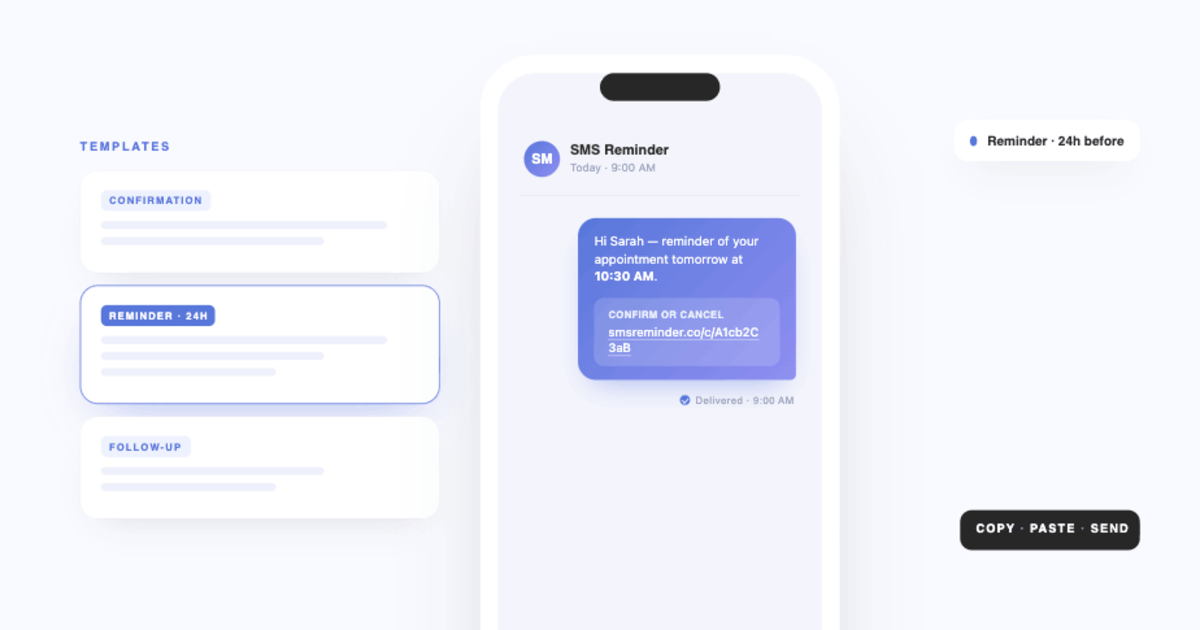
Kalama (formerly SMS Reminder) handles the reply itself. Clients reply in plain language — “Yes”, “OK”, “Can’t make it”, 👍 — and the app responds automatically, in English, French, Spanish, Italian, Portuguese and German. A confirmation updates the appointment status without involving you. A cancellation or a reschedule request emails you, with the client’s exact words, and the client is sent your booking page to pick a new time. They can also confirm or cancel by tapping the link in the reminder.
The difference isn’t whether replies arrive. It’s whether answering them is your job.
Pricing
Point-in-time snapshot — verify current pricing on each provider’s site.
- Kalama (formerly SMS Reminder) — free plan (booking page on your primary calendar, 1 user, 25 reminders one time); paid plans from $19/mo USD. Reminders are included in the plan.
- YouCanBookMe — Free $0; Individual $9/month; Professional $13/month; Team $18/member/month, billed monthly, with 10% off annual and 20% off two-year billing.5 SMS credits are purchased separately on top of any of these.1,2
One note if you’re comparing on price: YouCanBookMe’s pricing page loads with two-year billing pre-selected, so the figures shown at first glance are the discounted ones. The monthly rates are above.
Which should you choose?
- Choose Kalama (formerly SMS Reminder) if your appointments already live in Google Calendar and you want automatic SMS reminders your clients can reply to, with those replies handled for you rather than forwarded to your inbox. It also includes a booking page that books clients straight into Google Calendar. Get started free
- Choose YouCanBookMe if your primary need is a highly customisable booking page for clients to self-schedule, you’re comfortable buying SMS credits separately, and email is where you’d rather manage client replies anyway.
For a broader view, see our comparison of the best Google Calendar text reminder apps, the guide to two-way, conversational reminders, or all our alternative comparisons.
Sources
Competitor details can change — the following were verified on YouCanBookMe’s own site on the access dates shown, and you should confirm current information on YouCanBookMe’s site before deciding.
- YouCanBookMe — Pricing, https://youcanbook.me/pricing, accessed 2026-08-19.
- YouCanBookMe — “How to set up SMS notifications,” YouCanBookMe Help Center, https://support.youcanbook.me/hc/en-us/articles/21915764333847-How-to-set-up-SMS-notifications, accessed 2026-08-19.
- YouCanBookMe — “How YouCanBookMe works with your calendar,” YouCanBookMe Help Center, https://support.youcanbook.me/hc/en-us/articles/17825864476951-How-YouCanBookMe-works-with-your-calendar, accessed 2026-08-19.
- YouCanBookMe — SMS feature page, https://youcanbook.me/feature/sms, accessed 2026-08-19.
- YouCanBookMe — Pricing (USD, monthly billing selected), https://youcanbook.me/pricing, accessed 2026-08-19.