On this page
Acuity Scheduling (a Squarespace product) is a full scheduling platform. If you need online booking, intake forms, and payments, it’s capable — but if your real goal is adding SMS reminders to the Google Calendar you already use, a focused tool avoids replacing your whole scheduling setup. This guide compares SMS Reminder as an Acuity alternative, using Acuity’s own help documentation.
Quick answer
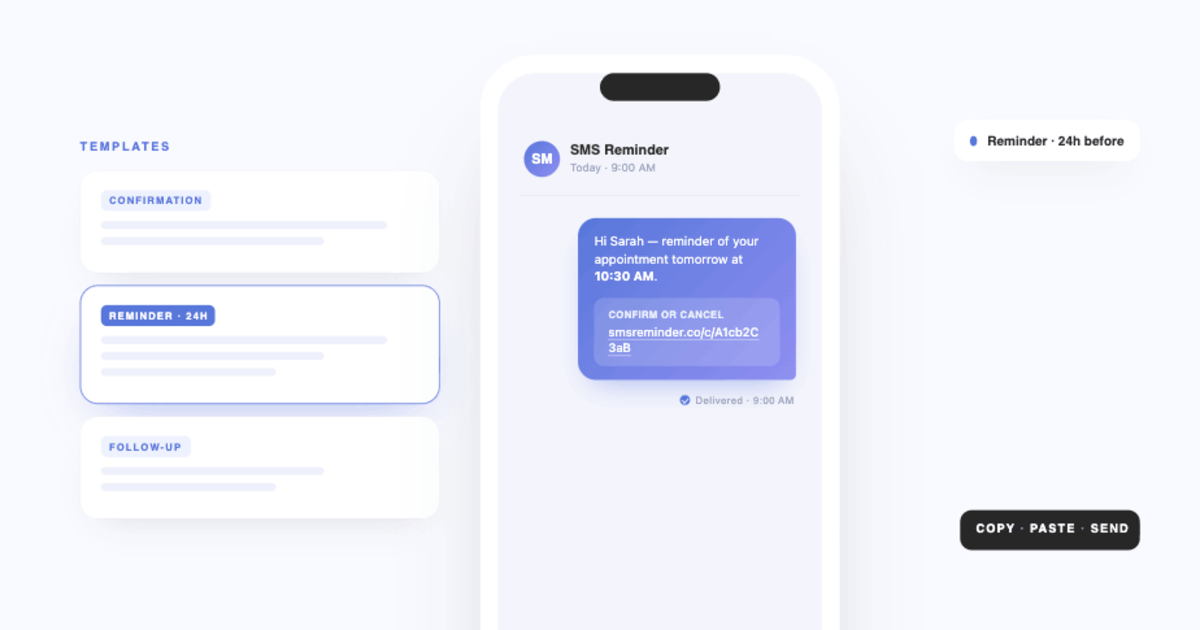
SMS Reminder is a strong Acuity Scheduling alternative when you want to keep Google Calendar and just add reliable SMS reminders. Two differences stand out, both from Acuity’s own documentation: Acuity’s text reminders are one-way — “if clients respond to a text message, they’ll get an automated reply telling them that the messages are from an automated service”1 — and Acuity sends a single text message reminder per appointment.1 SMS Reminder supports two-way texting (clients reply to confirm, cancel, or reschedule) and can send multiple reminders at different lead times — all from your existing Google Calendar.
Why look for an Acuity Scheduling alternative
Acuity is built to be your booking system: clients schedule through Acuity, and it manages the calendar. That’s a lot of platform if all you want is text reminders for appointments you already keep in Google Calendar. For many small businesses, replacing their calendar is more change than they need.
How the SMS reminders compare
Per Acuity’s help center:
- Availability — text notifications are available on Acuity’s Standard/Growing and Premium/Powerhouse plans, and aren’t available during free trials.1
- One-way — “If clients respond to a text message, they’ll get an automated reply telling them that the messages are from an automated service and suggesting they contact you by other means.”1
- One reminder per appointment — “For each appointment booked, Acuity can send a single text message reminder to your client.”1
SMS Reminder differs on all three: SMS is core to every paid plan, and booking is free, clients can reply and the app responds automatically (two-way), and you can schedule more than one reminder per appointment.
Keep your calendar vs replace it
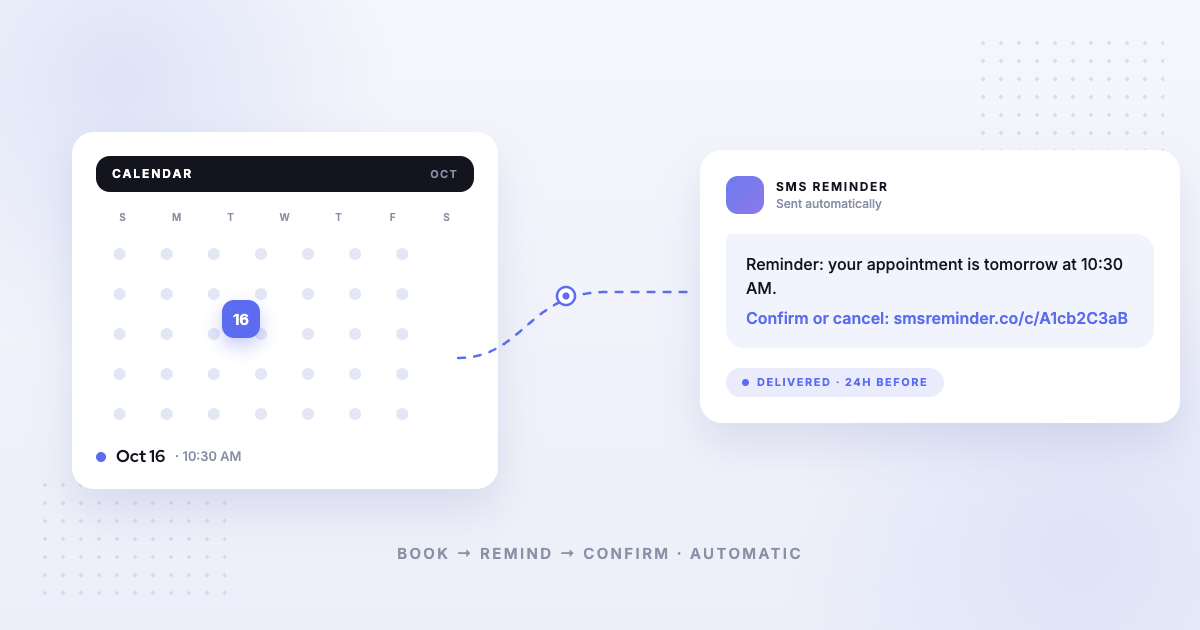
This is the deeper difference. Acuity functions as its own scheduling system. SMS Reminder connects to the Google Calendar you already use and triggers reminders from the events you create there — no migration, and you keep your existing booking workflow. If Google Calendar is your source of truth, that native connection is the reason to choose it.
Which should you choose?
- Choose SMS Reminder if you want to keep Google Calendar and add two-way SMS reminders (including more than one per appointment), without adopting a full scheduling platform. It also includes a booking page that books clients straight into Google Calendar. Get started free
- Choose Acuity Scheduling if you want an all-in-one booking platform with client scheduling, intake forms, and payments, and one-way SMS reminders are enough.
See also the full comparison of Google Calendar text reminder apps.
Sources
Competitor details can change — the following was verified on Acuity’s own help center on the access date shown; confirm current information on Acuity’s site before deciding.
- Acuity Scheduling — “Sending appointment reminders via text,” Acuity Scheduling Help Center, https://help.acuityscheduling.com/hc/en-us/articles/16676915777293-Sending-appointment-reminders-via-text, accessed 2026-08-05.
Frequently asked questions
What is the best Acuity Scheduling alternative for reminders?
If you want to keep Google Calendar and simply add SMS reminders — with clients able to reply — SMS Reminder is a focused alternative. Acuity is a full scheduling platform, and its text reminders are one-way and limited to one per appointment.
Does Acuity Scheduling support two-way SMS?
No. Per Acuity’s help center, if clients respond to a text message they get an automated reply telling them the messages are from an automated service and to contact you by other means. SMS Reminder, by contrast, supports two-way texting.
How many text reminders can Acuity send per appointment?
Acuity’s help center states it can send a single text message reminder per appointment. SMS Reminder can send more than one reminder at different lead times (for example, 24 hours and 1 hour before).
Do I have to replace Google Calendar to use SMS Reminder?
No. SMS Reminder reads directly from your existing Google Calendar, so you keep your current calendar and workflow. Acuity is its own scheduling system.