On this page
SimplyBook.me is a broad, highly configurable booking system with a large catalogue of custom features. If you need online booking with intake forms, memberships and a point of sale, it covers a lot of ground. But if what you actually need is reliable text reminders for appointments already in Google Calendar, the economics and the calendar model are worth understanding first. This guide compares Kalama (formerly SMS Reminder) as a SimplyBook.me alternative, using SimplyBook.me’s own published details.
Quick answer
Kalama (formerly SMS Reminder) is a strong SimplyBook.me alternative when your priority is automatic SMS reminders for appointments in Google Calendar, with reminders included in the plan rather than metered.
With SimplyBook.me, SMS is not included in any subscription — its pricing page states that “SMS gateways and SMS credits are paid separately and are not included in the subscription fee.”1 Credits are sold at $8 per 100,1 but one credit is not one message: SimplyBook.me’s help centre explains that a single SMS “can vary from 0.5 credits to 1.5 credit depending on the country.”2 And Calendar Sync is a custom feature,3 which counts against the limited number of premium features your plan allows.1
Why look for a SimplyBook.me alternative
SimplyBook.me’s model is breadth: over 60 custom features, of which each plan lets you switch on a set number.1 That’s powerful if you’re running a business that needs many of them at once.
It’s a poor fit if your requirement is narrow. If the appointments are already in Google Calendar and the only gap is text reminders, you end up paying for a booking system, spending one of your limited feature slots on calendar sync, and then buying SMS credits separately on top.
How SimplyBook.me’s SMS credits work
From SimplyBook.me’s own documentation:
- Not included in any plan. “FYI Custom domain name, SMS gateways and SMS credits are paid separately and are not included in the subscription fee.”1
- Sold in credit packages. The pricing page lists “100 SMS credits — $8.”1
- A credit is not a message. “1 credit is not necessarily 1 sms, because prices for sms differ from country to country… Usually, 1 sms can vary from 0.5 credits to 1.5 credit depending on the country.”2 Exact per-country rates are shown only inside your logged-in admin area.2
- Or bring your own gateway. You can connect your own Twilio, Vonage, BulkSMS, HISMS, Websms or Infobip account, which SimplyBook.me says saves “around 20% to 30%” versus buying its credits — but it carries a $149 activation fee, and SimplyBook.me states that setting it up “requires some technical knowledge and the SimplyBook.me team can not help with account creation at the SMS gateway providers.”4,1
The practical effect is that your monthly reminder cost isn’t the number on the pricing page, and it varies with where your clients are.
Calendar sync counts against your feature allowance
SimplyBook.me’s Calendar Sync gives 2-way synchronisation with Google and Outlook, exporting your SimplyBook.me bookings out to Google and blocking times occupied by Google events.3 Two details matter:
It’s a custom feature, not a base capability.3 Plans include a set number of premium custom features — the Free plan 1, Basic 3, Standard 8, with Premium and Enterprise unlimited.1 Spending one on calendar sync is a real trade-off on the lower tiers.
Google events come in as blocked time only. SimplyBook.me’s documentation is explicit: “During sync process no events details are imported from your external calendar. The events are represented by blue blocks on Calendar page only.”3 So an appointment you create in Google Calendar becomes an opaque busy block inside SimplyBook.me — the appointment itself has to exist in SimplyBook.me for SimplyBook.me to notify anyone about it.
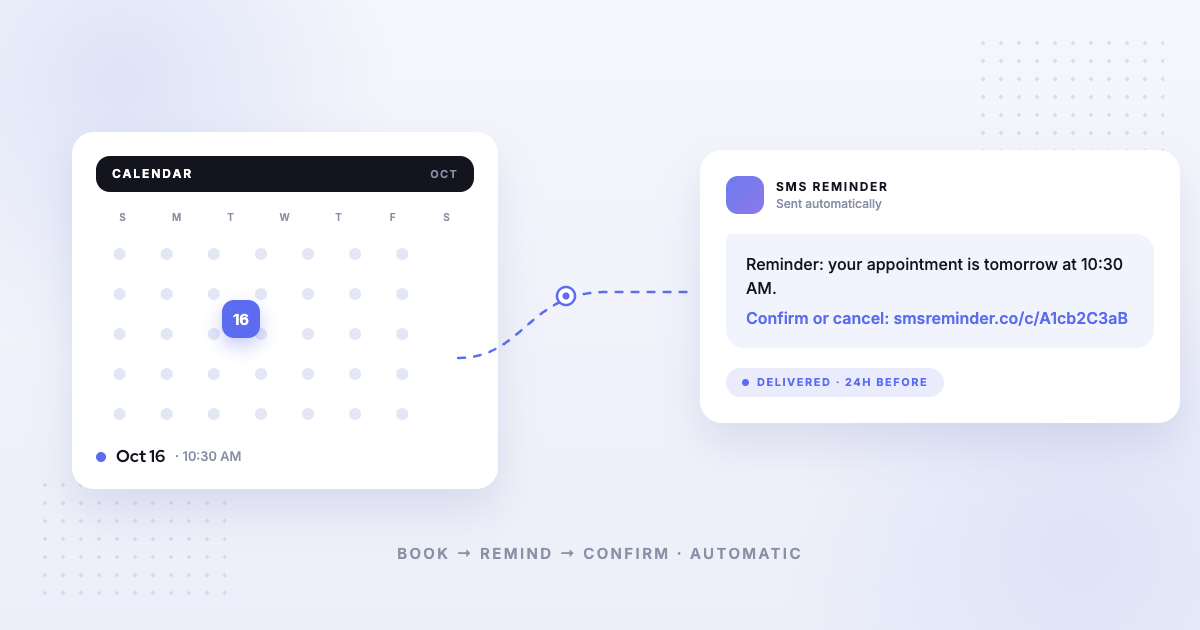
Kalama (formerly SMS Reminder) reads the calendar directly. Appointments in Google Calendar are the appointments it sends reminders for. Nothing needs re-entering, and no feature slot is spent.
The key difference: two-way texting
We want to be careful and fair here. SimplyBook.me’s published documentation does not describe what happens when a client replies to an SMS reminder. We searched its help centre and its features pages and found no article covering inbound SMS, a reply inbox, or two-way texting — its SMS reporting is documented as a log of messages “that were sent from the system.”5 But documentation being silent is not the same as a feature being absent, and we won’t claim SimplyBook.me can’t do something it simply hasn’t published. What we can say is that its documented SMS capability covers sending, and it publishes no two-way texting feature.
SimplyBook.me does route cancellation and rescheduling through a link: its confirmation “includes a link offering them the option to cancel or change the booking if necessary.”6
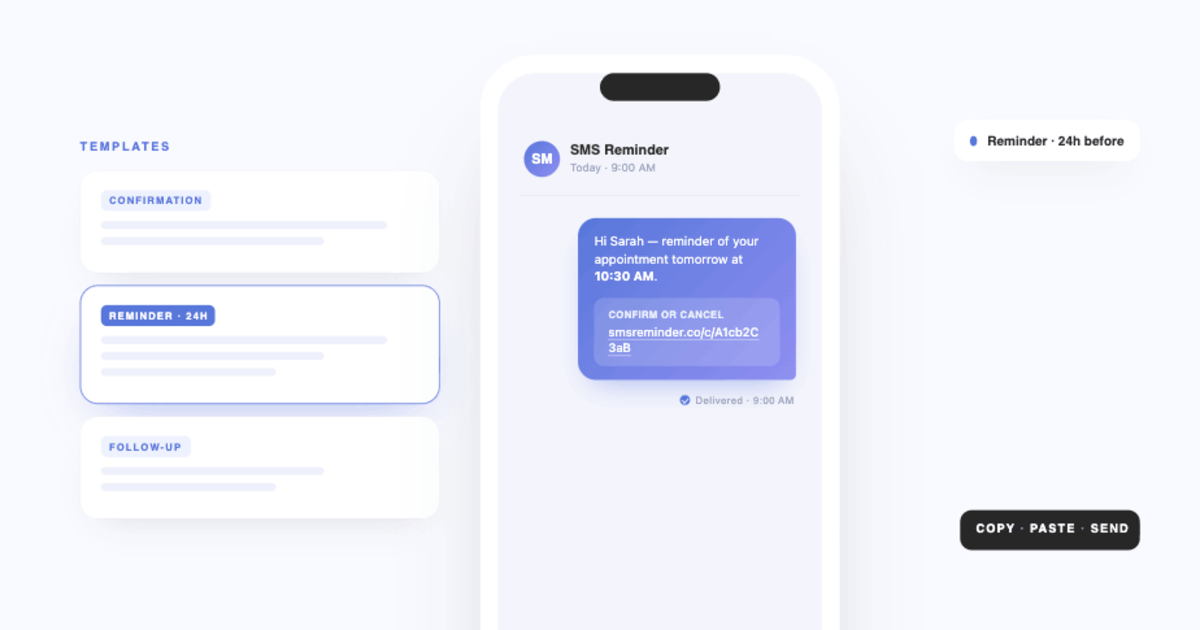
With Kalama (formerly SMS Reminder), clients can use the link or just reply. A plain-language reply — “Yes”, “OK”, “Can’t make it”, 👍 — gets an automatic answer in English, French, Spanish, Italian, Portuguese or German. Confirmations update the appointment status; cancellations, reschedule requests and questions email you with the client’s exact words.
Pricing
Point-in-time snapshot — verify current pricing on each provider’s site.
- Kalama (formerly SMS Reminder) — free plan (booking page on your primary calendar, 1 user, 25 reminders one time); paid plans from $19/mo USD. Reminders are included in the plan.
- SimplyBook.me — as served to a US visitor in USD: Free $0 (50 bookings/month, 1 custom feature, 1 provider); Basic $13.9/month billed monthly or $11.9 billed annually; Standard $29.9 or $24.9; Premium $59.9 or $49.9; Enterprise custom.1 SMS credits are extra at $8 per 100 credits.1
A caution on those figures: SimplyBook.me’s pricing page is localised by visitor location, and the same URL returns different currencies and amounts depending on where you load it from. The numbers above are what a US visitor saw on 2026-08-19; check the page from your own country. SimplyBook.me’s own page carries the note “Pricing last updated: May 2026… subject to change.”1
Which should you choose?
- Choose Kalama (formerly SMS Reminder) if your appointments already live in Google Calendar and you want text reminders included in the plan, with clients able to reply. It also includes a booking page that books clients straight into Google Calendar. Get started free
- Choose SimplyBook.me if you need a full booking system with a wide feature catalogue — intake forms, memberships, gift cards, point of sale — and you’re comfortable metering SMS as a separate cost.
For a broader view, see our comparison of the best Google Calendar text reminder apps or all our alternative comparisons.
Sources
Competitor details can change — the following were verified on SimplyBook.me’s own site on the access dates shown, and you should confirm current information on SimplyBook.me’s site before deciding.
- SimplyBook.me — Pricing, https://simplybook.me/en/pricing, accessed 2026-08-19 (US/USD localisation).
- SimplyBook.me — “SMS Pricing,” SimplyBook.me Help, https://help.simplybook.me/index.php?title=SMS_Pricing/en, accessed 2026-08-19.
- SimplyBook.me — “Calendar Sync custom feature,” SimplyBook.me Help, https://help.simplybook.me/index.php?title=Calendar_Sync_custom_feature/en, accessed 2026-08-19.
- SimplyBook.me — “SMS Gateway custom feature,” SimplyBook.me Help, https://help.simplybook.me/index.php?title=SMS_Gateway_custom_feature/en, accessed 2026-08-19.
- SimplyBook.me — “Booking reports,” SimplyBook.me Help, https://help.simplybook.me/index.php?title=Booking_reports/en, accessed 2026-08-19.
- SimplyBook.me — Booking system features, https://simplybook.me/en/booking-system-features, accessed 2026-08-19.