On this page
GoReminders is a well-known appointment reminder and booking tool. But if Google Calendar is where you actually run your schedule — and you want clients to be able to reply to reminders — it’s worth comparing a Google-Calendar-native option. This guide looks at SMS Reminder as a GoReminders alternative, using GoReminders’ own published description of its integration.
Quick answer
SMS Reminder is a strong GoReminders alternative for businesses built around Google Calendar. It reads directly from the Google Calendar you already use and sends automatic SMS reminders before each appointment, and it supports two-way texting — clients reply to confirm, cancel, or ask to reschedule and the app responds automatically. If your appointments live in Google Calendar and you don’t want to manage them in a separate system, that native connection is the main reason to choose it.
Why look for a GoReminders alternative
Plenty of businesses already keep their schedule in Google Calendar and simply want reliable text reminders layered on top — without moving their appointments into another tool. The question to ask any reminder app is how directly it works with the calendar you already use, and whether clients can respond to the reminders they get.
How each works with Google Calendar
GoReminders describes its Google Calendar integration this way: GoReminders appointments “show up in the built in calendar reminders app, but they can also show up in your regular calendar – iPhone & iPad calendar, Google Calendar, iCal, Outlook and more.”1 In other words, appointments you create in GoReminders can appear in Google Calendar.
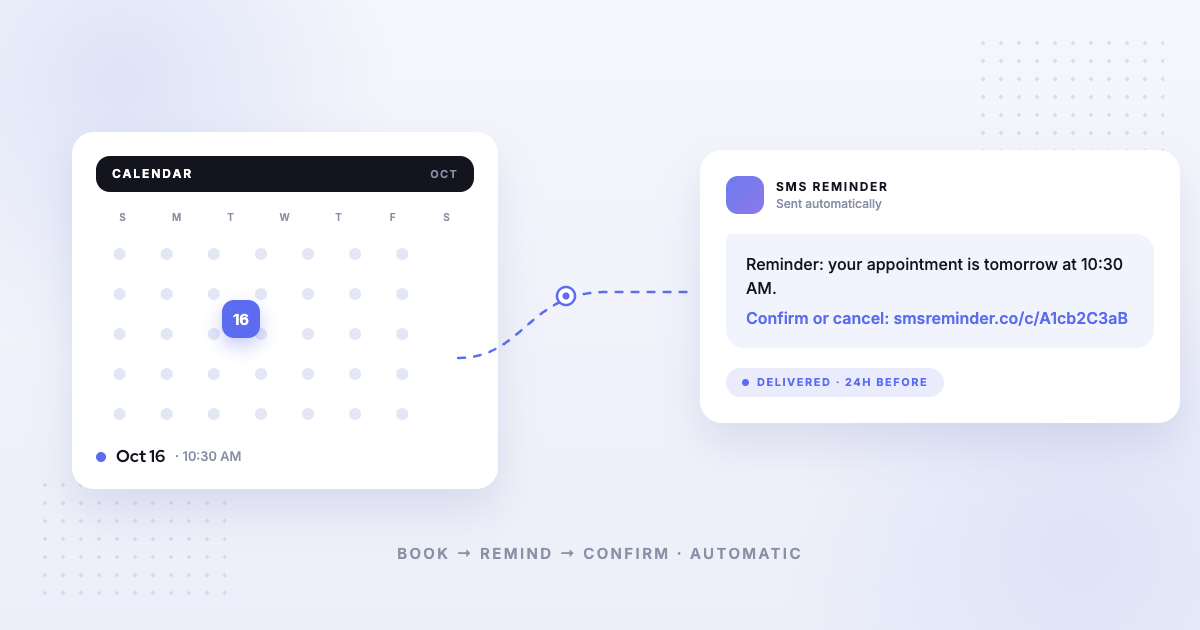
SMS Reminder works from the other direction. It connects to your Google Calendar via OAuth and triggers reminders from the events you create in Google Calendar — so you can keep booking and managing appointments in the calendar you already use, and reminders fire automatically. There’s no separate system to enter appointments into first, and no migration.
Two-way texting
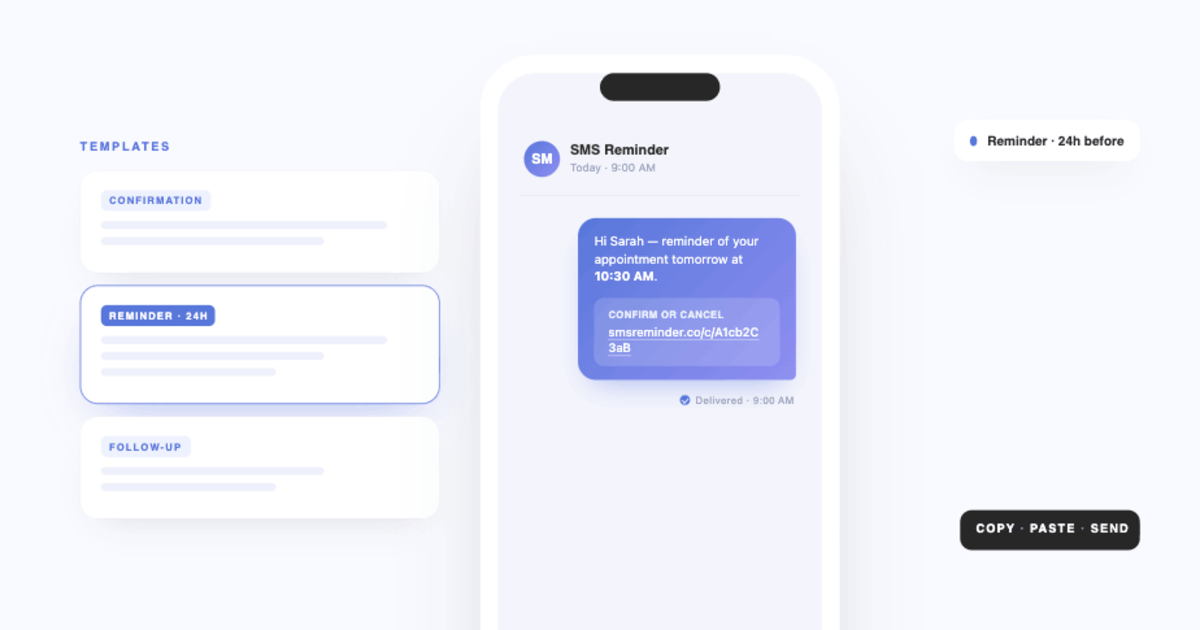
SMS Reminder supports two-way texting: clients can reply to a reminder in plain language to confirm, cancel, or ask to reschedule, and the app responds automatically (in English, French, Spanish, Italian, Portuguese, and German) — or they can tap a confirm/cancel link. Because replying takes one tap, more clients respond, which is what reduces no-shows.
When you compare reminder tools, it’s worth checking whether clients can reply at all, or only receive one-way texts.
Which should you choose?
- Choose SMS Reminder if Google Calendar is your primary scheduling tool and you want automatic SMS reminders your clients can reply to, without changing how you book. Get started free
- Choose GoReminders if you’d rather manage appointments inside a dedicated reminder-and-booking tool and have those appointments appear in Google Calendar.
For the full landscape, see our comparison of the best Google Calendar text reminder apps.
Sources
Competitor details can change — the item below was verified on GoReminders’ own site on the access date shown, and you should confirm current information on GoReminders’ site before deciding.
- GoReminders — Integrations, https://www.goreminders.com/integrations, accessed 2026-08-05.
Frequently asked questions
What is the best GoReminders alternative for Google Calendar?
If Google Calendar is your primary calendar, SMS Reminder is purpose-built for it — it reads directly from your Google Calendar and sends automatic SMS reminders, with two-way texting so clients can reply to confirm, cancel, or ask to reschedule.
Does SMS Reminder work directly from Google Calendar?
Yes. SMS Reminder connects to your Google Calendar via OAuth and triggers reminders from the events you create there — no need to enter appointments in a separate system first.
Can clients reply to SMS Reminder’s texts?
Yes. With two-way texting, clients reply in plain language to confirm, cancel, or ask to reschedule and the app responds automatically, in six languages. They can also confirm or cancel by tapping a link.
How do I switch from GoReminders to SMS Reminder?
There’s no migration needed if you already use Google Calendar. Install SMS Reminder, connect your Google Calendar, add a client phone number to an event, and reminders start sending — most users are set up in about 10 minutes.
This page references another company’s product. Details about GoReminders can change; please verify current features and pricing on GoReminders’ own site.