Quick answer
SMS appointment reminders are automatic text messages sent to clients before an appointment — usually the date, time, business name, and a way to confirm or cancel. They exist to reduce no-shows, one of the biggest hidden costs for appointment-based businesses.
To send them automatically, connect your calendar to a text reminder service rather than texting by hand. SMS Reminder links to your existing Google Calendar in about ten minutes, sends a confirmation and reminders on your schedule, and lets clients reply to confirm, cancel, or ask to reschedule. Booking is free, and paid plans for ongoing reminders start at $19/month.
What are SMS appointment reminders?
An SMS appointment reminder is a text message a business sends automatically ahead of a booked appointment. A typical reminder includes the client’s name, the appointment date and time, the business name, and a simple way to respond.
Unlike a calendar notification — which only alerts you — an SMS appointment reminder goes to the client’s phone, where it’s far more likely to be seen in time to act on. That’s why appointment-based businesses (clinics, salons, consultants, trades, and service providers) rely on them to keep their schedules full.
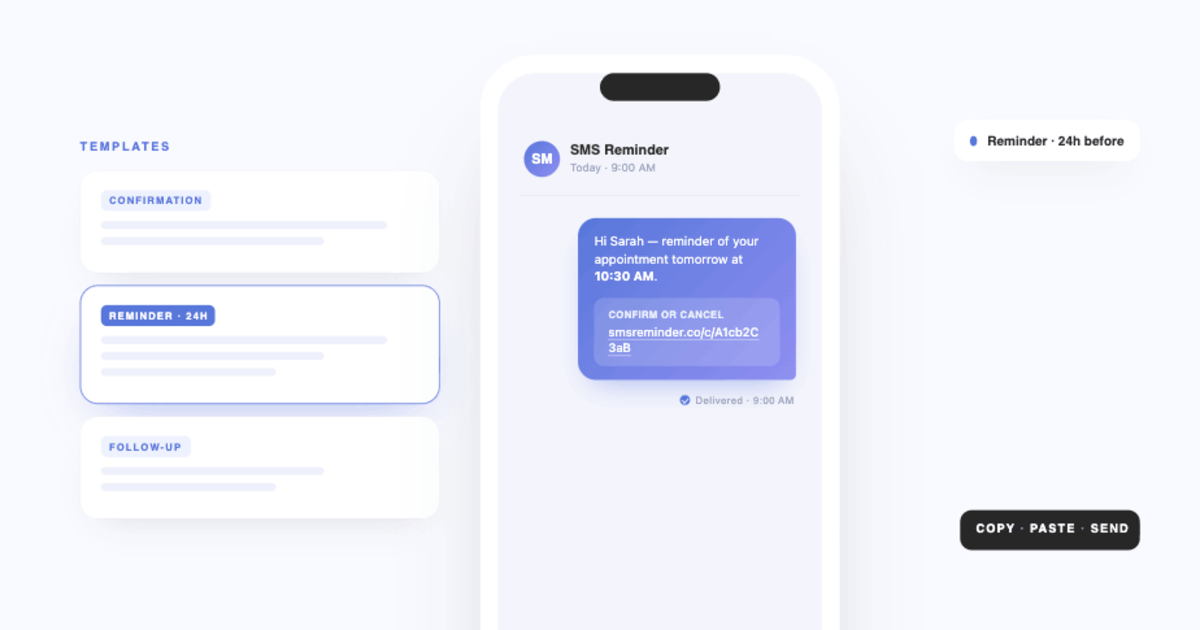
Text reminders usually come in three types:
- Confirmation — sent as soon as the appointment is booked, so the client has the details in writing
- Reminder — sent before the appointment, often twice
- Follow-up — sent afterwards, to say thanks or invite a rebooking
Why SMS appointment reminders reduce no-shows
Text messages tend to be read soon after they arrive, which suits reminders that are easy to miss in a crowded email inbox. A well-timed reminder gives clients a nudge while there’s still time to keep or move the appointment.
For appointment-based businesses, reducing missed appointments can meaningfully affect revenue. In an internal SMS Reminder customer survey (August 2025), the median estimated cost of a single missed appointment was $175. Actual results vary, but even a small drop in no-shows adds up across a full calendar. The research on how much reminders help is collected in our appointment no-show statistics guide.
What a good appointment reminder text says
Keep it under about 150 characters so it stays a single message segment, and include five things: who you are, who it’s for, when it is, where it is, and how to respond.
Hi Sam, this is a reminder of your appointment with Northfield Clinic on Tue 14 Oct at 2:00pm. Reply YES to confirm or NO to cancel.
A few variations:
- Salon: “Hi Priya — your cut & colour with Ava at Studio North is Thu 9 Oct, 10:30am. Reply YES to confirm, or tap to reschedule: [link]”
- Trades / mobile service: “Hi Tom, your boiler service is booked for Wed 8 Oct between 9–11am at 14 Mill Rd. Reply YES to confirm or NO if you need another day.”
- Coaching / tutoring: “Hi Alex, reminder: your session with Jo is tomorrow at 5pm. Reply YES to confirm, or reply with a day that suits you better.”
The free SMS reminder template generator builds a reminder for your industry and counts the characters as you write. There are more copy-and-paste examples in the SMS reminder templates guide, and wording for date changes in reschedule appointment text templates.
When to send appointment reminders
| Message | Timing | Why |
|---|---|---|
| Confirmation | Immediately after booking | Gives the client the details in writing, and catches wrong numbers early |
| First reminder | 24 hours before | Still enough time for the client to move the appointment rather than miss it |
| Second reminder | 1–2 hours before | Catches day-of forgetfulness and travel problems |
| Follow-up | After the appointment | Thanks, aftercare notes, or a prompt to rebook |
If you charge for late cancellations, send the first reminder before that window opens, so clients can act without a penalty. For long-lead bookings, such as an annual service, many businesses add a reminder a week ahead as well.
How to send SMS appointment reminders
You don’t need to text clients by hand. A dedicated tool automates the whole flow:
- Connect your calendar. SMS Reminder connects to Google Calendar through Google’s standard secure sign-in — no code, and no migration to a new booking system.
- Set your message template and timing, for example a confirmation at booking and reminders 24 hours and 1 hour before.
- Add the client’s mobile number to the appointment, or let clients book themselves through a booking page that captures it for you.
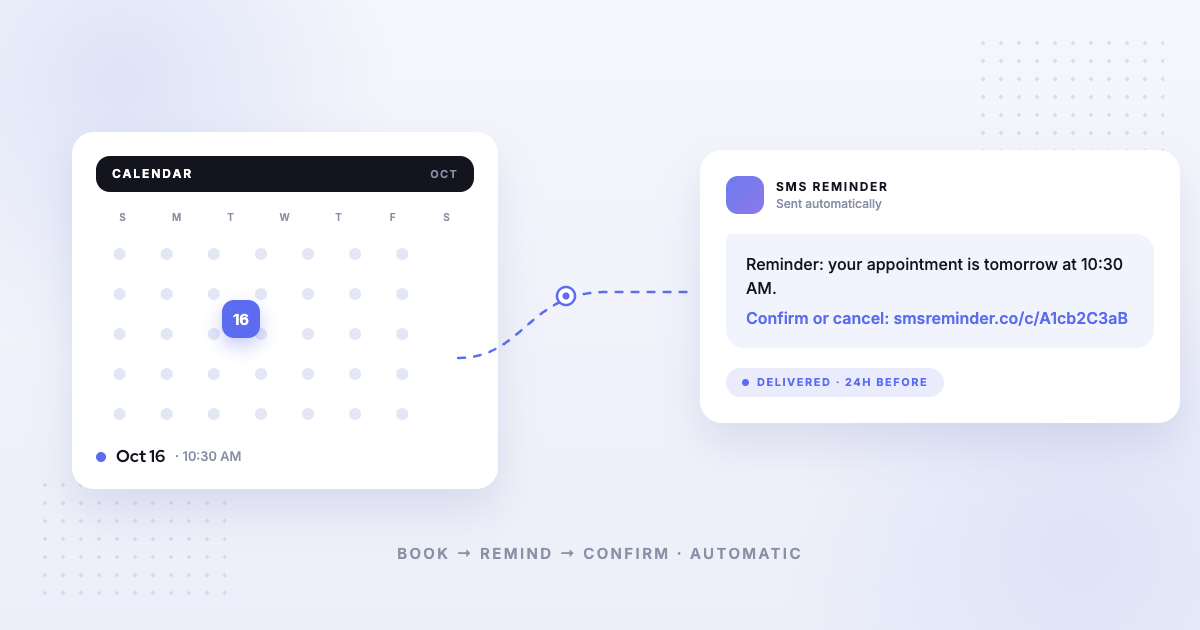
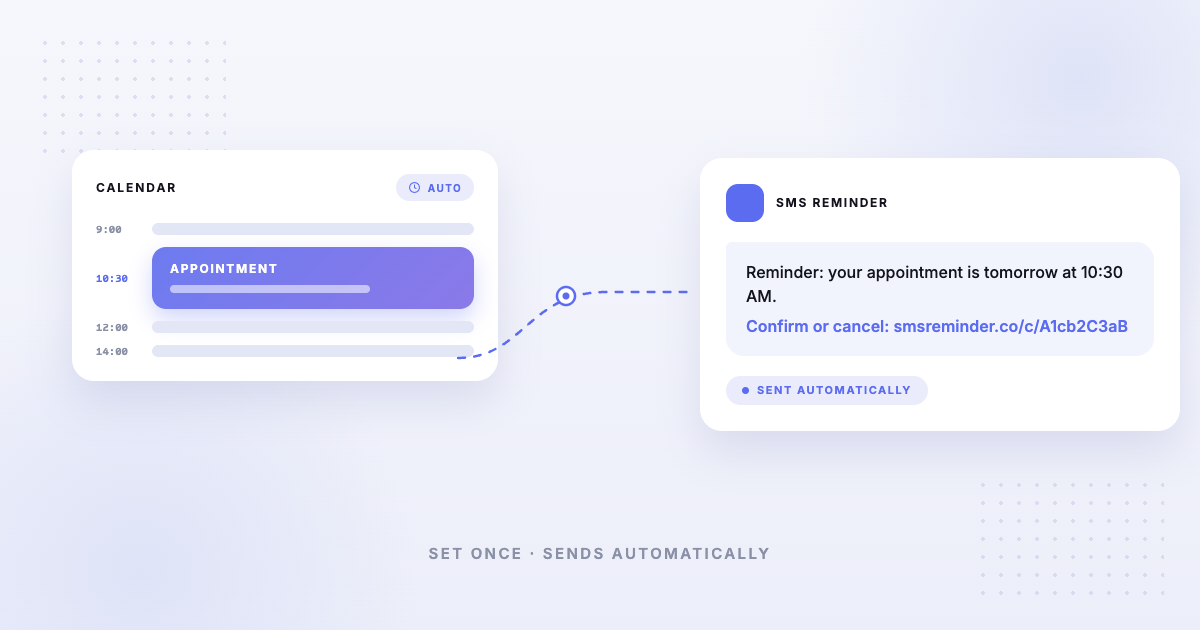
- Reminders send automatically before every appointment.
- Clients confirm, cancel, or ask to reschedule — by replying or tapping the link — and the appointment status updates.
Most users are up and running in about ten minutes. For the step-by-step version with screenshots, see the setup guide; for how calendar events become texts, see Google Calendar to SMS.
Two-way (conversational) appointment reminders
The most useful appointment reminders aren’t one-way broadcasts — they let the client respond. With two-way texting, a client can reply “Yes”, “Can we do Friday?”, or 👍, and SMS Reminder reads the reply and answers automatically (in English, French, Spanish, Italian, Portuguese, and German). No app to download, and no exact keyword to remember.
This matters because it removes friction: a client who can confirm with a one-word reply is far more likely to respond than one who has to open a link or call back. Rescheduling requests are picked up too, and the new time is finalised on the booking page. More detail: how conversational reminders work and letting clients reschedule by text.
Choosing text reminder software
Most text reminder services fall into three groups:
- Calendar-native reminder tools read the calendar you already use and add the SMS layer. Least disruption, quickest setup.
- Full scheduling platforms replace your calendar with their booking system and include reminders as one feature. More power, more migration.
- Bulk SMS platforms send marketing campaigns and can be bent into reminders, but they aren’t tied to appointments.
Worth checking before you commit:
- Does it read your existing calendar, or make you move to a new one?
- Can clients reply, or only receive?
- Are reminders per-message or per-contact, and what happens when you exceed the plan?
- Are features locked behind higher tiers, or do plans only differ by volume?
- Which countries can it text?
Our buyer’s guide to appointment reminder software works through these by business type, and the Google Calendar comparison puts the main tools side by side.
What SMS appointment reminders cost
Every text has a carrier cost, so reminder services price by volume. With SMS Reminder, each text sent to a client counts as one reminder, and plans run from $19/month for 50 reminders up to $125/month for 1,000, with unlimited appointment types and the booking page included on every plan. Annual billing gives you 2 months free. The full table, and a guide to which plan matches your appointment volume, is on the pricing page.
Because most businesses send a confirmation plus one reminder, a plan tends to cover about half its reminder count in appointments — 100 reminders is roughly 50 appointments a month.
To work out whether that pays, the no-show cost calculator estimates what missed appointments cost you each month.
Consent and opt-outs
Appointment reminders are messages your client is expecting, but they’re still texts to a personal phone. Sensible practice:
- Collect the mobile number at booking and say that appointment texts will be sent to it
- Send reminders about the appointment, not marketing, unless the client has separately agreed to marketing
- Honour STOP or opt-out replies immediately, and keep a record of who opted in
- Keep sending windows reasonable, and remember your client’s time zone
Rules vary by country and industry, and this isn’t legal advice — check what applies where you operate. SMS Reminder texts clients in over 100 countries, with a few exceptions.
SMS appointment reminders by industry
- Therapy and wellness — quiet, discreet reminders for recurring sessions
- Salons and beauty — back-to-back bookings where a gap is lost revenue
- Legal and accounting — consultations booked weeks ahead
- Auto services — drop-off windows and collection reminders
- Mobile and field services — arrival windows and “on my way” updates
- Trainers and educators — sessions and classes with tight schedules
Best practices for SMS appointment reminders
Send at least two. A 24-hour reminder gives clients time to reschedule without penalty; a 1–2 hour reminder catches day-of forgetfulness.
Keep messages short. Aim for under 150 characters so the message doesn’t split into two segments.
Always offer a response. A reminder clients can reply to gives you a clear signal of who’s still coming.
Use their name and your name. A text from an unknown number with no business name looks like spam.
Match timing to your cancellation policy, so clients can act before a fee applies.
Track the result. Watch your no-show rate month to month — the method is in the no-show statistics guide.
Getting started
- Set up automatic SMS appointment reminders: get started free — free booking page, 25 reminders included
- Full step-by-step setup: installing SMS Reminder for Google Calendar
- Prefer to read first? See how to send Google Calendar events to SMS
- Comparing tools? Start with the buyer’s guide
Frequently asked questions
What is an SMS appointment reminder?
An SMS appointment reminder is an automatic text message sent to a client before a scheduled appointment. It typically includes the date, time, and business name, and often a way to confirm, cancel, or reschedule — so fewer people forget or no-show.
How do I send SMS appointment reminders?
Connect your calendar to an SMS appointment reminder tool like SMS Reminder, set a message template and reminder timing, and add a client phone number to each appointment. From then on, reminders send automatically before every appointment — no manual texting.
What is the best text message reminder service?
It depends on how you schedule. If your appointments already live in Google Calendar, a tool that reads that calendar directly — like SMS Reminder — avoids migrating to a new booking system. If you need intake forms and payments too, a full scheduling platform may suit you better. Our buyer’s guide compares the options by business type.
Is there a free text reminder app?
Most text reminder services charge, because every message has a carrier cost. SMS Reminder gives you a free booking page plus 25 reminders one time, so you can test it on real appointments, and paid plans start at $19/month.
How much do SMS appointment reminders cost?
With SMS Reminder, plans start at $19/month for 50 reminders and scale to 1,000 reminders a month on the Premium plan. Each text sent to a client counts as one reminder, and annual billing gives you 2 months free. See pricing.
Can clients reply to an SMS appointment reminder?
Yes. With two-way texting, clients can reply in plain language to confirm, cancel, or ask to reschedule, and SMS Reminder responds automatically. They can also confirm or cancel by tapping a link in the message — whichever they prefer.
How many appointment reminders should I send?
Most businesses send two: one about 24 hours before, so clients can still reschedule without penalty, and one 1–2 hours before to catch day-of forgetfulness.
Do SMS appointment reminders work with Google Calendar?
Yes. SMS Reminder connects directly to Google Calendar and turns each appointment into an automatic text reminder — no migration to a new booking system and no code required.
Are SMS appointment reminders better than email reminders?
For time-sensitive reminders, texts are usually seen sooner than email, which is easy to miss in a crowded inbox. Many businesses use SMS for the reminder itself and reserve email for longer confirmations or intake details.
Do I need consent to text appointment reminders?
Treat a client’s mobile number as something they gave you for a purpose. Collect it at booking, tell people they’ll get appointment texts, honour STOP replies immediately, and keep a record of who opted in. Rules differ by country and industry, so check what applies to you.