On this page
Most barbers already run their book on a phone. If yours is Google Calendar, you don’t need a new platform to take online bookings: a booking app connected to it lets clients pick a time for a fade or a beard trim themselves, keeps each chair’s calendar separate, and texts them before they’re due in.
Short answer
A barber booking app that syncs with Google Calendar should put every cut on one link, book each appointment into the right barber’s calendar, leave a few minutes between clients, and text clients before they arrive.
Kalama (formerly SMS Reminder) does that on the Google Calendar you already use: unlimited appointment types on every plan,1 each linked to its own barber’s calendar,2 minimum notice and buffers per appointment type,3 and SMS reminders on every booking.4 The booking page is free on your primary calendar.8 It doesn’t take payments or deposits.
What a barbershop needs from a booking app
| What you need | Why it matters for barbers | In Kalama (formerly SMS Reminder) |
|---|---|---|
| Every service bookable | A fade, a line-up and a beard trim take different times | Unlimited appointment types, each with its own length1 |
| A calendar per chair | Clients book their barber | Each appointment type books into its own synced Google Calendar2 |
| A few minutes between clients | Clean-up, and the cut that runs over | Buffers before or after appointments3 |
| Walk-in-friendly days | Keep some time free for walk-ins | Block it as Busy in Google Calendar and it isn’t offered online7 |
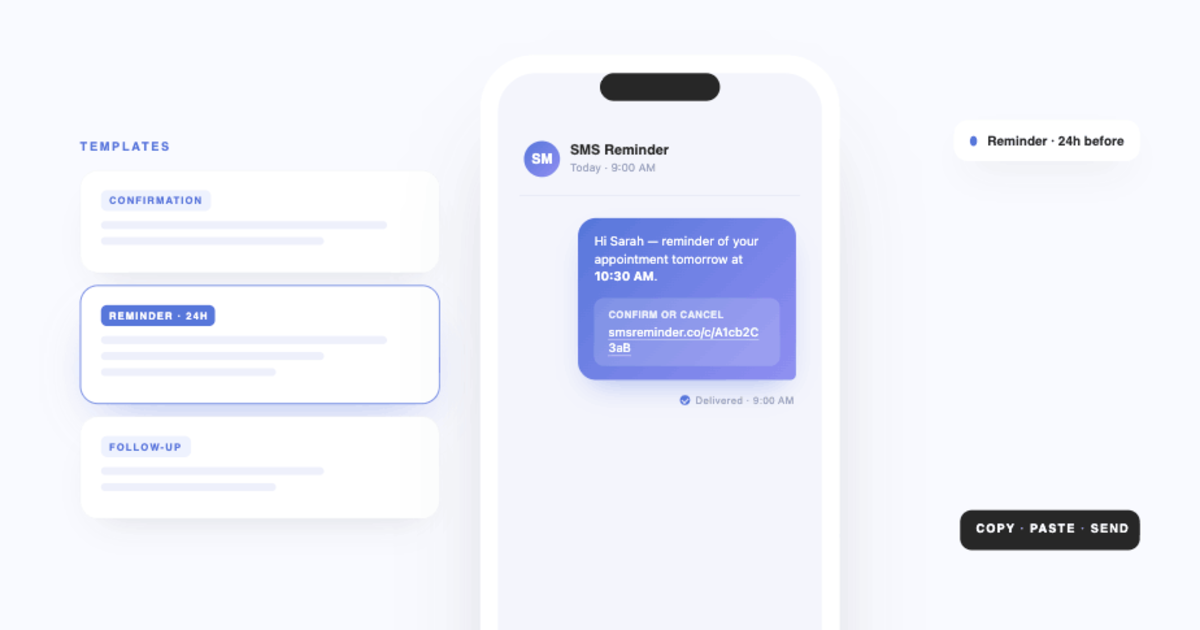
| Text reminders | Fewer empty chairs | SMS reminder templates per appointment type4 |
| Easy rescheduling | Fewer DMs to move a cut | Clients reschedule from the confirmation page5 |
How to set up barber booking on Google Calendar
- Connect your Google Calendar in the Kalama (formerly SMS Reminder) web app and tick each barber’s calendar under Settings → Calendars.
- Set your opening hours in Settings → Booking Page. Block days off and walk-in time as Busy in each calendar.7
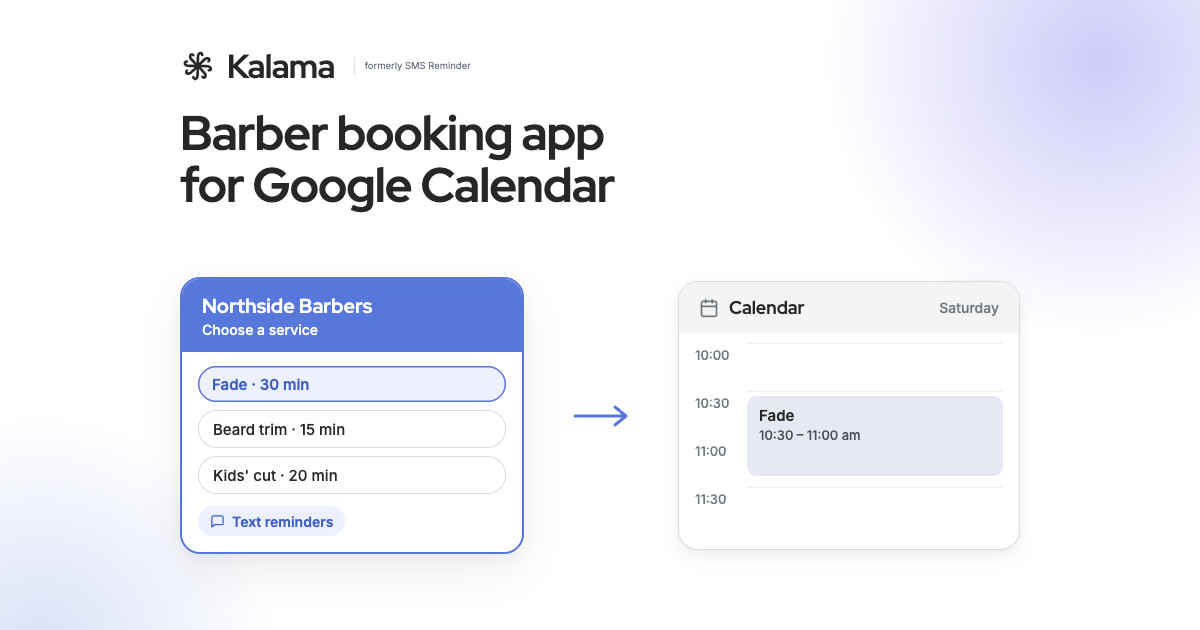
- Create an appointment type for each service: say a 30-minute fade, a 15-minute beard trim and a 20-minute kids’ cut, each with a 5-minute buffer after.1,3
- Pick a reminder template for each appointment type so every booking gets its texts automatically.4
- Share your link in your Instagram bio and on your Google Business Profile. How to add a booking link to your Business Profile
The full walkthrough, with screenshots, is in how to set up a booking page for Google Calendar.
Several barbers, one link
Create an appointment type for each barber and service, such as “Fade with Marcus” or “Beard trim with Dev”, and link each one to that barber’s Google Calendar.2 Clients choose on one page and the booking lands in the right calendar.
How many calendars you can sync depends on your plan: Basic 2, Starter 5, Business 10, Enterprise 20 and Premium unlimited.2 The free plan covers a booking page on your primary calendar for 1 user,8 which suits a solo barber or chair renter.
When a full barbershop platform fits better
A booking page on Google Calendar is the lighter option. A full barbershop platform may suit you better if you need:
- Deposits or card payments at booking. Kalama (formerly SMS Reminder) doesn’t take payments.
- Clients to book their regular slot themselves. The booking page takes one-off appointments; standing appointments you create in Google Calendar still get reminders.7
- Point of sale or product stock in the same tool.
If your book already works in Google Calendar and the gaps are online booking and no-shows, a booking page and text reminders keep things simple. See how it fits a salon too in our salon booking app guide, or see booking and reminders for salons, barbers and beauty pros.
Ready to try it? Connect your Google Calendar and set up your first appointment types.
Frequently asked questions
Is there a free barber booking app that works with Google Calendar?
Yes. Kalama’s booking page is free on your primary Google Calendar, with unlimited appointment types and 25 SMS reminders one time (not monthly). Paid plans start at $19/month.8
Can each barber have their own calendar?
Yes. Link each appointment type to that barber’s Google Calendar. The free plan syncs your primary calendar only; more calendars come with paid plans.2
Can I keep time free for walk-ins?
Yes. Mark that time as Busy in Google Calendar and it won’t be offered online.7
Can clients book their regular cut every three weeks?
Not on the booking page; it takes one-off appointments. Create standing appointments in Google Calendar and each one still gets its own reminder.
Do clients get a text before their cut?
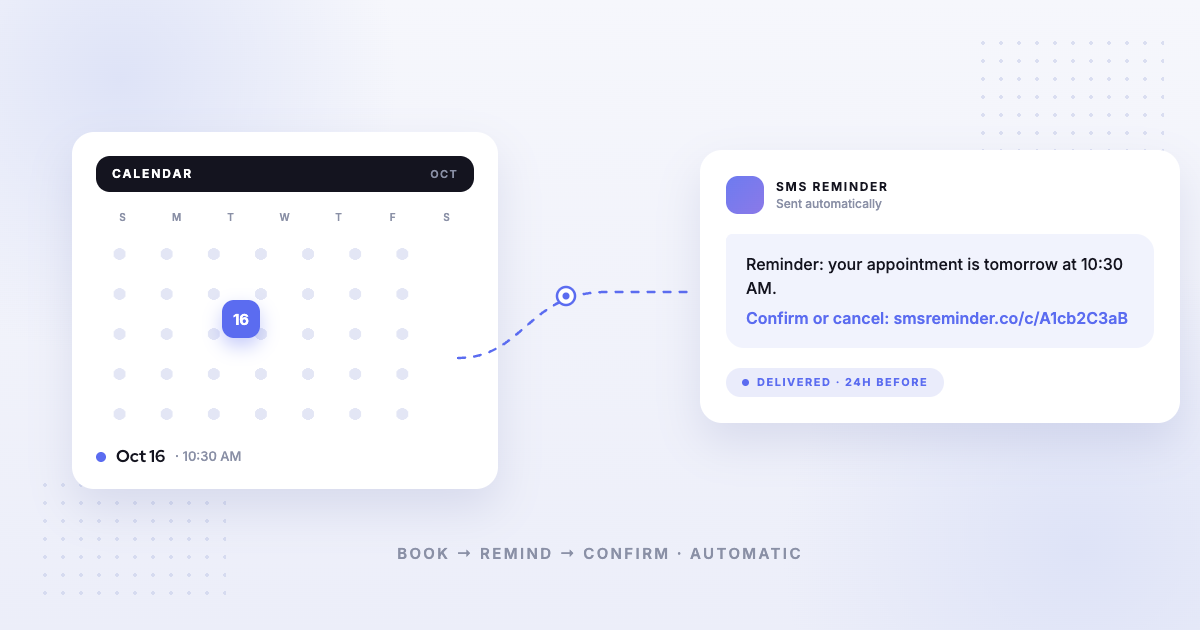
Yes, when the appointment type has an SMS reminder template. Clients can reply to confirm or cancel.4
Sources
Kalama (formerly SMS Reminder) details come from our help centre.
- Kalama (formerly SMS Reminder) Help — Create unlimited appointment types for your booking page.
- Kalama (formerly SMS Reminder) Help — Setting up appointment booking for multiple calendars.
- Kalama (formerly SMS Reminder) Help — Appointment notice periods & buffers.
- Kalama (formerly SMS Reminder) Help — Automatically send SMS reminders on booked appointments.
- Kalama (formerly SMS Reminder) Help — Allow clients to reschedule appointments.
- Kalama (formerly SMS Reminder) Help — Customizing your availability.
- Kalama (formerly SMS Reminder) — Pricing.